41
4.4.7.5 Upload Configuration
http://192.168.1.200Address
Upload Configuration
Readings
Chart
Web Link Setup
Overview
Network
Configuration
Management
Security
Recording
System
Diagnostics
Log Out
Upload Configuration File *.cfg
DefaultsReboot Download ConfigurationUpgrade Upload Configuration
Browse...
Please make sure no other clients are connected to the device.
Consult manual for complete instructions.
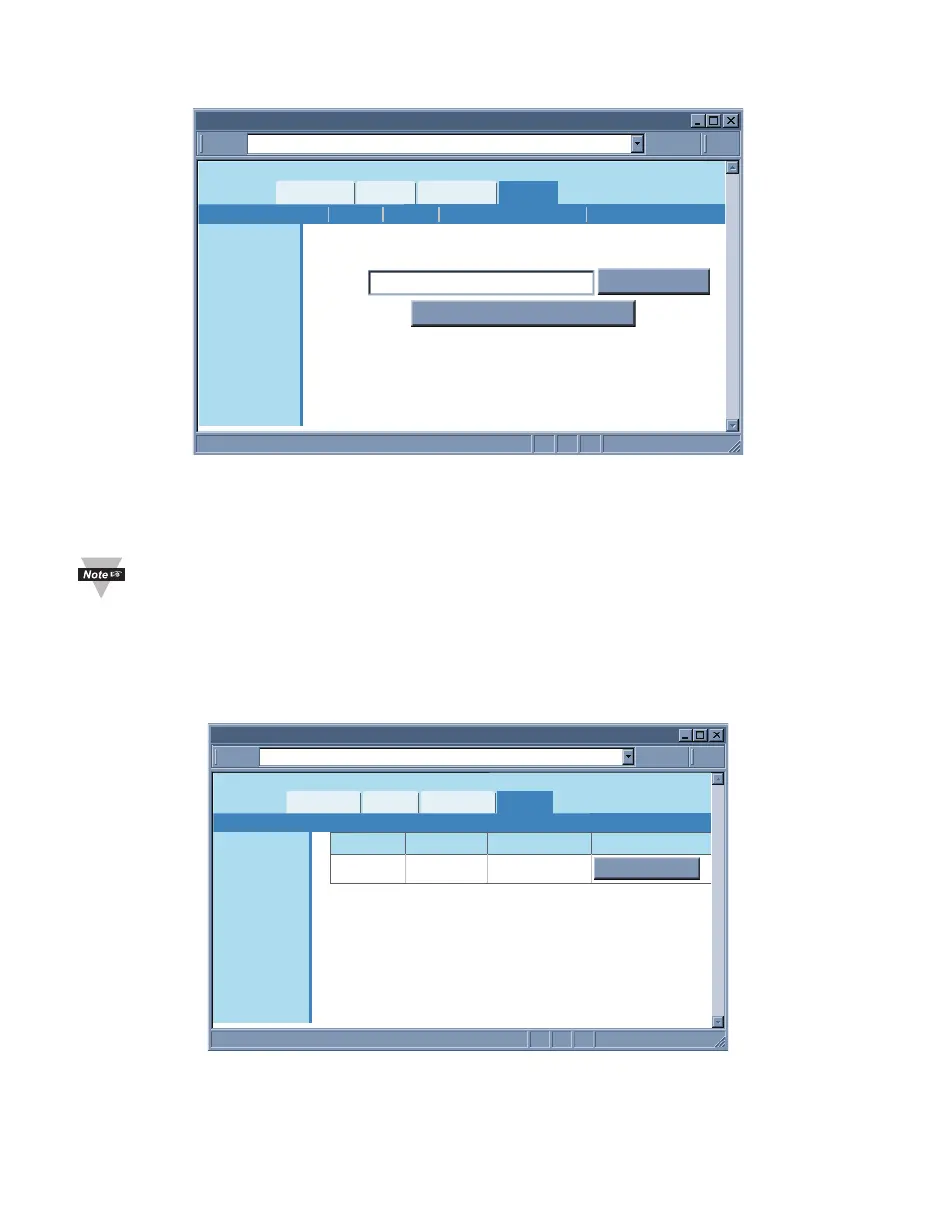
Figure 4.30 System: Upload Configuration
Upload Configuration – Using this option to upload the configuration file into the
iServer. It is recommended to download and store a working copy of this configuration
file in case the device is configured improperly.
You can set the iServer to its default settings and upload the configuration file
back into the iServer.
4.4.8 Diagnostics
This page provides the number of Ethernet packets received or transmitted. Pressing the
Reset Counter button will set the counts to zero.
http://192.168.1.200Address
Diagnostics
Readings
Chart
Web Link Setup
Overview
Network
Configuration
Management
Security
Recording
System
Diagnostics
Log Out
Ethernet Received Transmitted
Packets 4437 6073
Reset Counter
Figure 4.31 Diagnostics
4.4.9 Log Out
Once you click on Log Out, you will be logged out, and taken back to the Welcome page.



 To Next Page