24
4.4.3.1 Data and Time (continued)
http://192.168.1.200Address
Date and Time
Readings
Chart
Web Link Setup
Overview
Network
Configuration
Management
Security
Recording
System
Diagnostics
Log Out
SensorsServer Alarm RelaysDate and Time
Save ChangesCancel
Current Date
Current Time
Change Date and
Time
Date and Time
2099/01/01 (yyyy/mm/dd)
00:00:00
Network Time Server
NTS Address
Time Zone
(GMT-08:00)Pacific Time(US&Canada)
Time Server
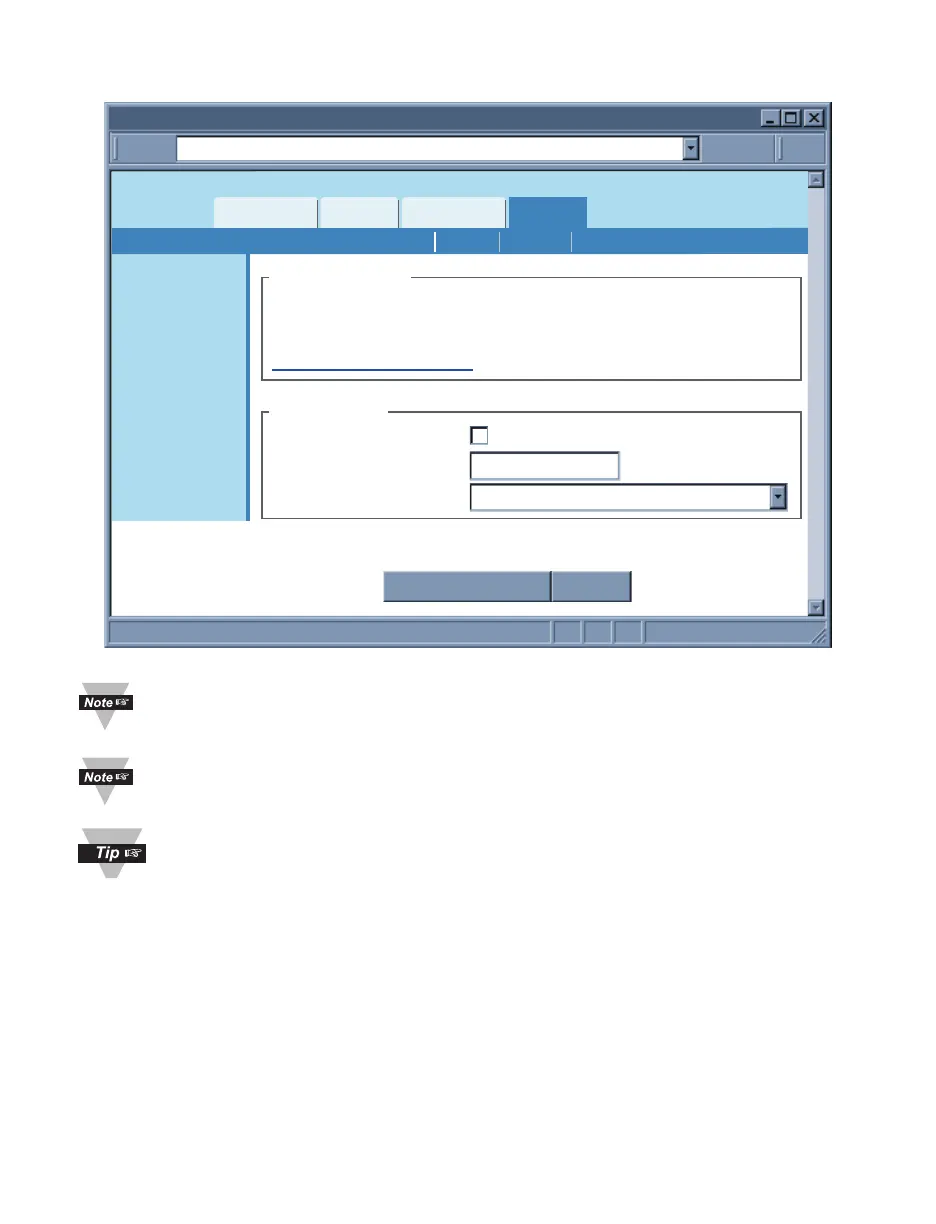
Figure 4.15 Network: Ethernet Configuration
Once the AC adaptor is disconnected from the iServer and there is no battery
back-up, the iServer will lose its date and time settings.
Once the iServer is rebooted from any web page, the iServer will lose its date
and time settings whether or not the back-up battery is installed.
If the iServer is setup to get it’s time from a Network Time Server, then the time
will be re-assigned after the reboot.
Network Time Server – If there is a time server on the network or the Internet, the
iServer will get the real date and time once the Network Time Server’s IP address is
provided. Default is unchecked.
NTS Address – The field to enter the Network Time Server’s IP address.
The U.S. National Institute of Standards and Technology (NIST) publishes a list of time
servers on the Internet used by the NIST Internet Time Service (ITS). The list includes
each server’s name, IP address, and location in the United States. As of the publication
date of this manual, links to the list can be found at http://tf.nist.gov.
Time Zone – If Network Time Server option is checked, the correct time zone must be
selected for the correct time display.



 To Next Page