38
4.4.6.4 Format SD Card
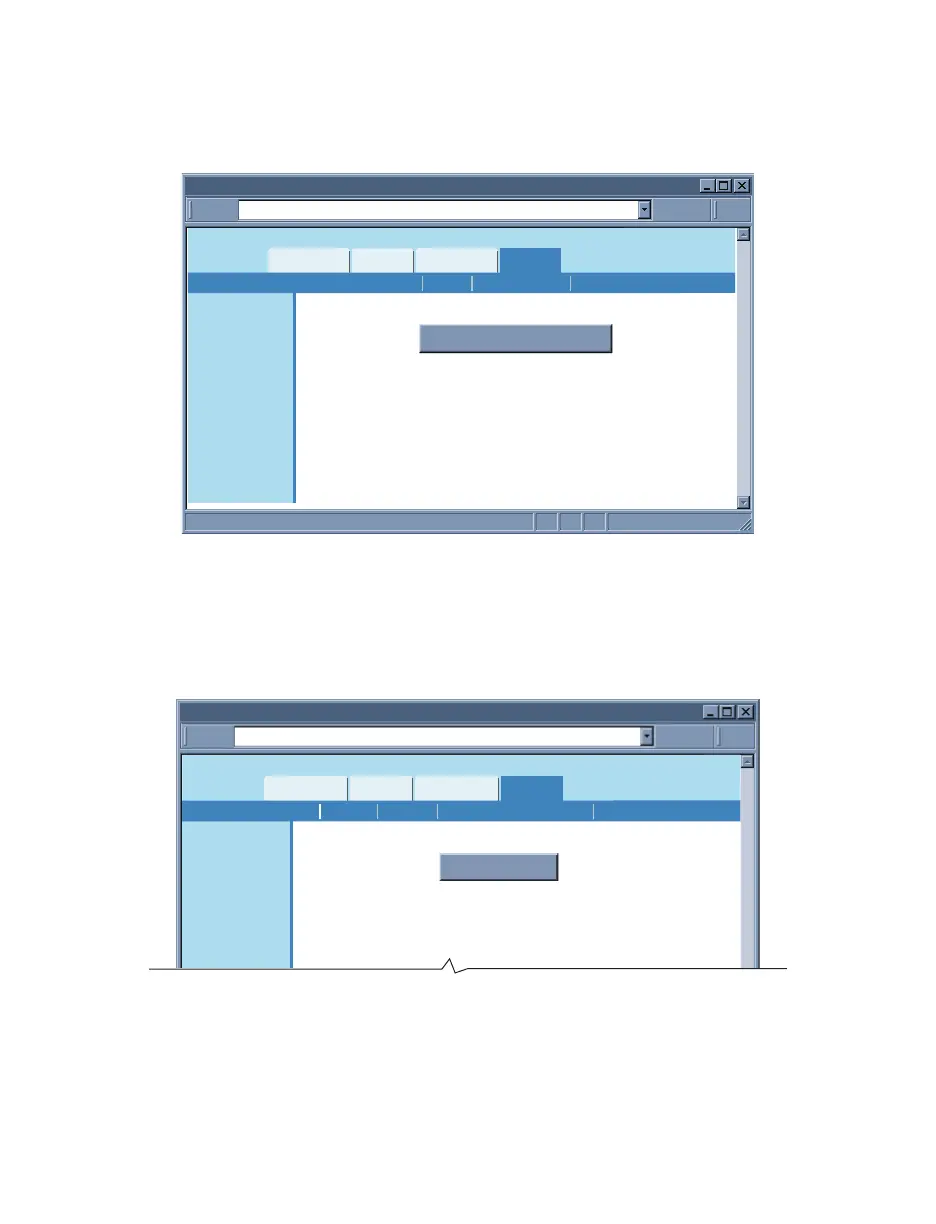
Clicking on Format SD Card button will start formatting the flash card inside the iServer.
Formatting the SD card will erase all data on the card. Allow up to 2 minutes for format
to be completed which then it will display “SD Card Formatted”.
http://192.168.1.200Address
Format SD Card
Readings
Chart
Web Link Setup
Overview
Network
Configuration
Management
Security
Recording
System
Diagnostics
Log Out
Format SD Card
Formatting SD Card will erase all data.
Allow up to 2 minutes to format.
While card is being formatted, please wait for message:
“SD Card Formatted” before continuing.
Format SD CardStart Recording Status Data Retrieval
Figure 4.25 Recording Menu: Format SD Card
4.4.7 System
This menu provides various options to reboot, restore defaults, upgrade firmware and
download/upload configuration for the iServer. Fields are described below.
4.4.7.1 Reboot
http://192.168.1.200Address
Reboot
Readings
Chart
Web Link Setup
Overview
Network
Configuration
Management
Security
Recording
System
Reboot
DefaultsReboot Download ConfigurationUpgrade Upload Configuration
Figure 4.26 System: Reboot
Reboot – This option resets the power on the iServer.
If the iServer is recording data the reboot option will stop the recording.
It will also set the real date/time back to default unless the Network Time Server option
from Configuration page, is enabled.



 To Next Page