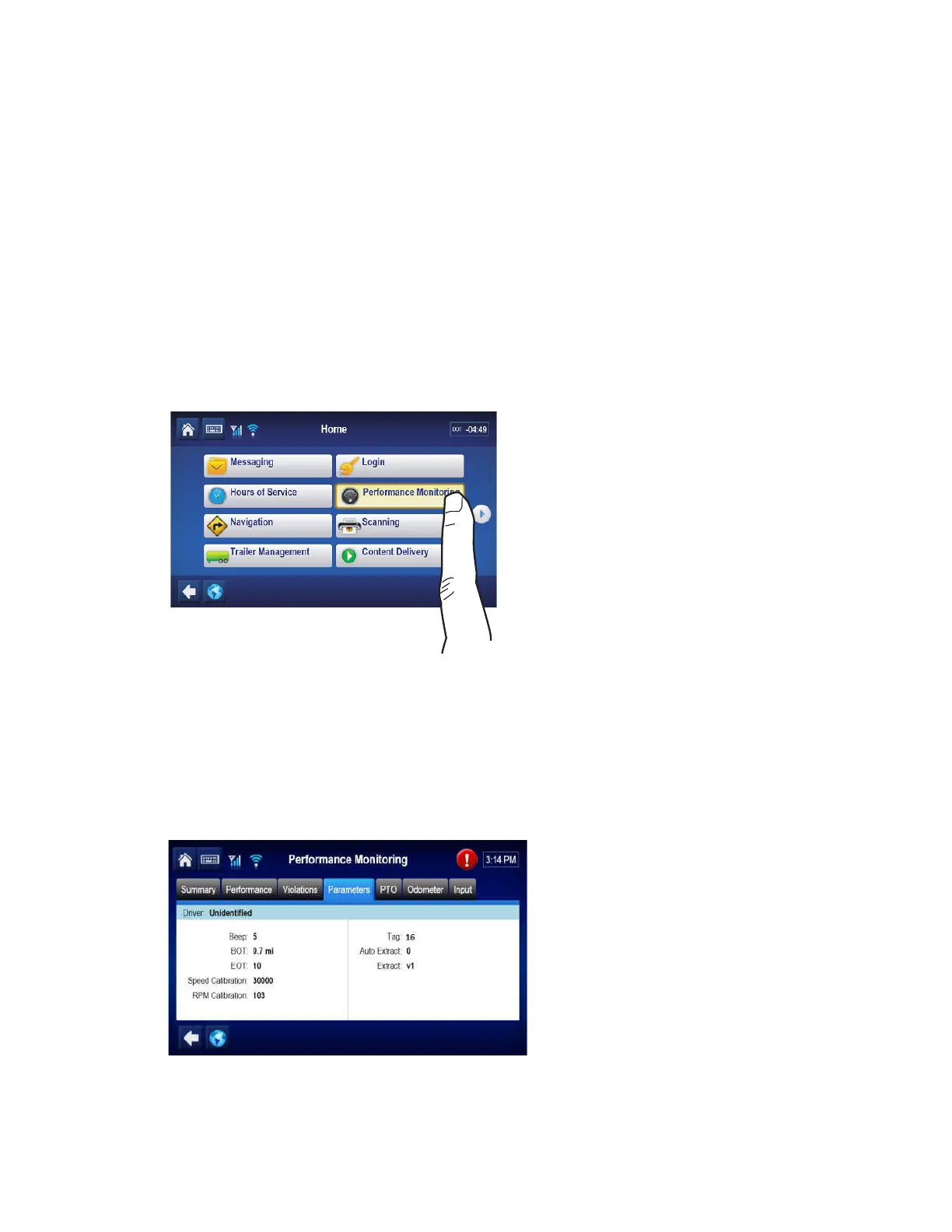
Performance Monitoring System Overview Performance Monitoring System Verification
11-2 80-JB400-1 Rev. D
MAY CONTAIN U.S. AND INTERNATIONAL EXPORT CONTROLLED INFORMATION
Performance Monitoring System Overview
The Performance Monitoring system is an optional Omnitracs
MCP110 application that
records vehicle and driver performance data. The data is then retrieved from the MCP110 by
the host computer either manually or automatically at preset intervals.
The hardware installation on the vehicle consists of:
1. Connecting the MCP110 to the data link (see Chapter 9).
2. Sending performance monitoring parameters from the host computer.
3. Performing system verification.
Performance Monitoring System Verification
First verify that performance monitoring parameters have been sent to the unit and received.
Use the Parameters tab within the Performance Monitoring application and verify the tag field
is not “0.”


 To Next Page