Connecting Speaker Switch Cable to Accessory Cable Text-to-Speech (TTS) Installation
8-4 80-JB400-1 Rev. D
MAY CONTAIN U.S. AND INTERNATIONAL EXPORT CONTROLLED INFORMATION
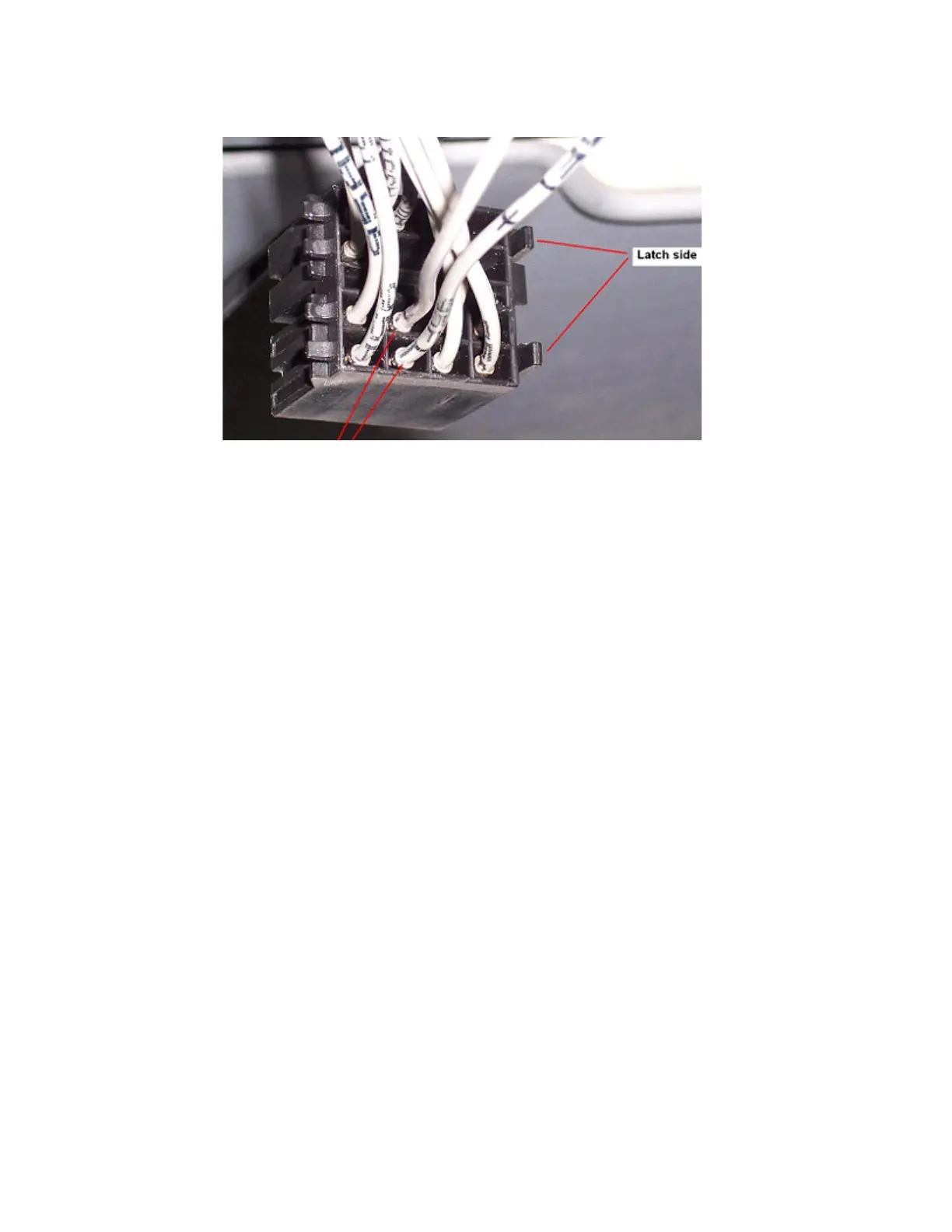
Example of common radio harness with the two driver-side speaker wires identified.
6. Butt splice the yellow SPKR OUT+ wire on the speaker switch cable to the positive (+)
wire that leads from the speaker.
7. Butt splice the black SPKR OUT- wire on the speaker switch cable to the negative (-)
wire that leads from the speaker.
8. Butt splice the orange VEH AUDIO IN + wire on the speaker switch cable to the positive
(+) speaker wire that leads from the audio.
9. Butt splice the black VEH AUDIO IN - wire on the speaker switch cable to the negative
(-) speaker wire that leads from the audio.
10. Tie wrap loose cabling and reconnect/replace the radio.
Connecting Speaker Switch Cable to Accessory Cable
1. Butt splice the yellow MAS SPKR + wire on the speaker switch cable to the blue/yellow
SPKR + wire on the accessory cable.
2. Butt splice the black MAS SPKR - wire on the speaker switch cable to the blue/violet
SPKR - wire on the accessory cable.



 To Next Page