80-JB400-1 Rev. D 9-7
MAY CONTAIN U.S. AND INTERNATIONAL EXPORT CONTROLLED INFORMATION
Vehicle Data Bus Connections Making the Connection
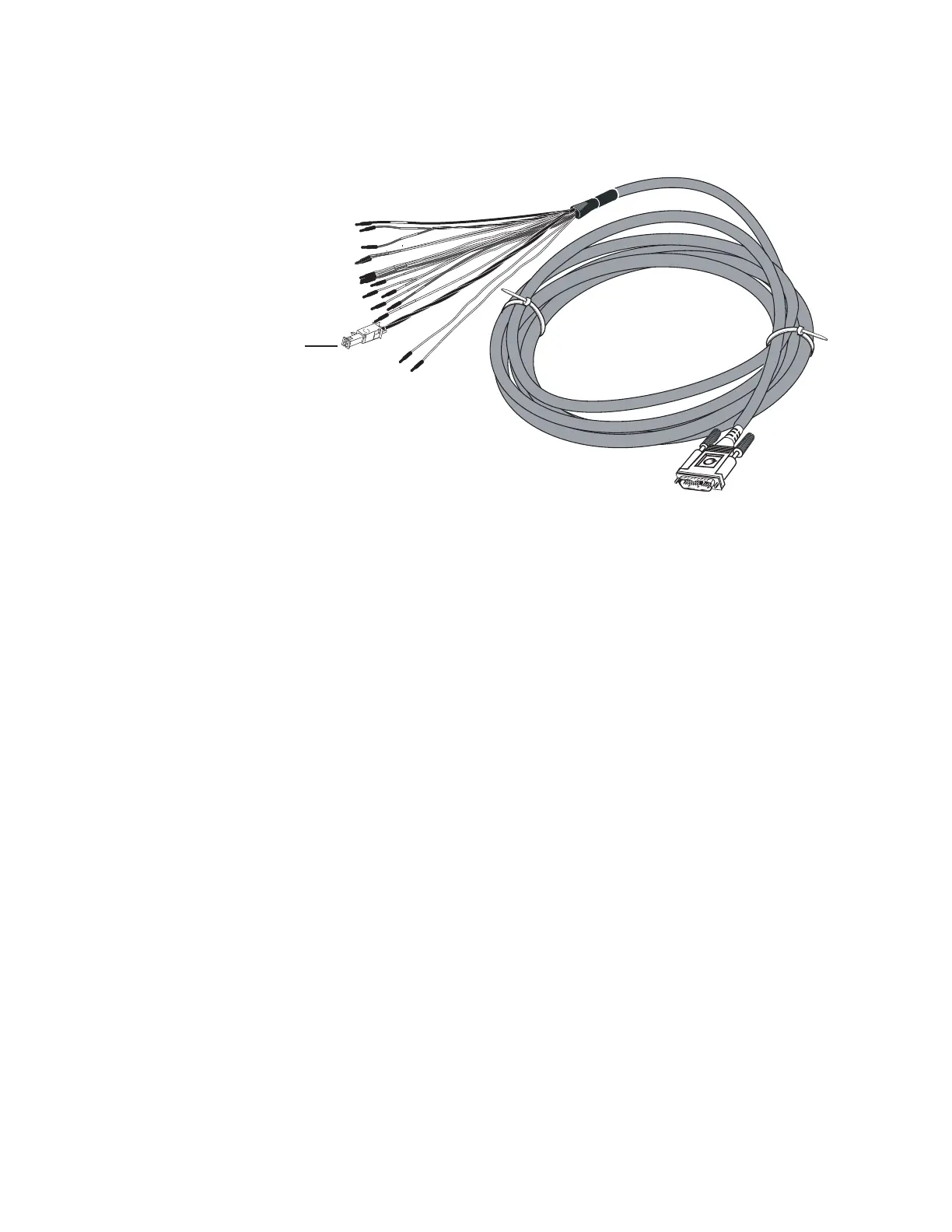
10. Connect the CAN repeater cable to the 6-pin Molex plug on the MCP110 accessory
cable.
11. Start the vehicle and verify that the truck is in good working order and displays no dash
faults.
12. Verify that the J1939 data is being passed to the MAS110 from the data bus by
monitoring the VDS screen on the MAS110. (Refer to Verifying Data Source
Connectivity on page 9-12.)
13. Stow and secure any loose wires, making sure to keep the wires clear of sharp edges
and away from panels and moving parts.
09AAA_02
6-pin
olex plug


 To Next Page