80-JB400-1 Rev. D 7-1
MAY CONTAIN U.S. AND INTERNATIONAL EXPORT CONTROLLED INFORMATION
7
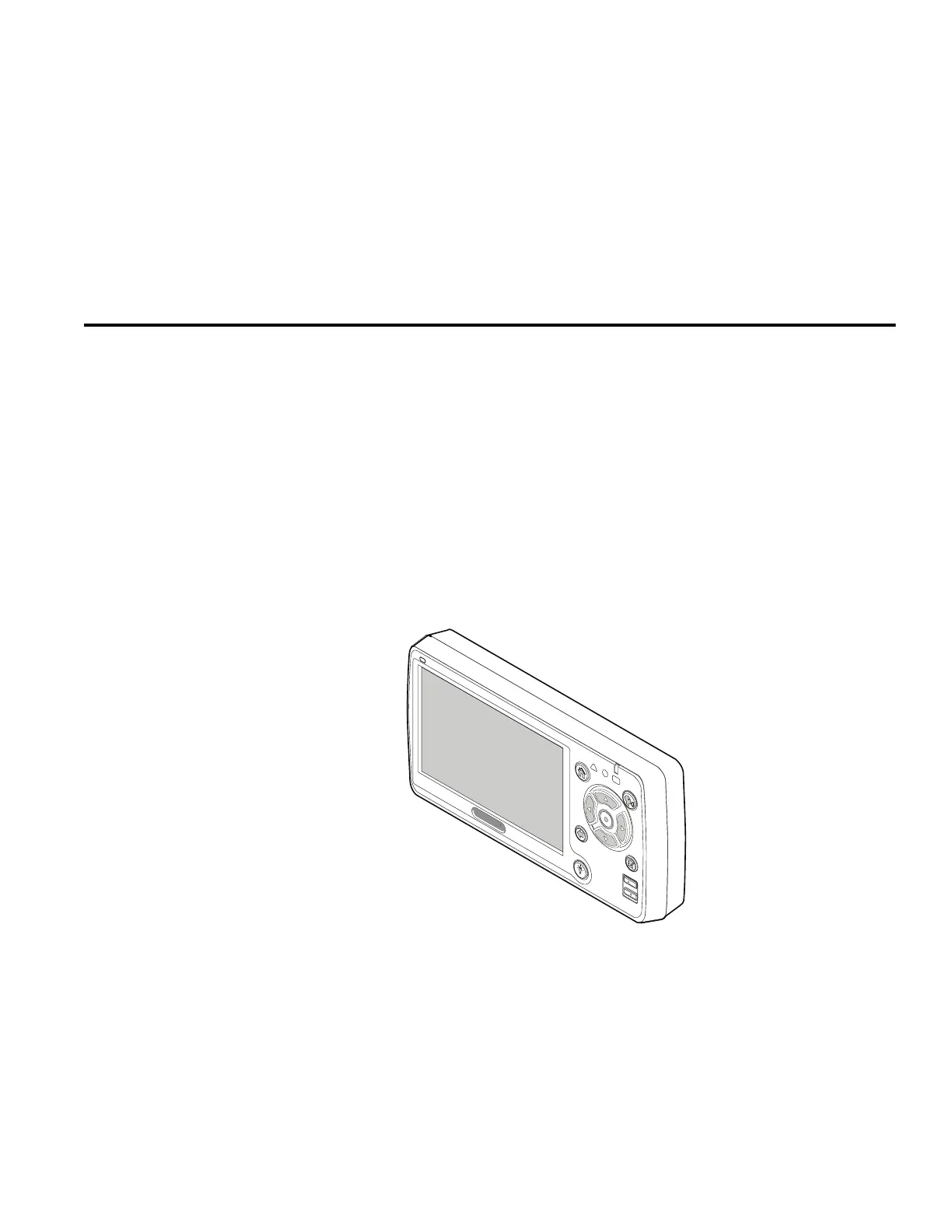
Display Interface Unit 110 (DIU110) Installation
Topics in this chapter provide guidelines and instructions for installing the DIU110.
General Installation Guidelines . . . . . . . . . . . . . . . . . . . . . . . . . . . . . . . . . . . . . . . . 7-2
Installing the Display Holster and Display . . . . . . . . . . . . . . . . . . . . . . . . . . . . . . . . 7-5
Connecting the Display Cable to the DIU110. . . . . . . . . . . . . . . . . . . . . . . . . . . . . . 7-6
Inserting the DIU110 into the Holster . . . . . . . . . . . . . . . . . . . . . . . . . . . . . . . . . . . . 7-7
Connecting the Display Cable to the MAS110 . . . . . . . . . . . . . . . . . . . . . . . . . . . . . 7-7
For technical questions, contact Omnitracs Customer Support. Customer Support is staffed
24 hours a day, 365 days a year:
In the United States, call 800-541-7490
In Canada, call 800-863-9191


 To Next Page