Basic MCP110 System Verification Procedure System Verification
10-8 80-JB400-1 Rev. D
MAY CONTAIN U.S. AND INTERNATIONAL EXPORT CONTROLLED INFORMATION
Basic MCP110 System Verification Procedure
The steps in this procedure match the steps on the
flowcharts on the previous pages. The steps are not
always sequential—you may be instructed to skip
steps.
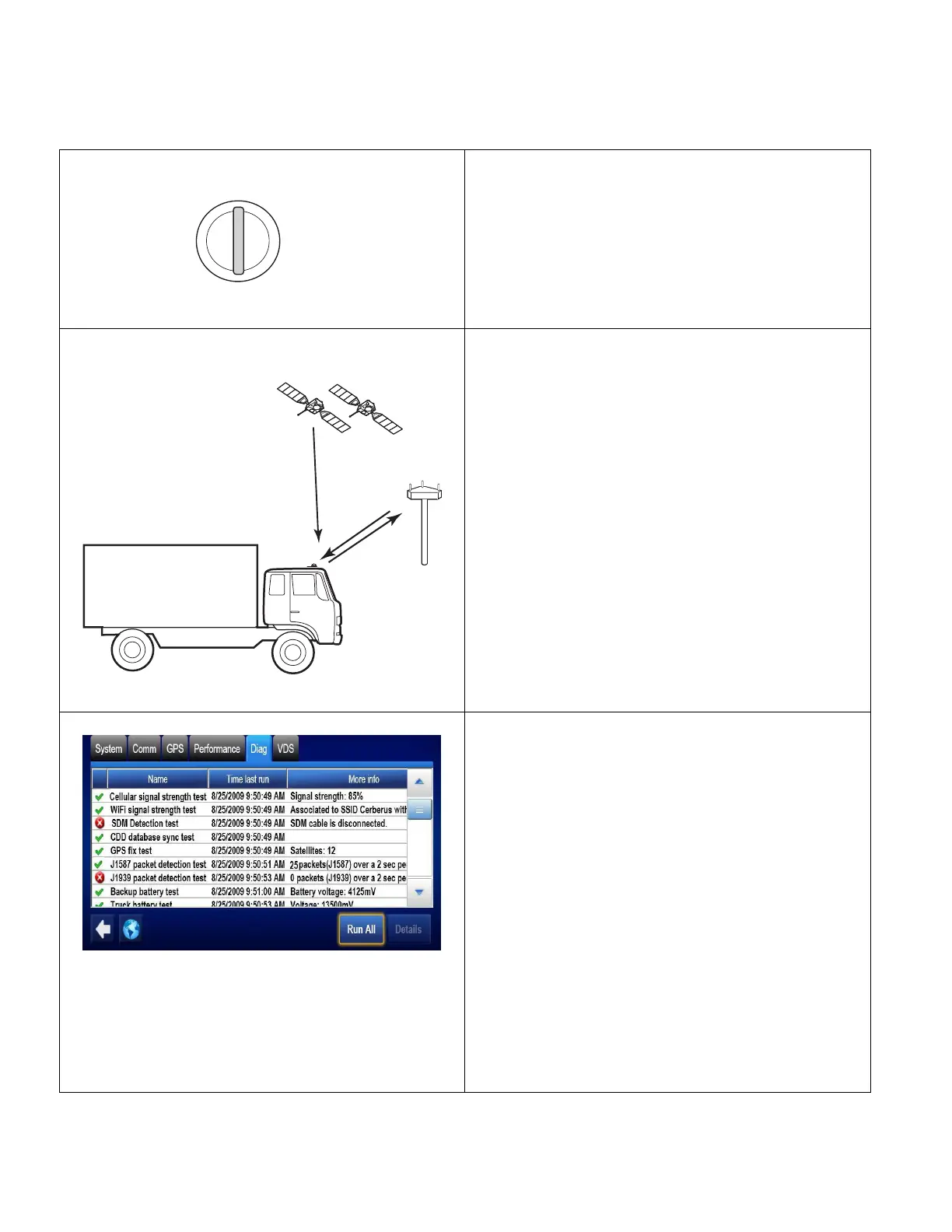
1. Turn the vehicle ignition ON; the engine does
not have to be running.
2. Make sure the vehicle is in a good location.
• The vehicle should be in a location where
the antenna is able to acquire a cellular
network signal. Additionally, a clear view of
the sky is needed for GPS when the unit is
brought on the air for the first time, or after
any reset.
3. Go to the Home screen and tap the Diag tab.
Tap Run All button.
4. Check for appropriate green checkmarks (
).
• At minimum, CELLULAR, CDD database,
GPS, and Battery Backup should show
green checkmarks.
• If the MCP110 passed the tests, go to step
5.
• If the MCP110 failed any of the tests, go to
the appropriate chapter in the MCP110
Diagnostic Guide.
Cellular: Chapter 6
CDD: Chapter 13
GPS: Chapter 7
J1587/J1939: Chapter 14
Battery: Chapter 12
A
C
C
O
F
F
O
N
S
T
A
R
T
Turn the ignition ON
OM/E-0128-031MCP200
GPS
Satellites
PCS
Towe r


 To Next Page