31
Design and Operating Procedure Examples Section 1-6
11. Using the CX-Integrator, monitor the participation status of Slave Units.
(1) While online, upload the network configuration.
(2) Right-click the Master Unit in the Network Configuration Window, and
select Monitor.
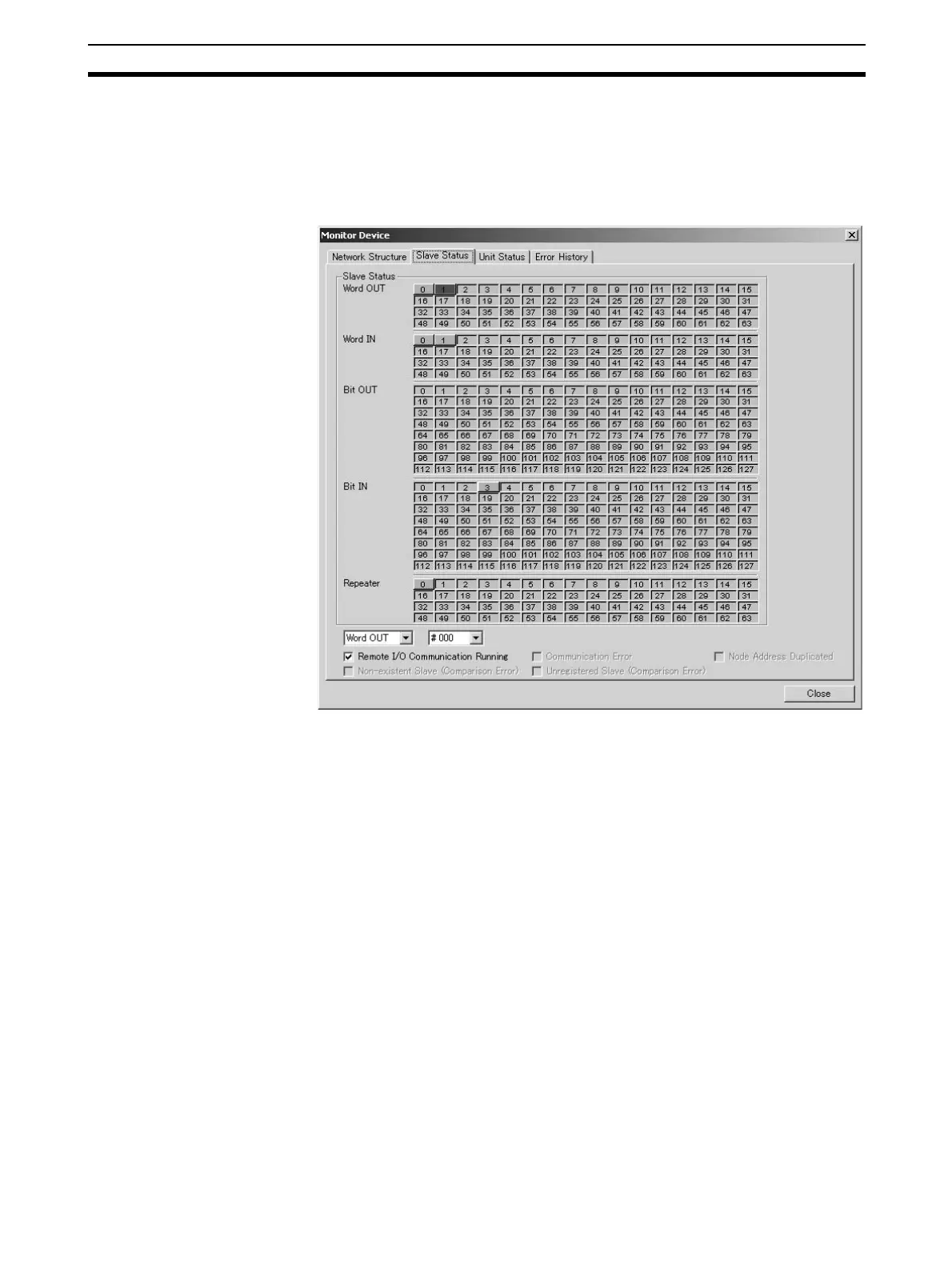
(3) Monitor Slave Unit participation status on the Slave Status Tab Page.
A list of node addresses will be displayed showing the participation sta-
tus for each node: participating (blue), disconnected (red), or not par-
ticipating (gray).
(4) Monitor the status of all Master Unit communications on the Unit Status
Tab Page.












 To Next Page