3 Part Names and Basic Procedures
3 - 6
E5@C Digital Temperature Controllers User’s Manual (H174)
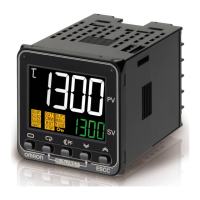
* You can use the Y92S-L2 Unit Labels (sold separately) with the E5DC.
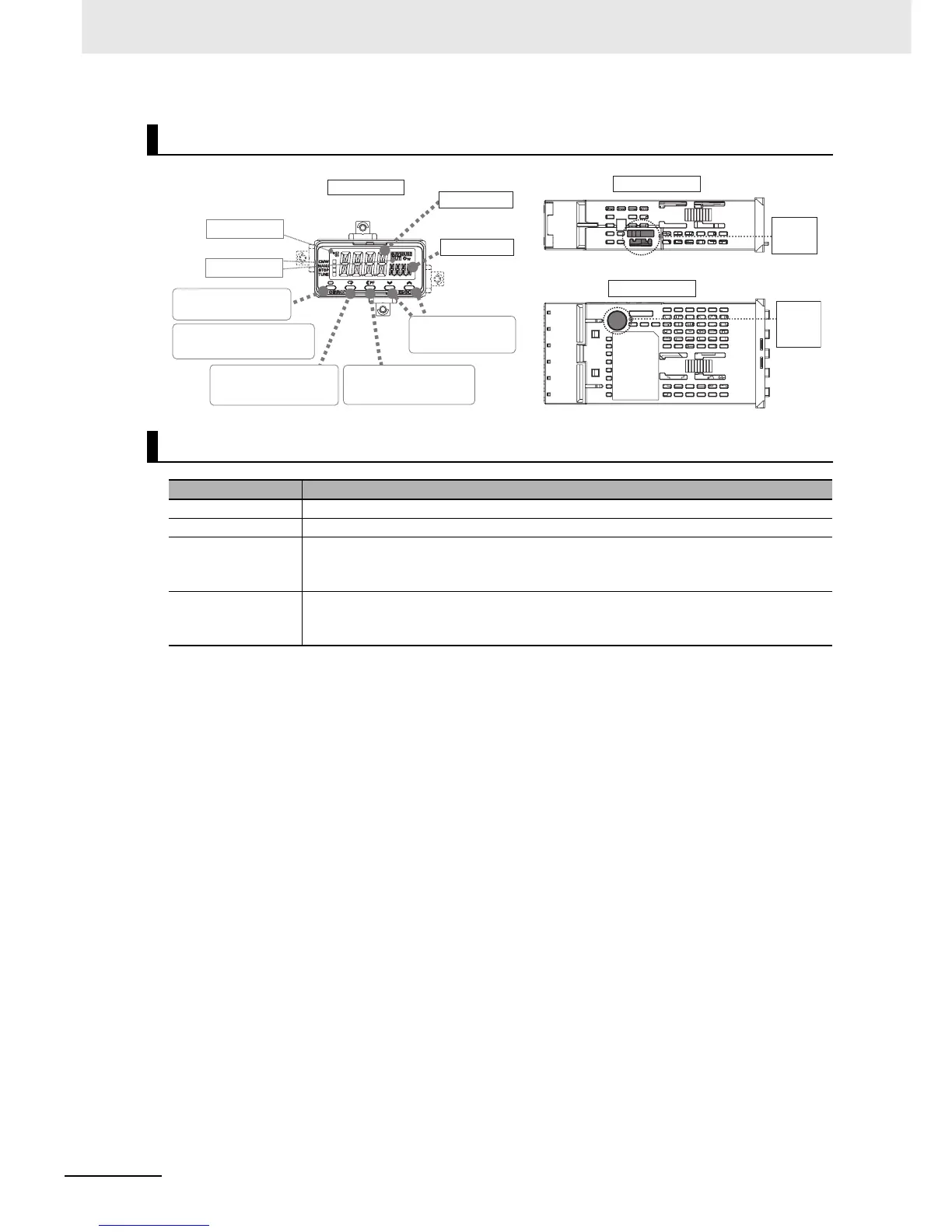
E5GC
Displays
Name Description
No. 1 display Displays the process value or a monitor/setting item.
No. 2 display Displays the set point or the value of a monitor/setting item.
No. 3 Display
(E5EC/E5AC only)
Displays the manipulated variable (valve opening), remaining soak time, multi-SP No.,
internal SP (ramp SP), or alarm value 1. (The value that is displayed is set in the PV/SP
Display Selection parameter in the Advanced Function Setting Level.)
Temperature unit*
(Not provided on the
E5DC.)
Displays the temperature unit (C or F).
Front panel
PV or specified parameter
SP or specified parameter value
No.2 display
No. 1 display
Operation indicators
Temperature unit
Left-panel
Setup Tool
port
Left Side View of the E5GC
Bottom View of E5GC
Press O Key for at least 3 seconds
to go to Initial Setting Level.
Use M Key to change
to another parameter.
Use U D Keys to
set the parameter.
Use S Key to change the
digit (default setting).
Press O Key once to go to
Adjustment Level.
Bottom-
panel
Setup
Tool port


 To Next Page