6
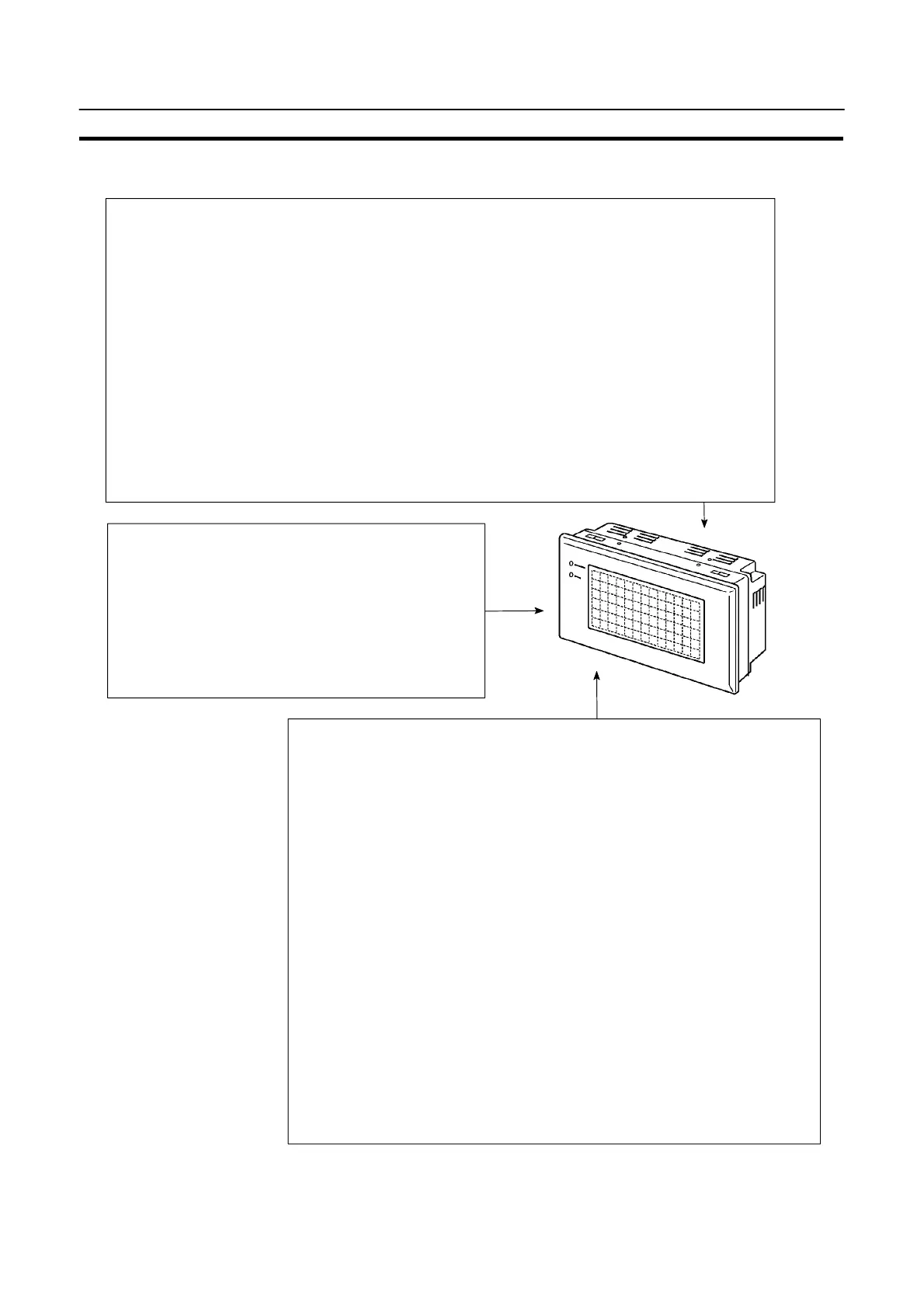
Functions of NT20S
Section 1-2
1-2-2 Principal Functions of NT20S
Functions Related to the Data Input
S Input by the touch switch
Data can be input by simply touching the screen.
S Numeric setting function
The touch keys can be assigned with numeric val-
ues so that the numeric values can be input at the
operation site and sent to the PC/Host.
Functions Related to the Data Display
S Character display
Characters of various sizes can be displayed. Characters can flash or be highlighted.
S Figure display
Straight lines, circles, and other graphic figures can be displayed.
S Memory data display
Contents of the character-string memory table and the numeral memory table can be dis-
played. The memory table contents can be changed from the PC/Host.
S Bar graph display
Bar graphs corresponding to the contents of the numeral memory table can be displayed.
S Lamp display
Lamps which turn on or flash as controlled by the Host can be displayed.
Other Functions
S Buzzer
A built-in buzzer can be used.
S Communications with a PC
By connecting the NT20S with a PC using the host link, NT link, C200H,
or RS-232C communication method, data can be received from the host
and touch switch status information can be sent to the host.
S System function
The system setting and maintenance can be executed by using the Sys-
tem Menu on the screen.
S Screen data creation
The screen data can be created by using support tools on the computer
and stored in the unit.
S Unrestricted screen display
When the NT20S is connected to the host via an RS-232C interface,
characters and graphics can be displayed independently of the regis-
tered screens.
(Terminal function) (NT20S-ST128/ST168)



 To Next Page