37
Ceramics
When engraving on ceramics, generally use moderate to high power. Using more loops rather than higher power and
lower speed can help avoid cracking the material during work. Be mindful of the health risk posed by dust generated
from ceramic engraving, especially for repetitive industrial applications. Depending on the material and the amount
of work, a fan or even full ventilation system may be required to address the problem. Similarly, operators and others
in the work area may need to use breathing PPE such as masks and respirators.
Glass
When engraving glass, generally use high power and low speed. As with ceramics, it can be helpful to run more
loops at lower settings to avoid cracks. Care must be taken when engraving berglass and carbon ber to avoid
combinations of settings that produce a laser intensity great enough to damage the structural integrity of its component
bers, producing blurry marking. PPE should be worn to avoid exposure of the eyes, nose, mouth, and skin to the
dust produced by working with either material, especially for repetitive industrial applications. Clothing worn while
working with berglass should be washed separately afterwards.
Leather
When engraving leather products, generally use low to moderate power at high speed. Be especially attentive to the
possibility of re, as well as the dust produced in repetitive applications.
Metal
This engraver is not designed for cutting nor engraving metals.
Paper and Cardboard
When engraving various paper products, generally use low to moderate power and fast speed. Test samples from
each batch, as only small parameter dierences can separate eects that are too light from those that burn through the
substrate. As with leather, be especially attentive of the possibility of re, as well as the dust produced in repetitive
applications.
Plastics
Plastics for engraving are available in many dierent colors and thicknesses and with many dierent coatings and
surfaces. The majority of available plastics can be well engraved and cut with the laser. Plastics with a microporous
surface seem to give the best result, because less surface material needs to be removed. When engraving plastics,
generally use low power and highspeed settings. Marking and engraving with too much power or at too low a speed
can concentrate too much energy at the point of contact, causing the plastic to melt. Among other problems, this
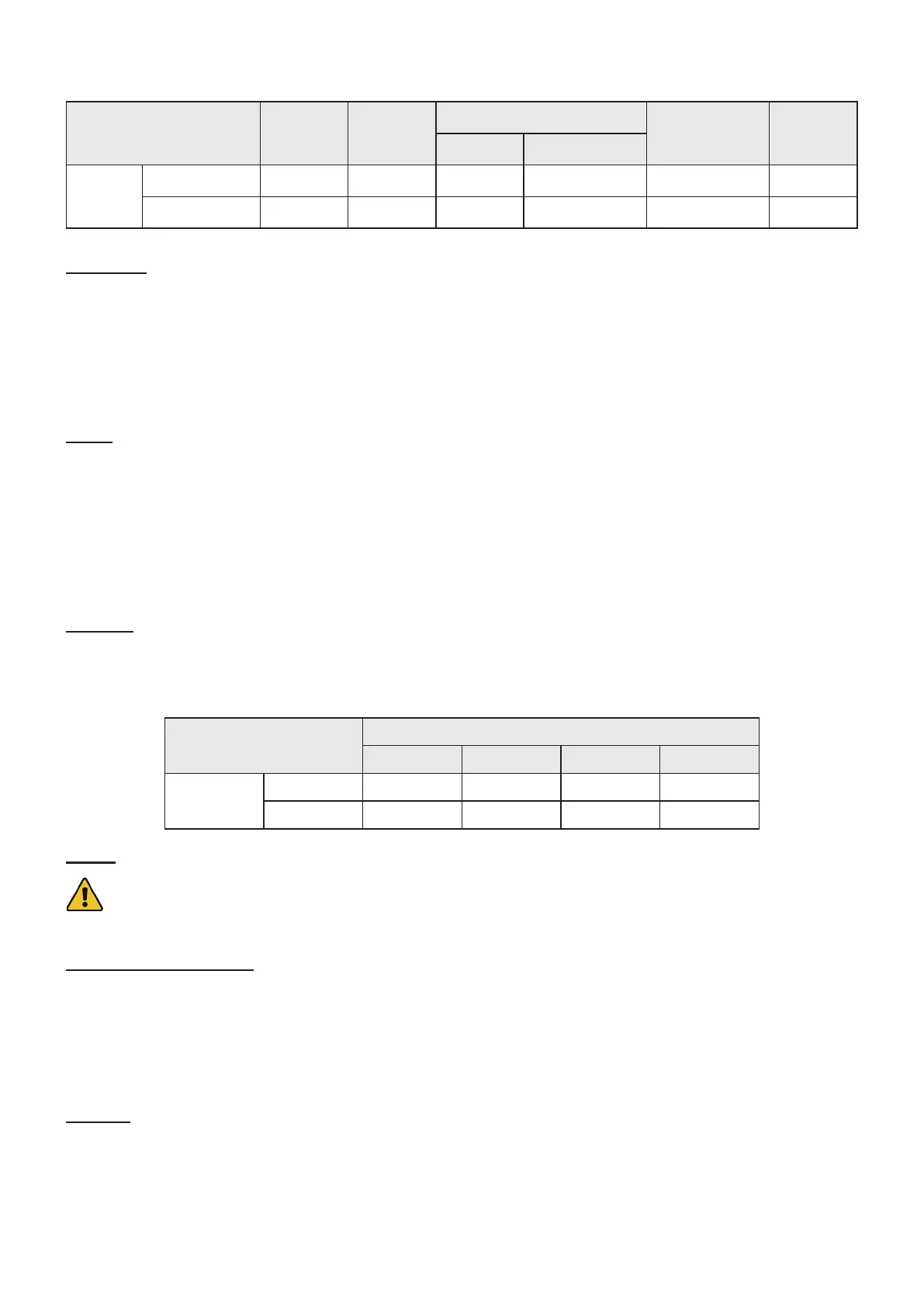
Description Acrylic Glass
Leather
Tile/Stone Wood
Natural Articial
80W
Speed 325 mm/s 225 mm/s 400 mm/s 425 mm/s 145 mm/s 200 mm/s
Power 18% 18% 16% 15% 18% 19%
Average Engraving Settings
Description
Thickness of Articial Leather
1/16 in. 1/8 in. 1/4 in. 1/2 in.
80W
Speed 25 mm/s 18 mm/s 6 mm/s 4 mm/s
Power 18% 28% 32% 40%



 To Next Page