Installing and connecting the Crocus CNV Crocus CNV
22 User manual
Strap JP21 – JP28 settings
You can make the RJ45 / line connector block selection for converter A and B separately:
• JP21, JP23, JP25, JP27 makes the selection for converter A
• JP22, JP24, JP26, JP28 makes the selection for converter B.
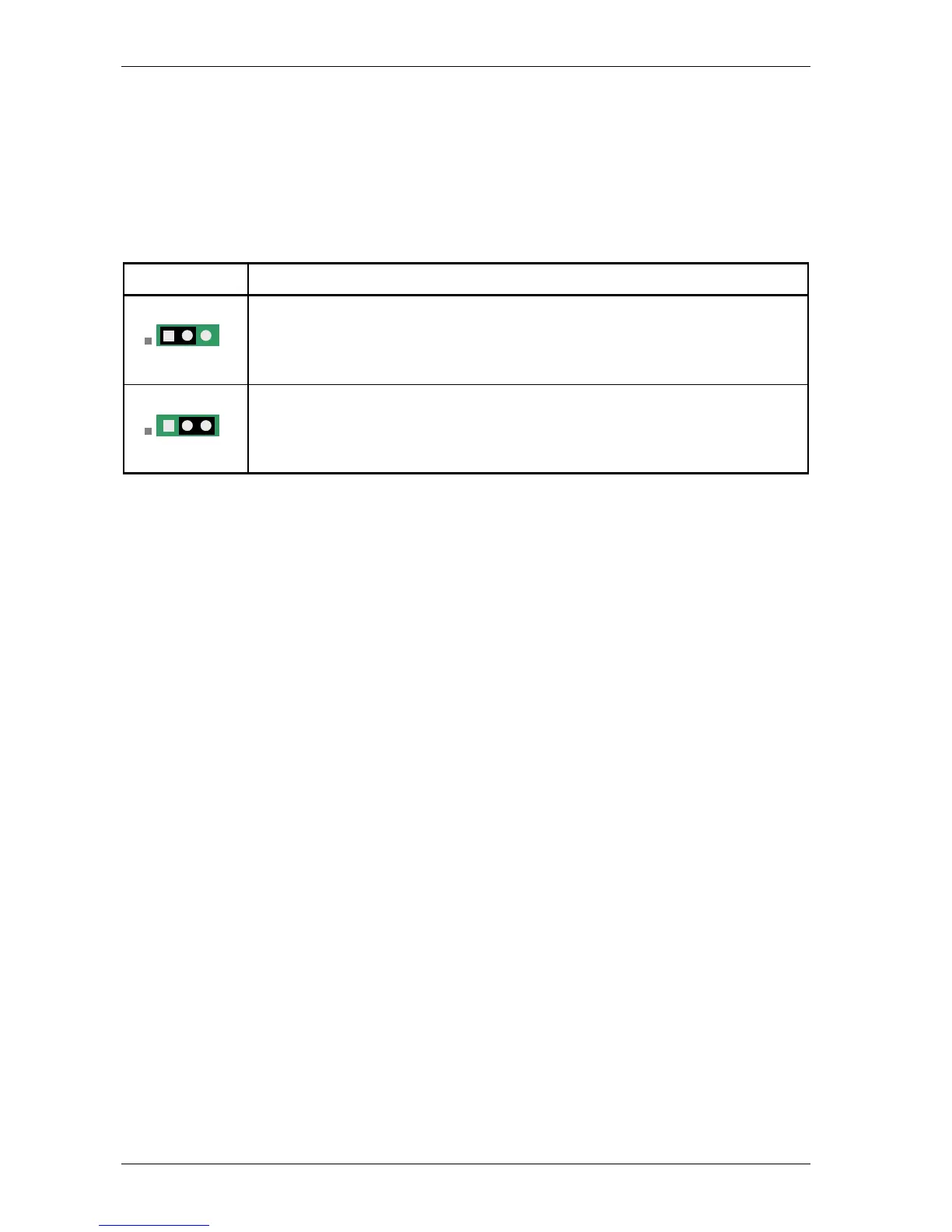
The following table shows how to set JP21 up to JP28 in order to select between the RJ45 connector or
the line connector block.
Strap setting You can connect to the onboard G703 interface through …
1 – 2 (default)
the RJ45 connector located at the front of the Crocus CNV CV.
2 – 3
the line connector block located at the back of the CN4 card nest. Refer to Section
2.6.4 - Connecting to the onboard G703 through the line connector block for more
information.
1 2 3
1 2 3



 To Next Page