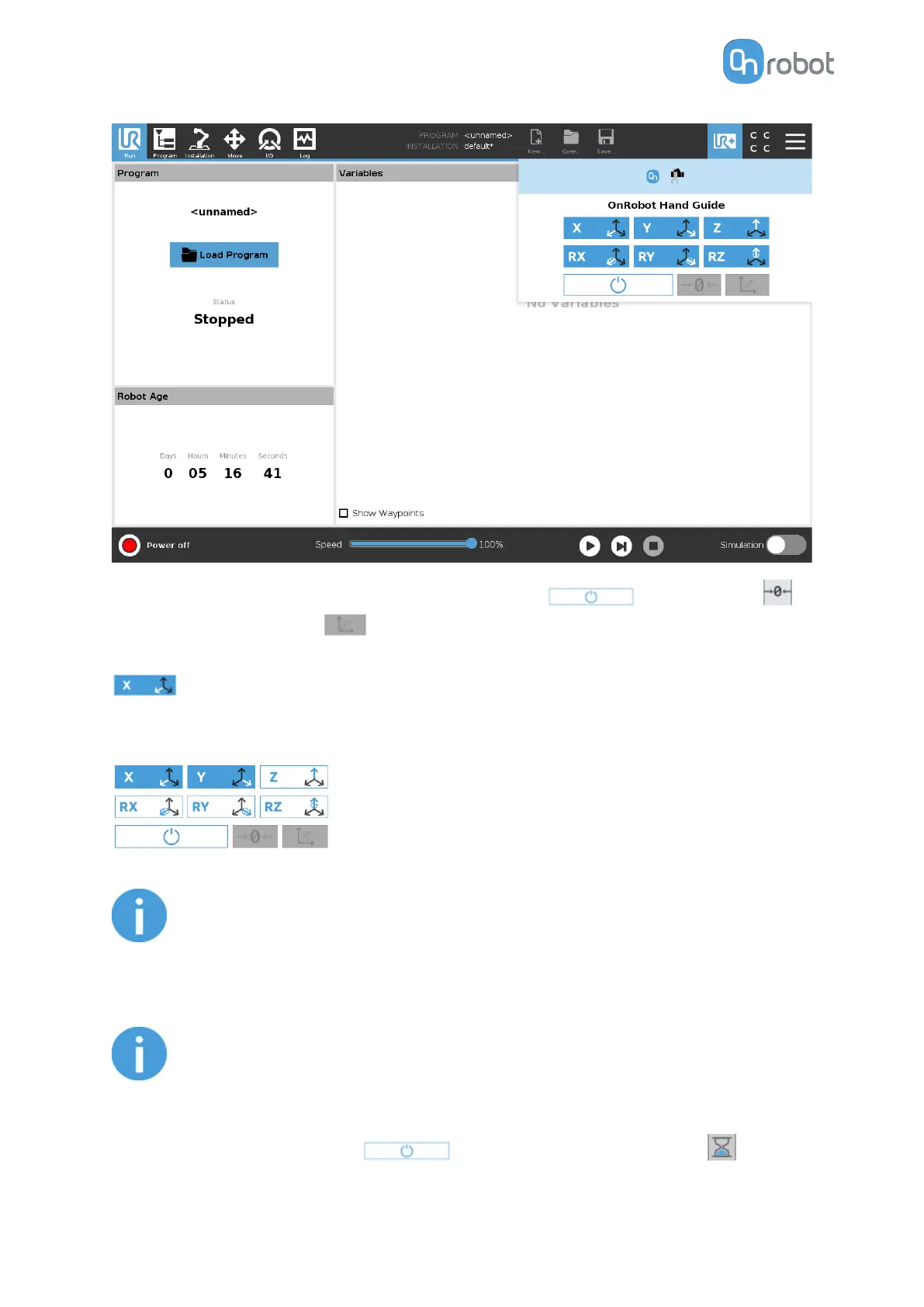
The toolbar contains the available axes, the enable button , the zero button
and the snap to axes button .
To select an axis, tap on the appropriate item. An axis is selected if it turns from white to blue
.
In the following example, the X and the Y items are selected to limit the movement along the
X and Y axis (planar):
NOTE:
The used coordinate system is the Tool.
To deactivate any axis that has been selected, tap on the item again.
NOTE:
It is possible to activate or deactivate axes during hand guiding.
To start hand guiding the UR robot, first make sure that you do not touch the tool and then
press and hold the enable button . The button turns to an hourglass icon
OPERATION
117



 To Next Page