2.6. Screwdriver Safety Features
2.6.1. Screw-bit System Always Hidden
The Screwdriver has been designed so that the Screw-bit System can
always be hidden inside the housing to enhance safety.
The Move Shank command will allow the user to hide the Screw-bit System
inside the housing at any time.
Additionally, the software has been designed so that after running a
Tighten, Loosen or Pick Screw command, the Screw-bit System will be
automatically hidden inside the housing.
NOTE:
As mentioned in the technical sheet, this safety functionality
will be achieved if the screw length is equal or less than 35
mm.
2.6.2. Operational Safety
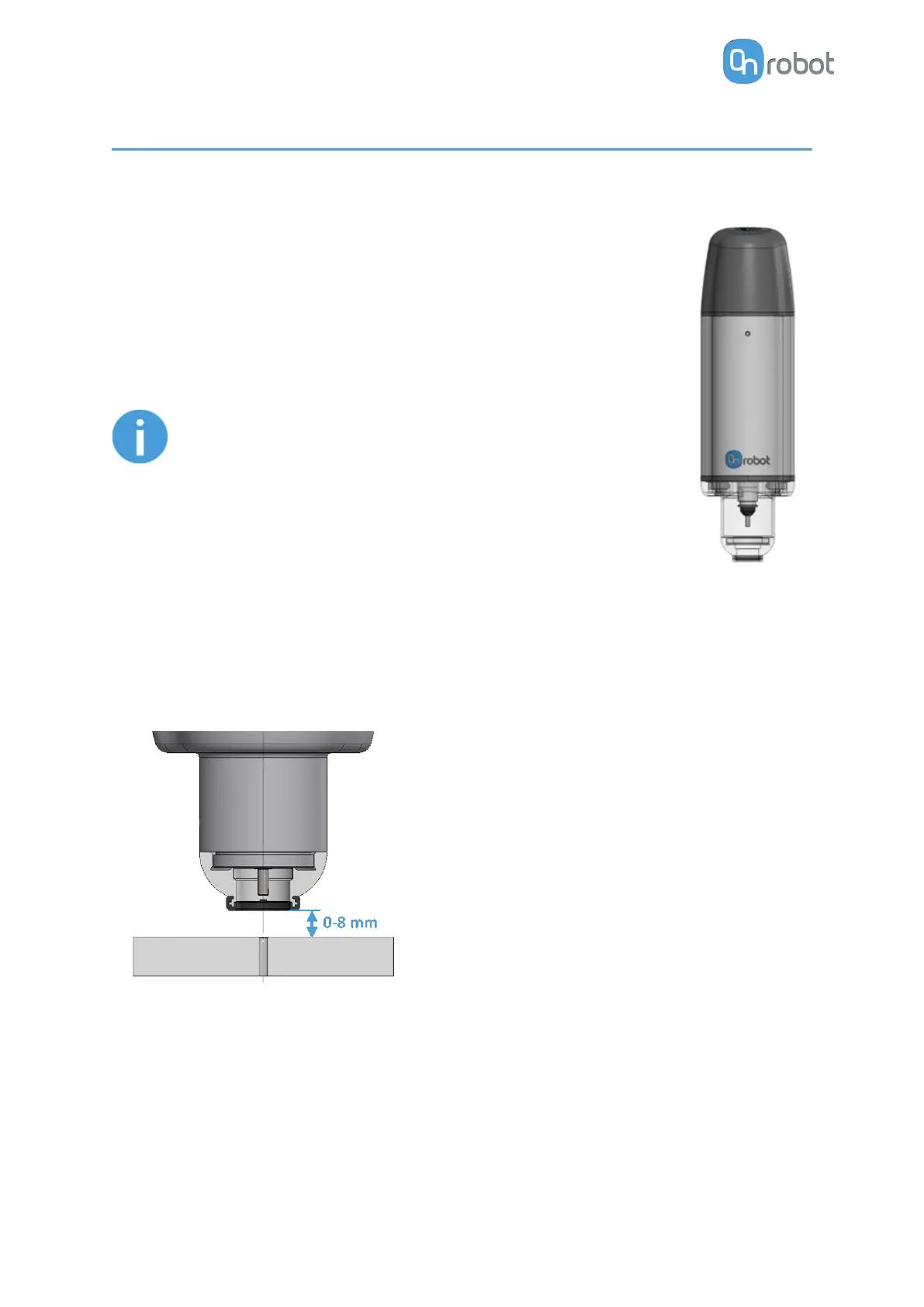
The Screwdriver has been designed so that its operations must be executed when the
distance between the Screwdriver's bottom part and the surface where the action takes place
is within the range of 0-8 mm (see image below). If the distance is higher than this, the
Screwdriver operations will not be successful, and the system will generate an error.
From a safety perspective, this ensures that nothing larger than 8 mm is exposed to be
harmed by the Screw-bit System while executing a Screwdriver operation.
For instance, if a hand is located on the workpiece when the robot moves toward the
recorded waypoint, the robot in a collaborative installation will have a protective stop when
hitting the hand as it does not reach the recorded waypoint (as a hand is thicker than 8 mm).
Additionally, If the robot reaches the recorded waypoint and starts the screwing operation,
the <8 mm distance prevents the user from placing a hand/finger underneath during a
Screwdriver operation.
SAFETY
14



 To Next Page