•
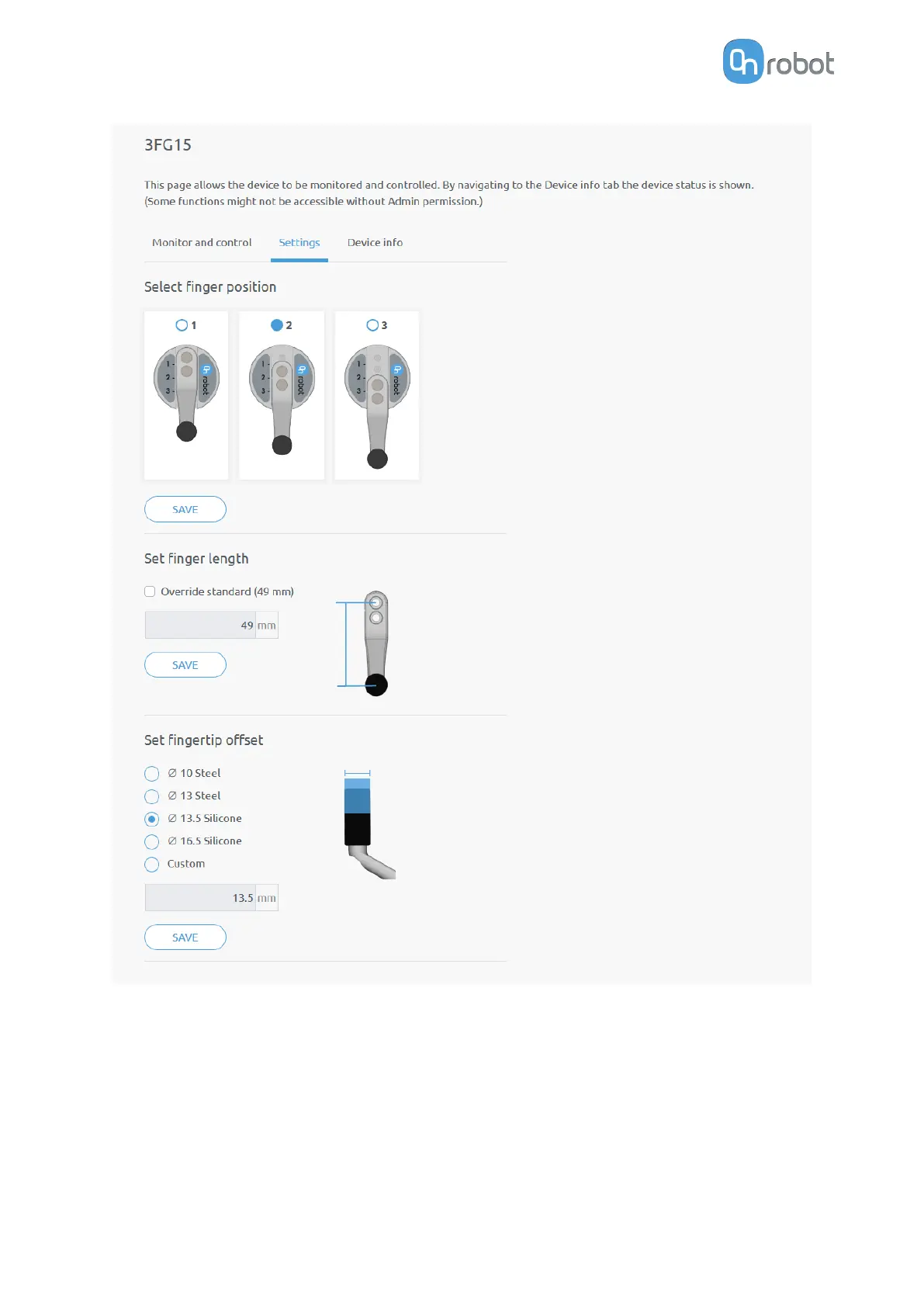
Select finger position - Select the mounted finger position and Save.
•
Set
finger length - If customized fingers are needed, the checkbox can be enabled, and
the new finger length can be entered.
•
Set
fingertip oset - The 4 dierent types that are delivered with the gripper can be
selected by pressing the radio button. If customized
fingertips are made, the custom
option can be selected.
Saving any of these 3 settings will automatically apply the changes. Dierent finger positions,
fingertip diameters and finger lengths will allow to achieve dierent diameters and forces.
Find more information in sections Gripping Force and Gripping Diameter.
ADDITIONAL SOFTWARE OPTIONS
147



 To Next Page