120
Call logging – activating/deactivating
The function can be disabled in order to prevent unauthorized third parties gain-
ing information on the other party involved in the call from the call lists. No further
calls or conversations are then logged. The function is always activated by de-
fault.
z You can also configure this setting via the WEB-Oberfläche page 132.
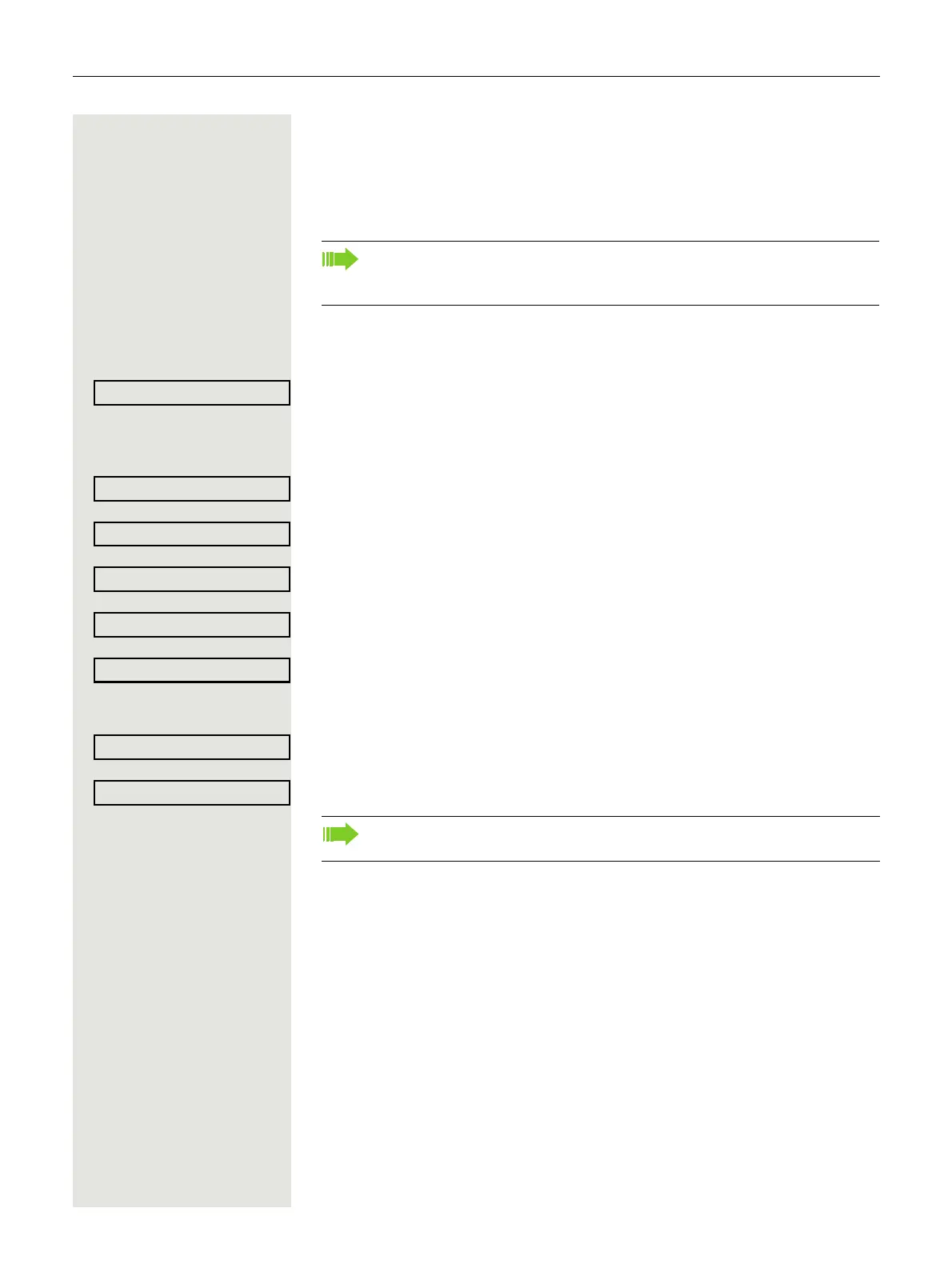
@ Press the key shown.
Select and confirm the option shown.
if nec. j Enter and confirm the User password.
Select and confirm the option shown.
Select and confirm the option shown.
Select and confirm the option shown.
Select the option shown.
Confirm the option shown to disable the call log. The message "Call Log is dis-
abled" is displayed.
or
Confirm the option shown to reactivate the call log.
Select and confirm the option shown.
When you deactivate Call logging, please note that the customary last
number redial function will also be affected by this. You can then no longer
redial the last number dialed
page 35.
If the function is deactivated, all existing entries in the log as well as mes-
sages for available missed calls on the display and via LEDs are deleted.



 To Next Page