20
Display
Your OpenScape Desk Phone CP200/CP205 comes with a black-and-white LCD display. Adjust
the contrast to suit your needs (
page 29).
Idle mode
If there are no calls taking place or settings being made, your OpenScape Desk Phone CP200/
CP205 is in idle mode.
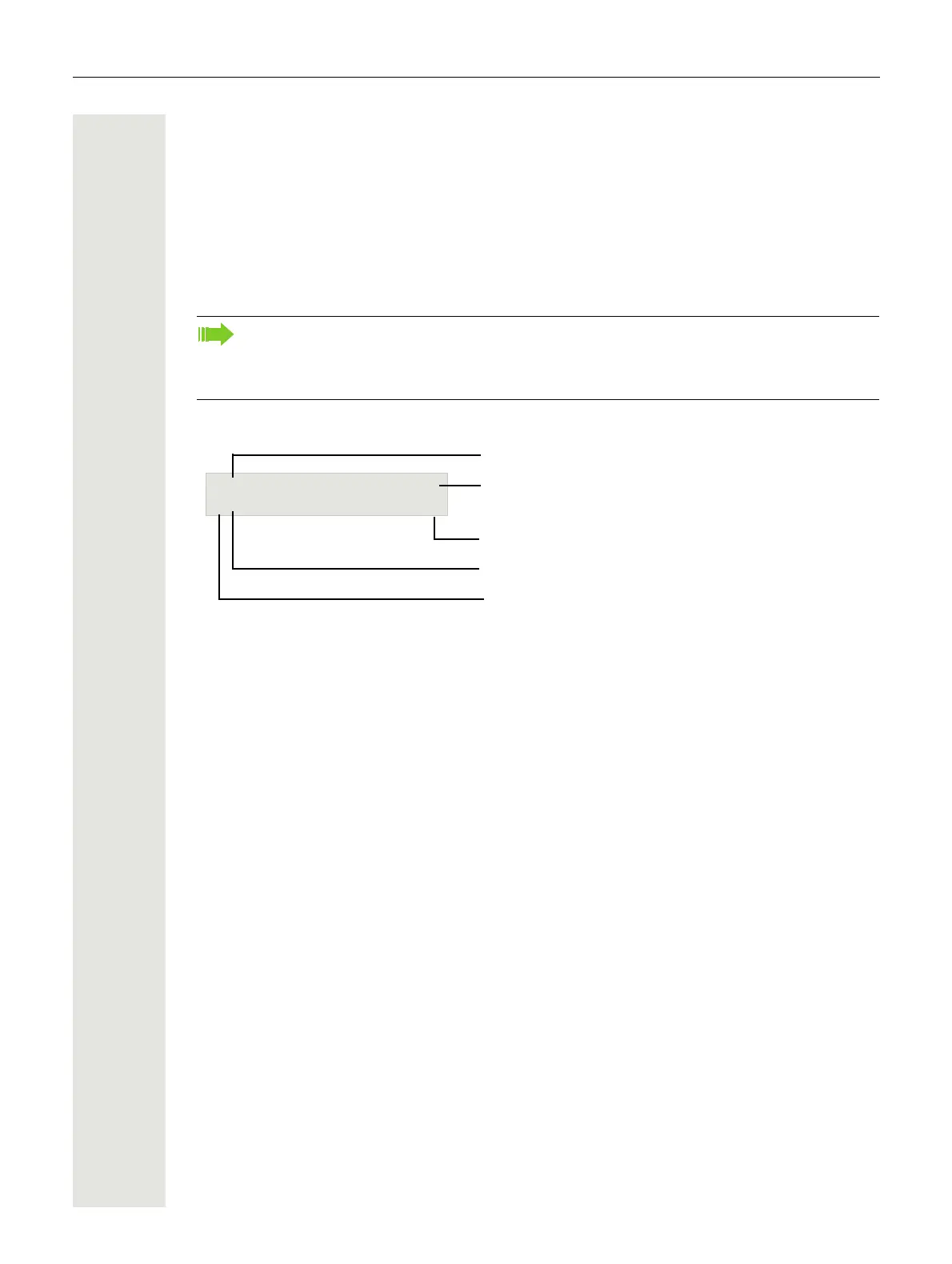
Example:
Idle menu
The idle menu opens when you press € or Z Navigationstasten page 16 in idle mode.
You can call up various functions here. Entries may vary.
The idle menu may contain the following entries:
• Redial x?
• Ringer off?
• Do not disturb on?
• Mobile logon?
• Cancel callbacks?
• Directed pickup
• Back?
Press the  button to go back, for example, to the idle display from a call list ( page 23).
The idle display can be accessed again from the Program/Service menu (
page 25) with
the
@ key. You can also configure a "Show phone display" key for both of these instances
(see
page 55) in order to access the idle mode screen again.
Status icon
B f
Time
Date
Open the idle menu
Own phone number
10:59 Wed 08 01.14



 To Next Page