80
Changing the password
z The User password can also be modified via the WEB-Oberfläche page 132.
@ Press the key shown.
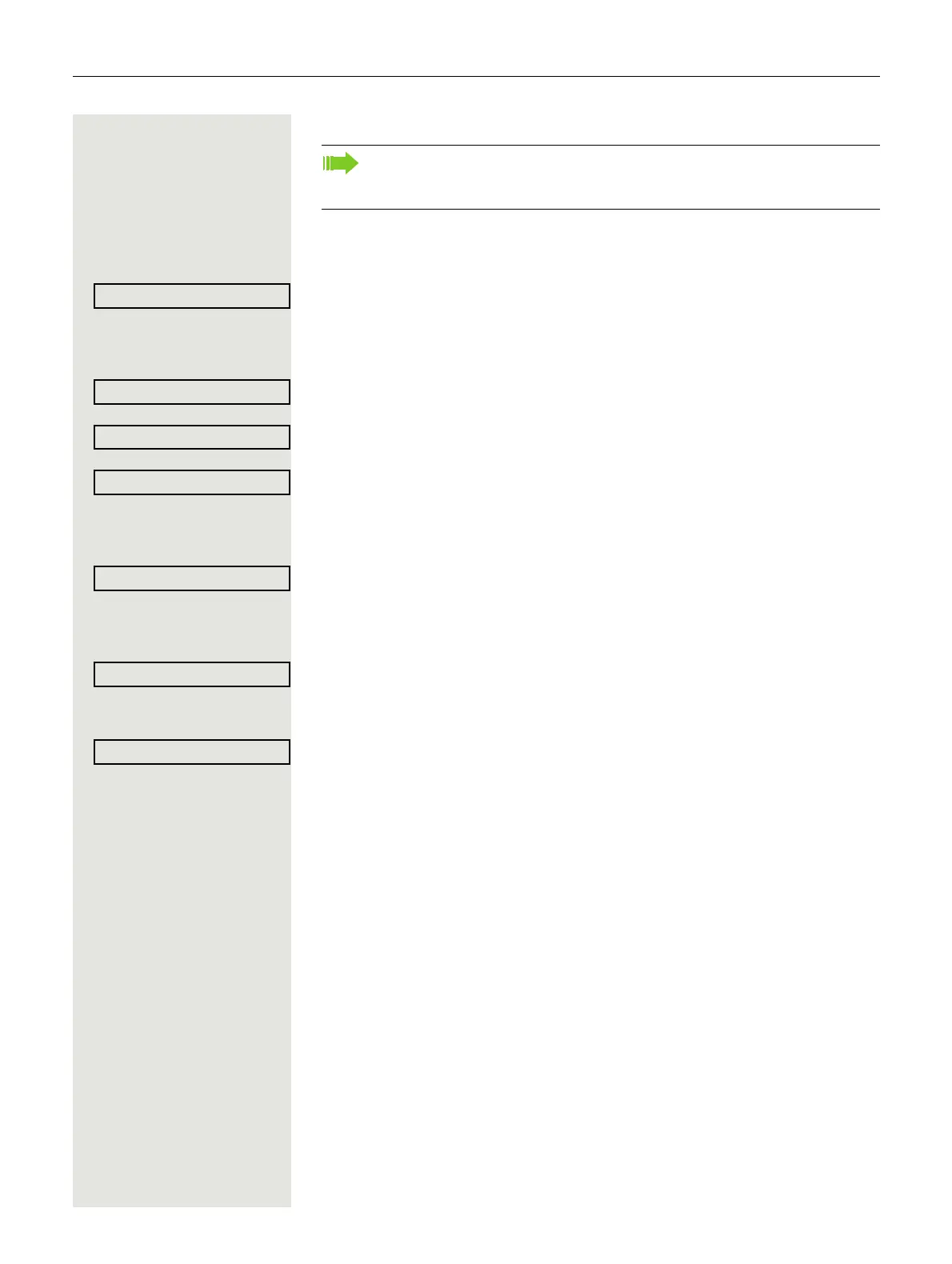
Select and confirm the option shown.
if nec. j Enter and confirm the user password.
Select and confirm the option shown.
Select and confirm the option shown.
Select and confirm the option shown.
j Enter the current password (at least six characters) and confirm (text entry, see
page 18).
Select and confirm the option shown.
j Enter a new password (at least six characters) and confirm (text entry, see
page 18).
Select and confirm the option shown.
j Enter and confirm the new password once more.
Select and confirm the option shown.
The preset password "000000" corresponds to a blank password. In other
words, the phone cannot be locked and the user menu is not password
protected. (see also
page 81)



 To Next Page