Control central and
paging desk
6. PRE-RECORDED MESSAGES
The desk has two internal memories in which files can be stored for subsequent use as pre-recorded
messages: MP3 Circuit Memory and Coldfire Flash Memory.
6.1. Pre-recorded messages resident in the MP3 circuit memory
6.1.1. Characteristics
Access/Updating of messages
Through the USB connector on the rear panel, by means of a PC.
Maximum number of messages
6.1.2. Transfer of messages to the MP3 memory of the desk
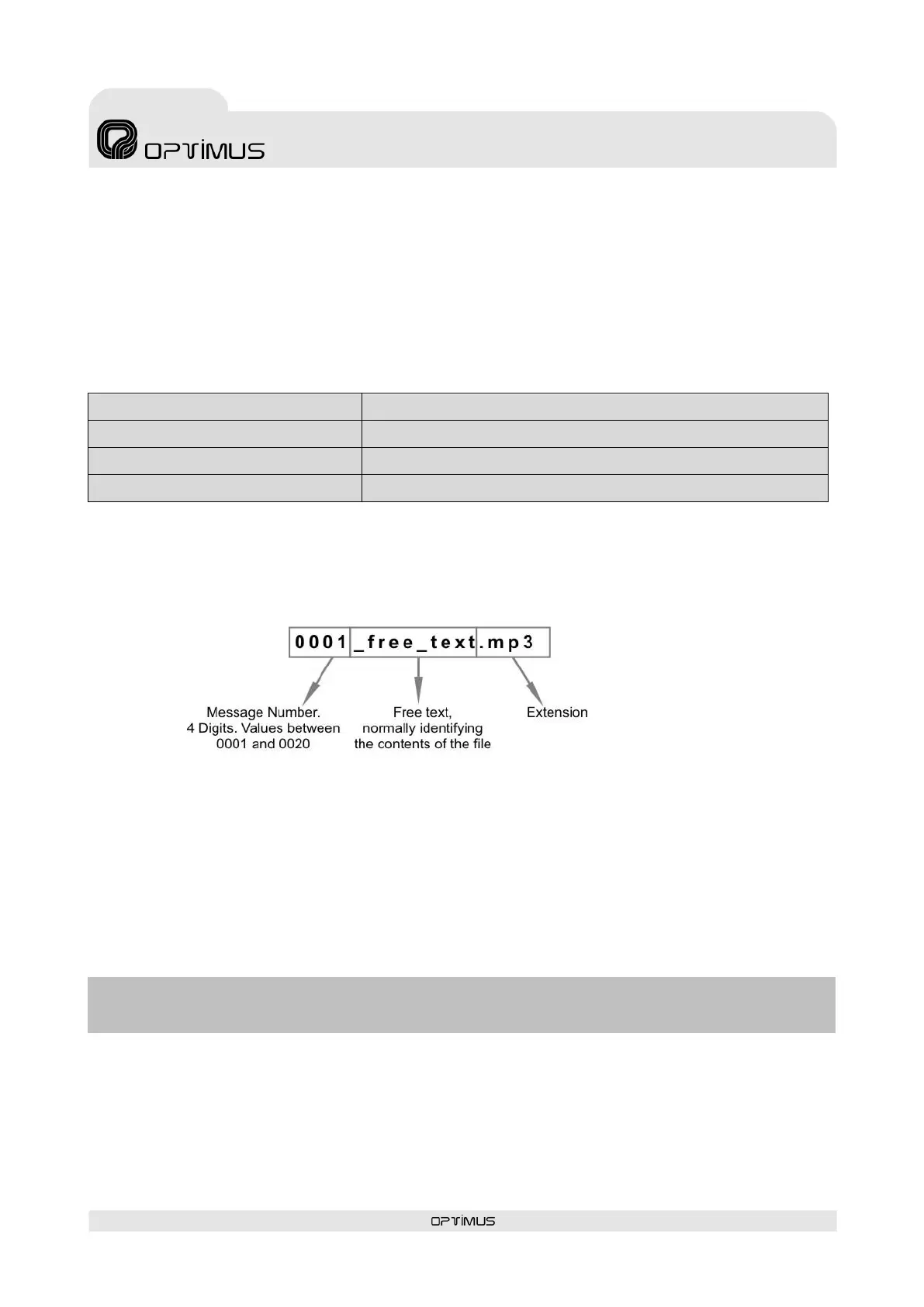
The files must be copied to the MP3 memory with a specific name format. Otherwise the messages
cannot be played.
The MP3 files must have the CRC protection activated (most recording programs support this option).
This ensures constant surveillance of the integrity of messages 1 and 2 in the MP3 memory (files 0001…
and 0002…). If there were to be any problem in these files, the desk displays and sends an alarm
message through the Ethernet connection towards the different units in the installation that have the
capacity to receive it (FC-600ETH, DC-600ETH, DVA-102ETH, UMX-02/0, control computer…).
To transfer the MP3 files to the desk, connect the computer that contains the messages to the DC-
600ETH by means of the USB connector on the rear panel. Use the PC browser to copy the files to the
MP3 memory of the desk, which will be shown as an additional disk unit. The files must be copied into the
root directory of the unit; do not use folders.
ATTENTION: Once the files have been copied to the desk, it is necessary to UPDATE the memory of the desk. To do so, follow the
instructions in section 11.4.8. Updating the MP3 memory.



 To Next Page