Control central and
paging desk
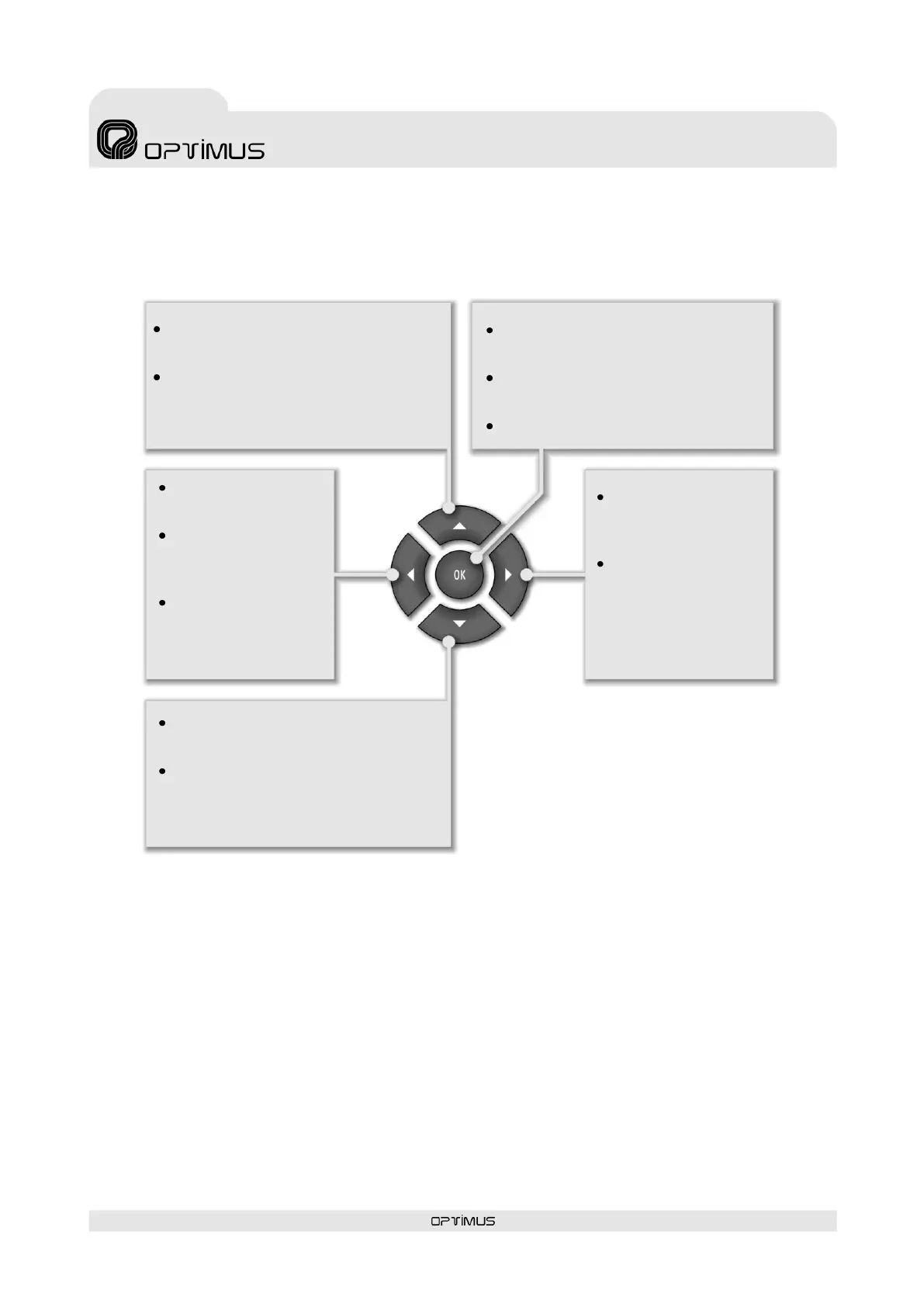
Moves the user to the
higher level menu.
On the volume setting
screen, it lowers the
volume.
Selects the element
situated to the left of
the present selection.
Moves the user to the next menu on the
same level.
From the start screen, it shows the
system alarms.
Moves the user to the previous menu on
the same level.
From the start screen, it shows the busy
zones.
Provides access to the menu selected on
the screen.
From the start screen, it provides access
to the main menu.
Confirms or saves a data entry.
Selects the element
situated to the right of
the present selection.
On the volume setting
screen, it increases the
volume.
9. NAVIGATION THROUGH THE DESK MENUS
The navigation buttons provide access to the various menus and configurations of the DC-600ETH.
Basic menu navigation:



 To Next Page