26
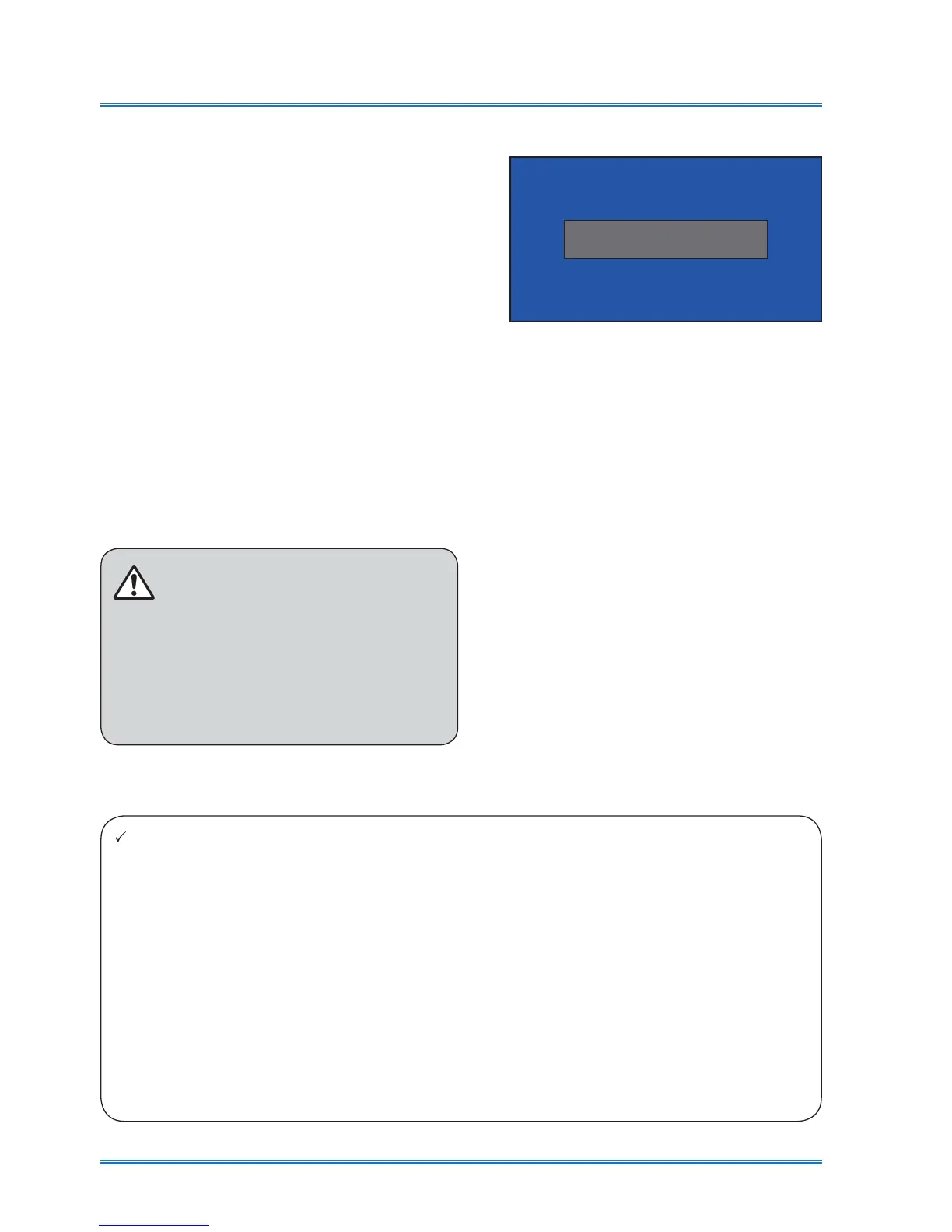
Power off your projector
1. Press the Power button at the top control
panel or the remote controller, the “Power
off?” message displays.
2. Press the Power button again in 4 seconds
after the “Power off?” message prompted
WR\RX7KH32:(5LQGLFDWRUÀDVKHVUHG
while the cooling fan continues running.
(You may set up noise level and speed of
the fan.) Unplug the power cord until the fan
stops running. Failure to do so may shorten
life cycle of your projector or lead to power
on failures or operation abnormalities.
7KH32:(5LQGLFDWRUVWRSVÀDVKLQJRQFH
the projector has been cooled down to
ready for power on again.
To maintain the life cycle of the lamp,
power off your projector after it has
EHHQWXUQRQIRUDWOHDVW¿YHPLQXWHV
Do not use your projector without
stop. As it may hurt the life cycle of
your lamp. Power off your projector at
least once every 24 hours and have
it idle for an hour.
Power off?
“Power off?” message disappears
in 4 seconds.
Note:
Ɣ If the “On Start” function is set to “On”, your projector will power on once it is connected to an
AC power socket. (Refer to page 45)
Ɣ Speed of the cooling fan varies with internal temperature of your projector.
Ɣ Do not place your projector in any box before it is fully cooled down.
Ɣ In case the POWER indicator flashes or turns red, refer to the “Status light indicator ” for
instructions. (Refer to page 92 )
Ɣ The POWER indicator flashes when the lamp is cooling down. Do not power on your projector
at this time. Power on your projector only after the POWER indicator turns red.
Ɣ Unplug the power cord after your projector has been turned off. The fan stops running.
Ɣ The POWER indicator turns red when your projector is ready for power on again. It takes less
time to restart your projector after it was powered off in the standard power off procedure than
that of the non-standard one.
Basic operation



 To Next Page