58
Expand
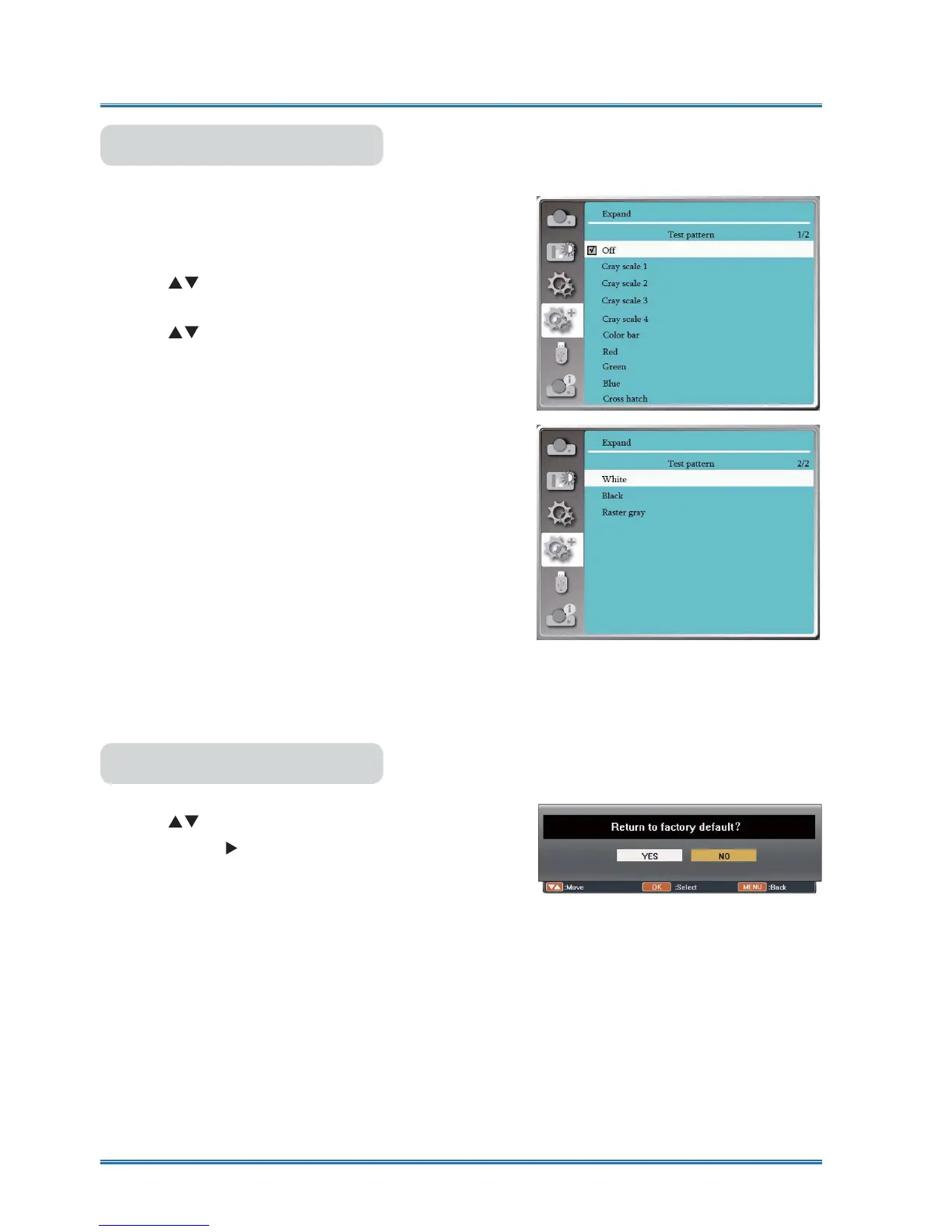
Test pattern
Select this function to display the projector's built-in test
pattern.
/RFDWLRQVL]HDQGRWKHUIDFWRUVFDQQRWEHUHÀHFWHGLQ
the test pattern. Please make sure to display the input
signal before performing various adjustments.
1) Press
button to select [Test pattern] menu.
2) Press <OK > button.
3) Press
button to switch required item.
4) Press <OK> button.
Gray scale 1 / Gray scale 2 / Gray scale 3 / Gray
scale 4 / Color bar / Red / Green / Blue / Cross hatch
/ White / Black / Raster gray: Use The OSD menu to
display the test pattern. Choose the test mode can
help you making a series of adjustments easily.
Test pattern menu
Factory default
This function resets all your settings to factory default .
1) Press
button to select [Factory default] menu.
2) Press <OK or
> button.
3) Press
WX
button to select YES ,then press <OK>
button.



 To Next Page