83
Maintenance and cleaning
Recommendations
Please do not use your projector at place
of dust and smoke. This may affects image
quality. Using your projector in place of dust
and smoke may lead to piling dusts on lens,
LCD panel, and lens components within it. In
case like this, call your dealer or service center
for correct cleaning.
Note:
5HVHWWKH¿OWHUFRXQWHUDIWHULWV
cleaning or replacement.
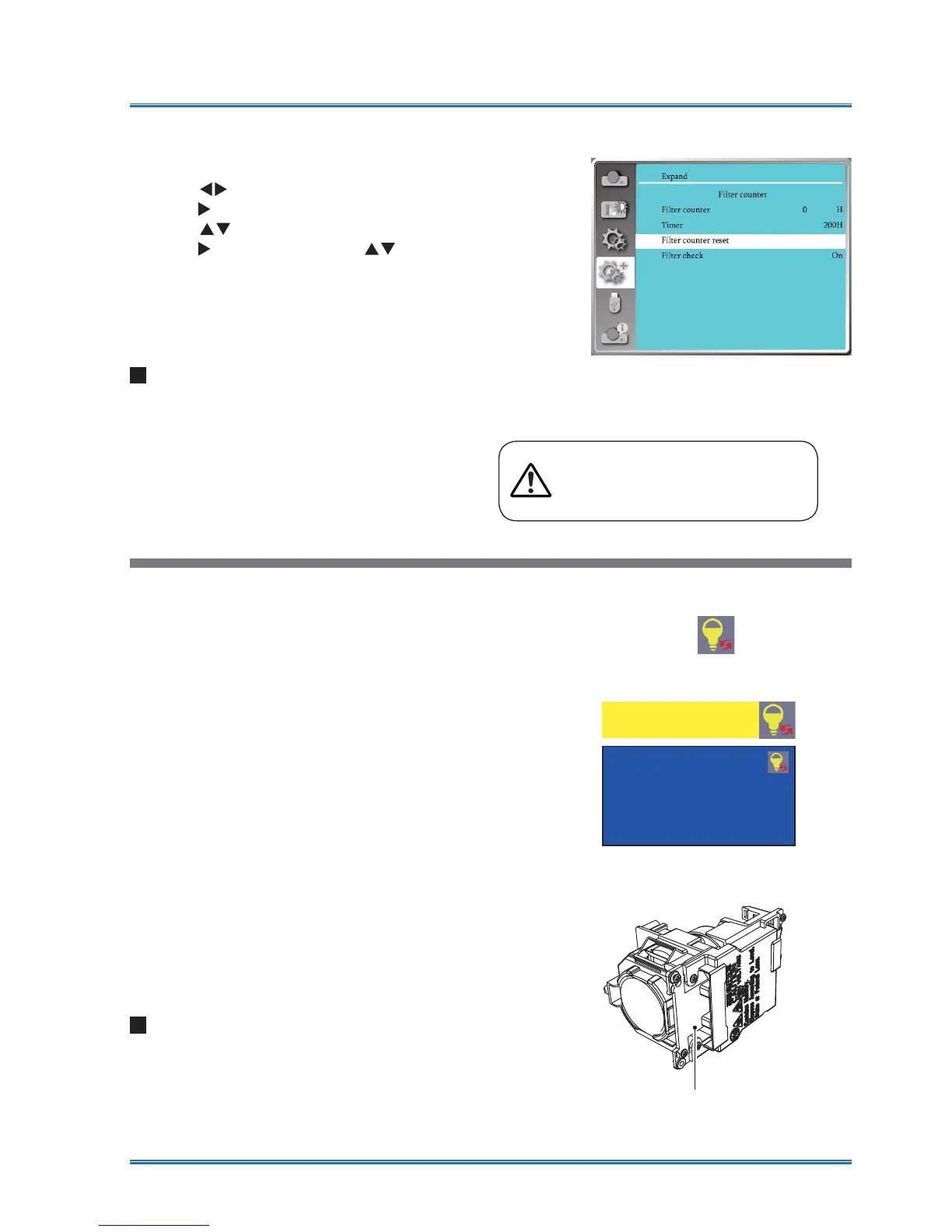
1 Press MENU button and the OSD displays.
Press
button to select Setup menu,
press
button or OK.
2 Press
button to select "Filter Counter",
press
button or OK. Press button to
VHOHFW³5HVHWWKH¿OWHUFRXQWHU´DQGSUHVV
2.7KH³5HVHW¿OWHUFRXQWHU"´PHVVDJH
displays. Select Yes to proceed.
3 In another pop-up dialog box, select Yes to
UHVHWWKH¿OWHUFRXQWHU
5HVHWWKH¿OWHUFRXQWHU
Lamp replacement
The lamp warning icon displays when its usage time
are more than the life of the projector minus 300H and
less than 1.1 times the life of the projector.
The lamp replacement icon displays when its usage
time are more than the life of the projector
.
Recommendations
DONOT replace the lamp when it is so hot .Make sure
to replace it at lease 1hour later after using it.
The internal cover of lamp model is getting hot in use.
Take care, or you may get burned.
Lamp model
Your projector’s lamp is a consumable. You can
FRP¿UP\RXUXVDJHWLPHDFFRUGLQJWR/DPSFRXQWHU
on the Info. menu in Page 61.
You'd better ask a professional technician to replace
the lamp. Contact your dealer for help.
Pleae call your dealer to replac the lamp (ESP-
LAP218).
The lamp warning icon
The lamp replacement icon
Lamp replacement
The lamp model



 To Next Page