33
Basic operation
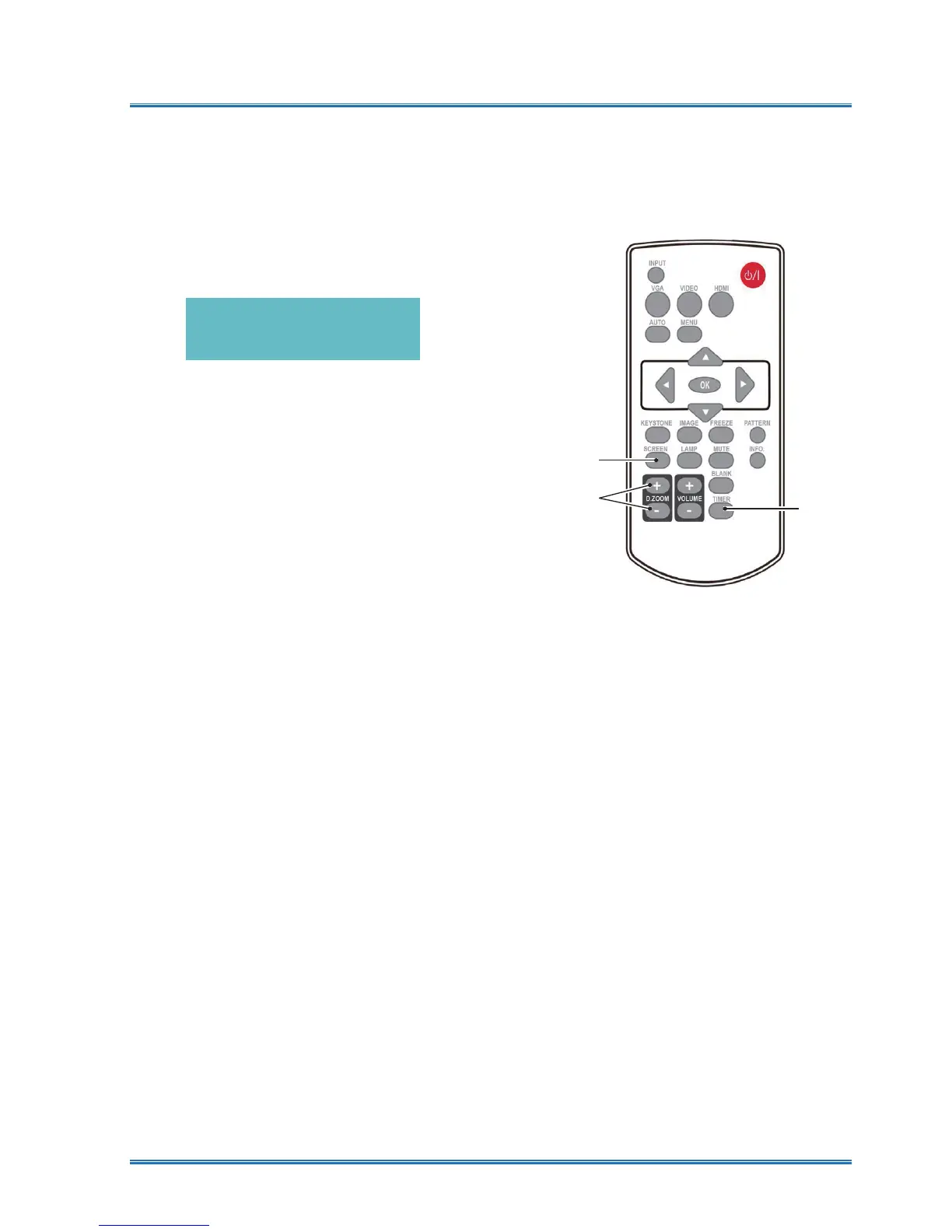
Timer (TIMER)
Press the TIMER button on remote controller.
A timer animation (00:00) displays on the upper
right conner and starts timing in format of (00:00-
59:59).
Press the TIMER button to stop timing. Press
the TIMER button again to disable the timing
function.
Digital Zoom + (D.ZOOM+)
Press the D.ZOOM+ button on remote controller
to enter the Digital Zoom mode.
When OSD menu disappear, the screen display
digital zoom + information.
*Only for input as VGA, RGBHV, and the screen
size setting as Normal or Wide.
Digital Zoom - (D.ZOOM-)
Press the D.ZOOM- button on remote controller
to enter the Digital Zoom mode.
When OSD menu disappear, the screen display
digital zoom - information.
Press any other key to exit the Digital Zoom + / -
mode
Screen size selection (SCREEN)
Press the SCREEN button on remote controller
to select required screen size mode.
Press the SCREEN button on the remote control
to select the size of the screen to return to the
normal screen size.
02
φ
02
Timer display
Timer
Screen
Zoom+/-
Remote controller



 To Next Page