65
Network control
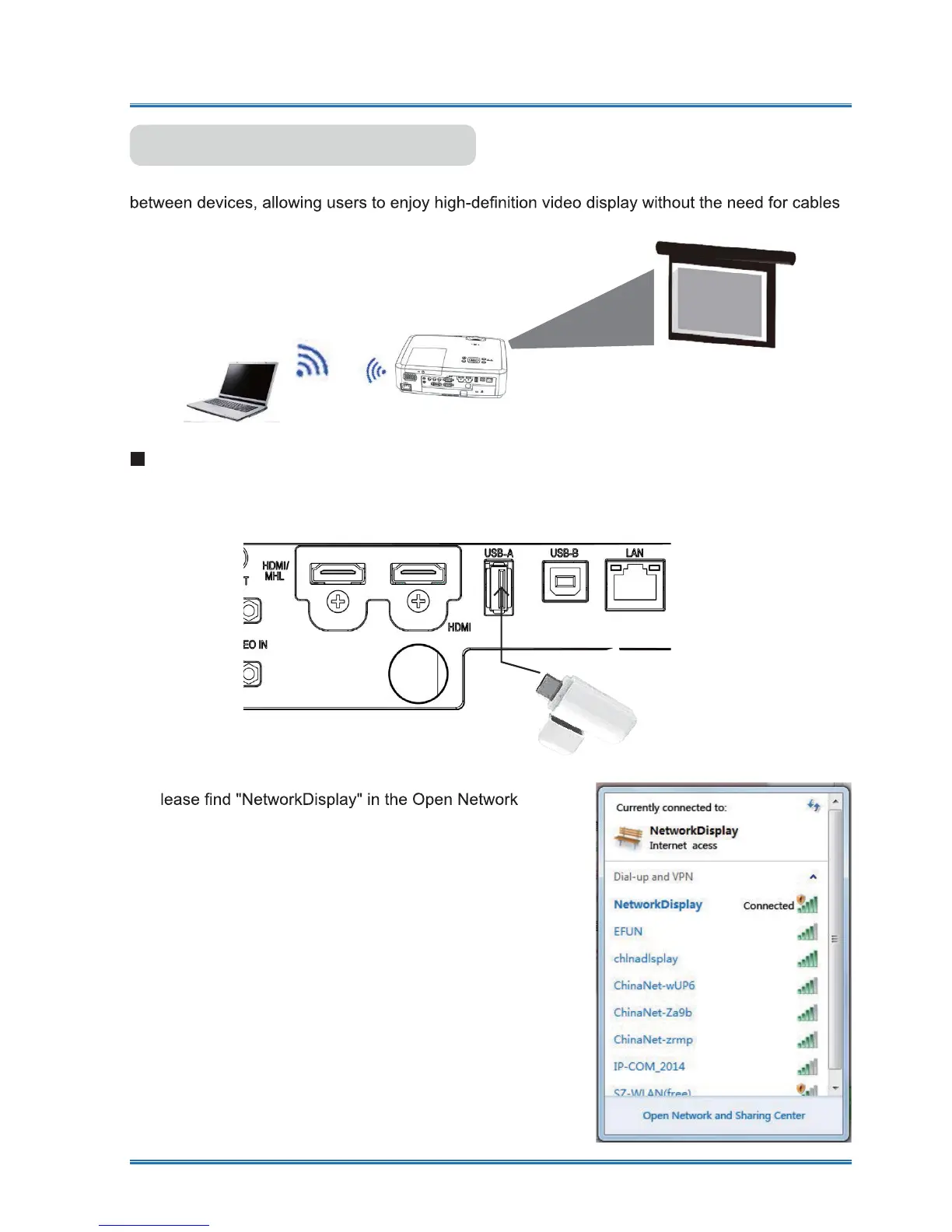
Wi-Fi display enable to connect PC with the projector wirelessly to realize high-speed transmission
circumstances.
WI-FI display
(
For PC.
)
1. Inset the supplied WIFI dongle into the USB-A port.
ƔFor this fuction,users need to purchase the WIFI dongle seperately with your suppliers.
2. P
and Sharing Center and click "Connect" to connect
the WIFI .
Wireless network setup
Note: WIFI dongle is optional accessories, if required, please
consult the dealer



 To Next Page