74
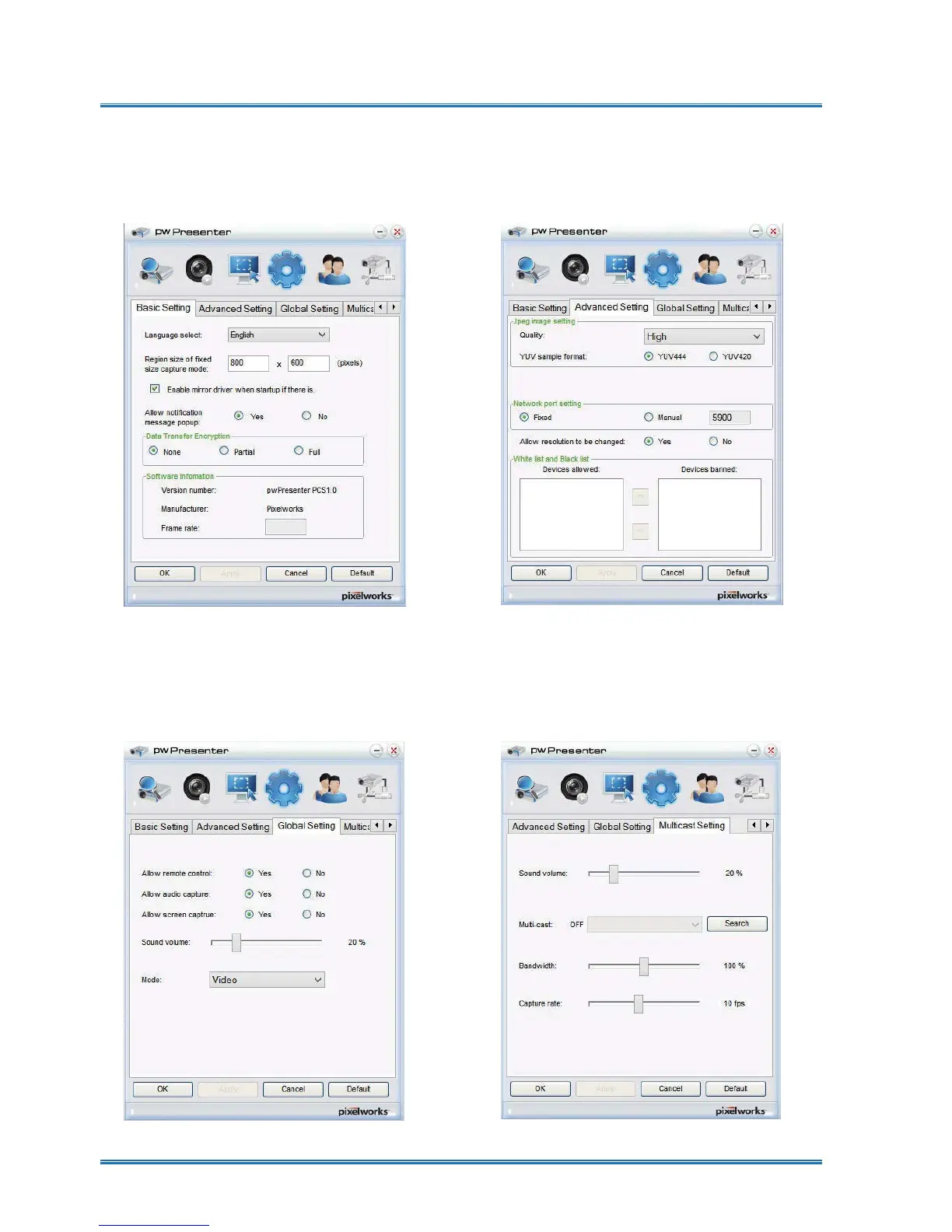
Basic setting: Language, Capture region
size etc.
Advanced setting: JPEG image setting,
Network port setting, White list and Black
list etc.
Parameter Setting
④
Global setting: Remote control setting,
Sound capture and Screen capture, etc.
Multicast setting: Volume setting,
Bandwidth, Sampling frequency, etc.
Network control



 To Next Page