Unpack and Installation
8
Remove all the packing material including the
electrostatic-resistant screen protector.
Retain these packing materials for future use.
2. Connect required cables for signal input and output.
3. Connect 6.2~16.8V DC power source through DC IN interface
or power the monitor by NP-F battery.
4. As a final step, turn on the device by single click the power
button located on the right side of the unit.
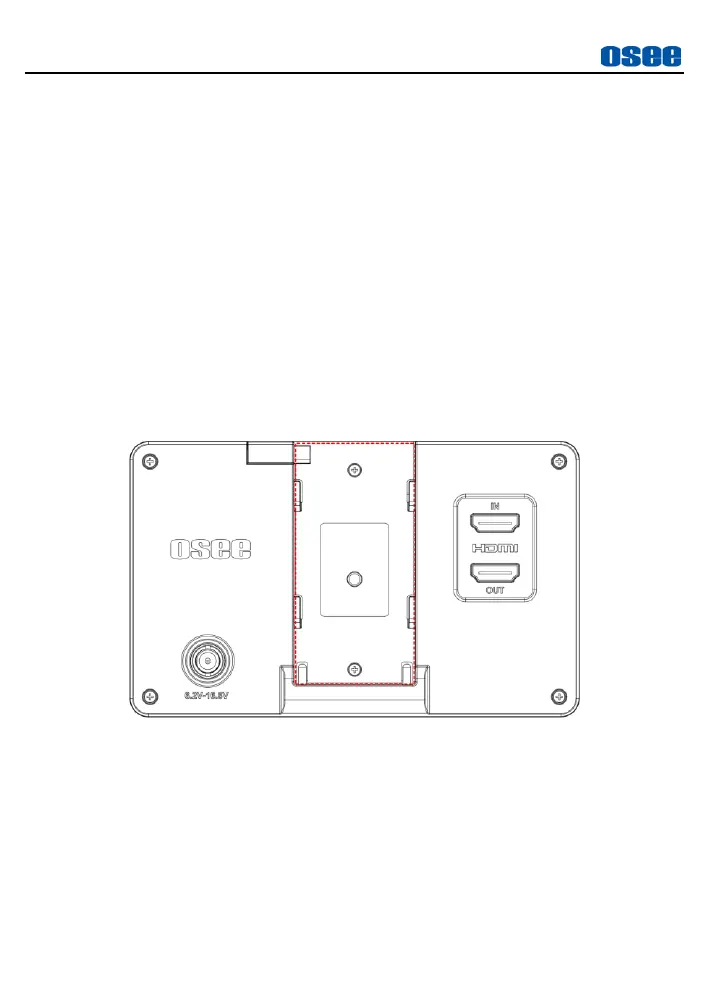
Install Battery:
Only support SONY NP-F series battery currently. Slide the battery down
into the slot until a click is heard.
Figure 3-1 Battery Installation
About dummy battery connection:
When powered by battery, the BATT OUT interface can output battery DC
power to external cameras by using the dummy battery adapters, the
connection is as below:



 To Next Page