Features
14
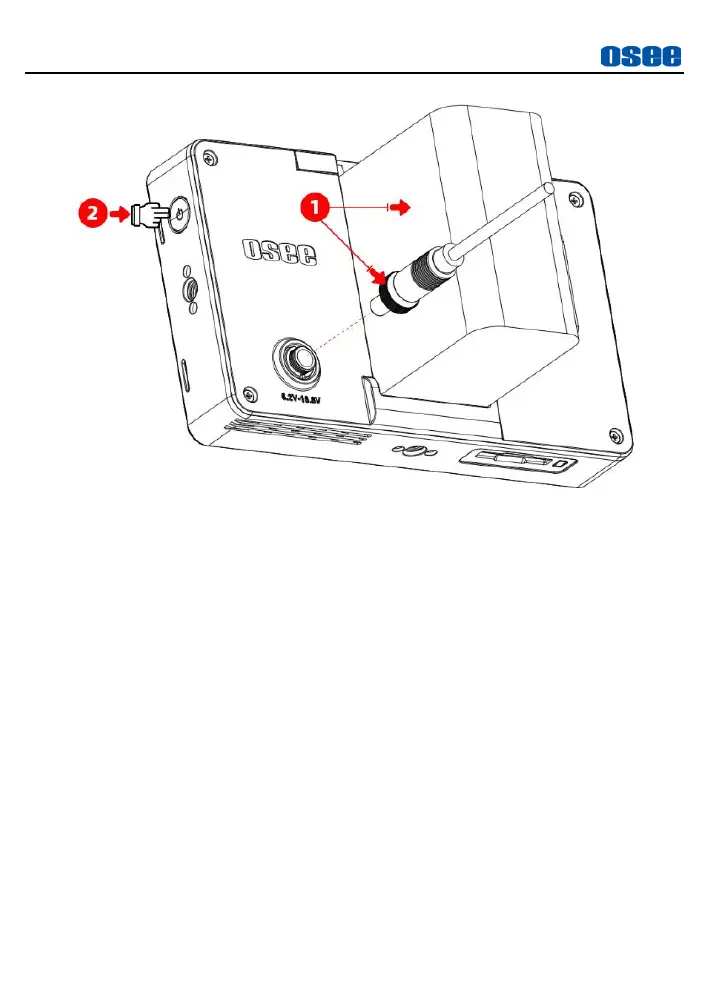
Figure 4.3-1 Power Button
Power Method
There are two methods for powering Lilmon 5 as below:
Method 1
: Power by battery
There is a built-in battery slot at the rear panel of the monitor. It
supports SONY NP-F series batteries(5V
~
8.4V).
Method 2
: Power by DC power input
Use a DC cable to power the monitor through the DC IN interface (6.2
~
16.8V DC).
Power On & Off Operation
After the monitor is powered, single click the power button to turn it
on. Then long press 3s to turn it off.
Screen Lock & Unlock
Click the power button once after the monitor is turned on, and the



 To Next Page