Features
15
screen is locked. Then click again to unlock the screen.
Once the screen has been locked, it can’t allow any operation until
being unlocked by clicking the power button again.
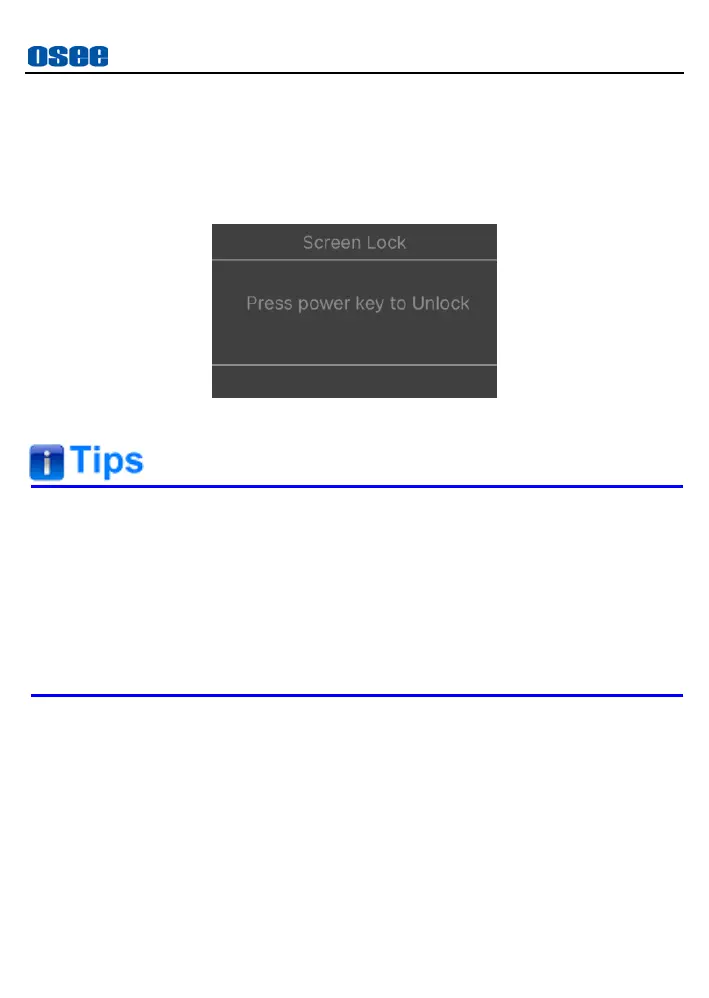
Tap the screen, it will display a screen lock prompt on the screen, as
shown in Figure 4.3-2.
Figure 4.3-2 Screen Lock Prompt
The monitor will display a boot screen after being turned on for 3~4
seconds.
The BATT OUT interface could offer a power output when a battery is
powering the device.
Only use the adapter and power cord specified by the manufacturer
for your safety!
4.4 ZOOM&PAN
You can get a closer view to your image in ZOOM mode. Place two fingers
on the screen to stretch out or pinch in, thus to zoom the image in or zoom
it out. It provides 1~4X zoom ratio, and you can move the starting position
of the enlarged image by dragging one point of the image or the small
rectangle in the zoom frame.



 To Next Page