MySets and Tools
53
Spectrum
, as shown in Figure 6.1-7:
Figure 6.1-7 Comparison Mode-Original Image and Normal Mode
Image
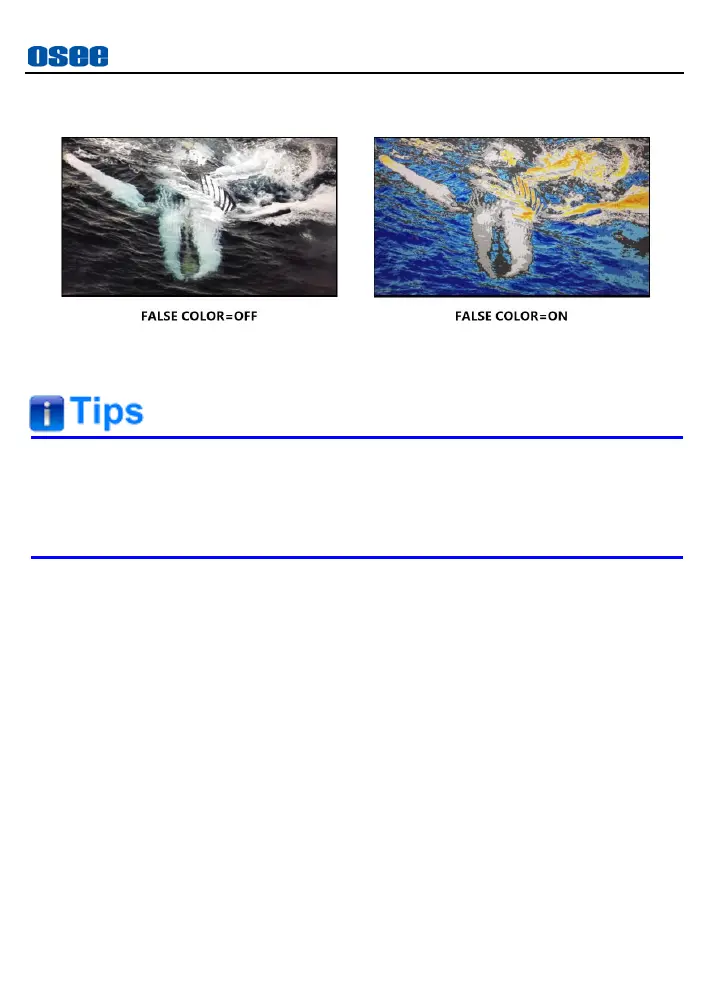
The Zebra tool is incompatible with the False Color tool. That is,
enable the Zebra tool, the False Color tool will be disabled
automatically, and enable the False Color tool, the Zebra tool will be
disabled automatically.
2. Zebra
The
Zebra
function is used to display image on the screen with a
zebra pattern to adjust the camera exposure parameter. It will
compare the signal luminance with the zebra parameters. You can
set two limitations as
Tone 1
and
Tone 2. Tone 1
is limited between
Tone 1 MIN
and
Tone 1 MAX
,
Tone 2
is limited
between
Tone 2 MIN
and
Tone 2 MAX
. The relevant image area will be filled with a white
and black stripe zebra pattern if the luminance is in the range of
Tone
1.
Besides, it will be filled with a white and blue stripe zebra pattern if
the luminance is in the range of
Tone2
.
For example
, set
Tone 1 MIN
as 0% and
Tone 1 MAX
as 4%,
Tone
2 MIN
as 97% and
Tone 2 MAX
as 100%, the compared results are
as shown in Figure 6.1-8, the specific area is filled with a zebra
pattern.



 To Next Page