131
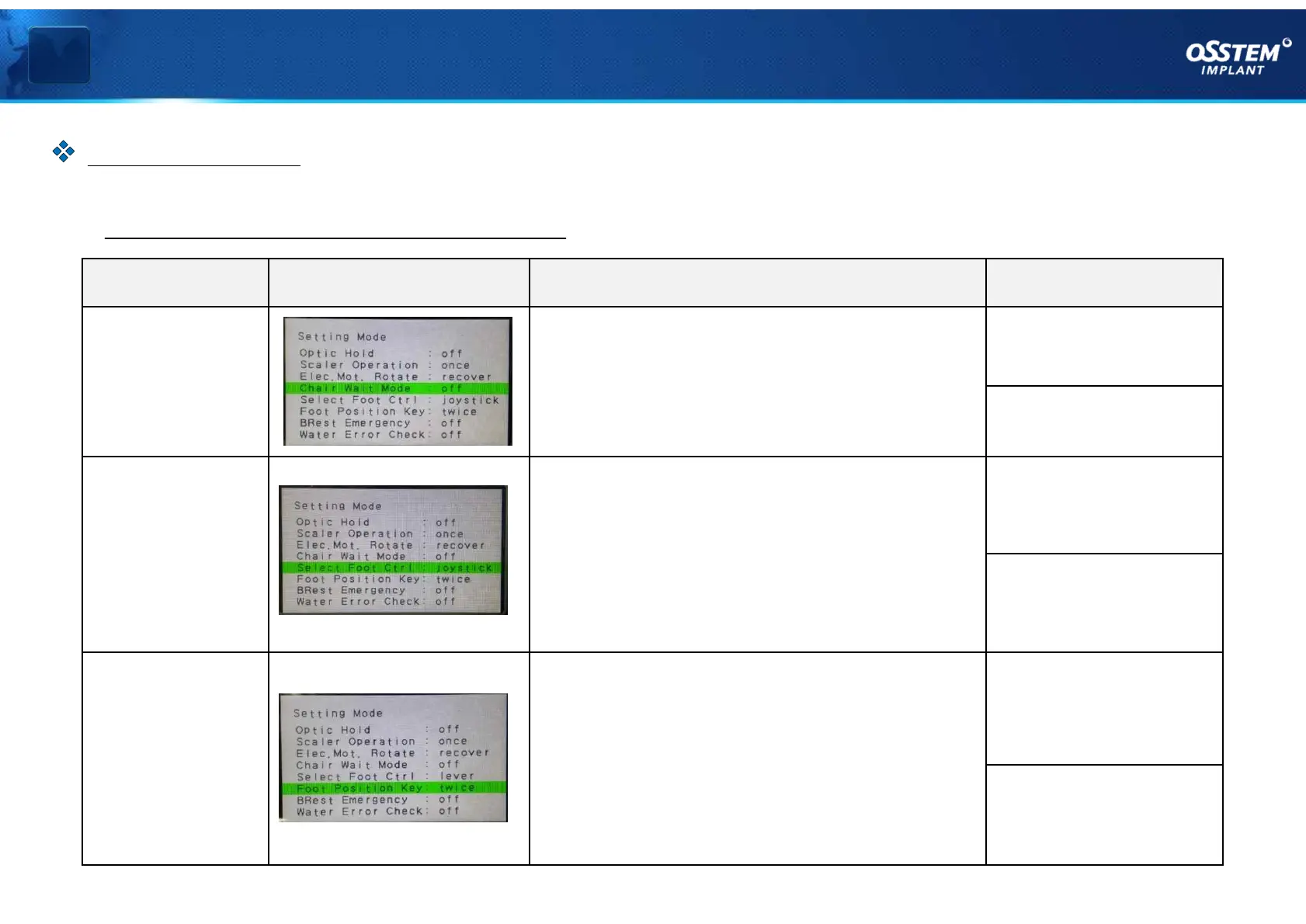
Name LCD screen Description Settings
Chair Wait
Mode
At the time of chair operation (move), it stops
the chair operation for 1 second to prevent
the patient's hand from being caught by the
handle
OFF: disabled
(default)
ON: enabled
Select Foot
Ctrl
For changing the pedal type
• To use a joystick type pedal (JOYSTICK)
• To use a new lever type pedal (LEVER)
- JOYSTICK (FOOT in the older model) is the
default type
JOYSTICK:
Joystick-type pedal
LEVER:
Lever-type pedal
Foot
Position Key
When you use a position change key on the
pedal
• Double-tap the pedal position change key to
operate (TWICE)
• Single-tap the pedal position change key to
operate (ONCE)
TWICE:
Double tap applied
(default)
ONCE:
Single tap applied
Ⅳ Limit and option settings
§ Option function descriptions #2
『 Option settings 』
Option Settings



 To Next Page