130
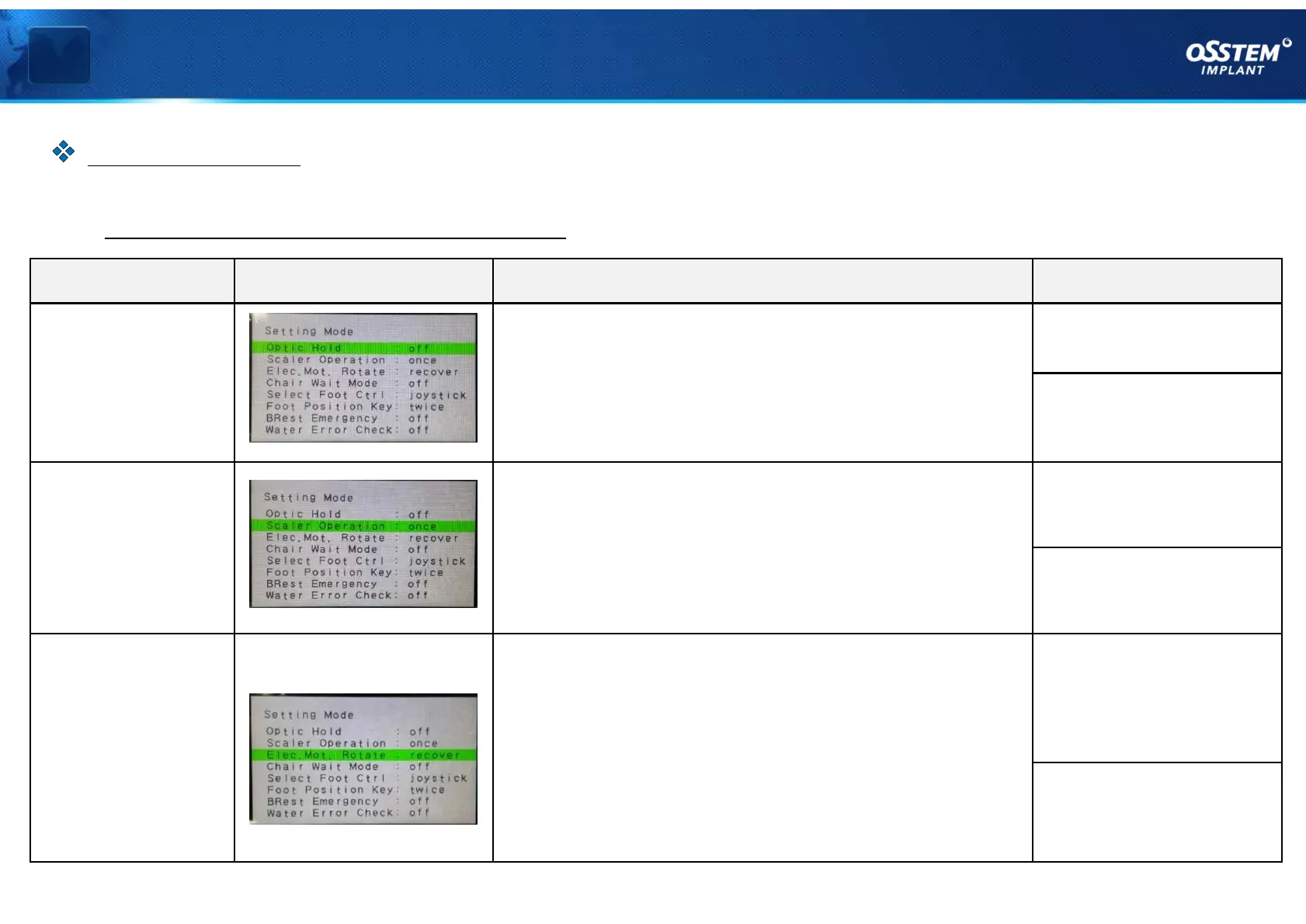
Name LCD screen Description Settings
Optic Hold
When you pick up the handpiece without pressing the
pedal
• Optic of the handpiece turns on (ON)
• Optic of the handpiece turns off (OFF)
OFF: disabled
(default)
ON: enabled
Scaler
Operation
When you press the pedal while you pick up the scaler
• Configured so that the scaler is enabled when you
press the pedal once, and is disabled when you press
the pedal once again (ONCE)
• When you press and hold the pedal, the scaler
operates (KEEP)
ONCE: Press once
(default)
KEEP: Press and hold
Elec.Mot.
Rotate
LOW: when the handpiece is an electric motor type
• Maintains the final rotating direction of the electric
motor
• Restart in the normal direction (RECOVER)
RECOVER:
Resets the rotating
direction
(default)
KEEP:
Maintains the rotating
direction
Ⅳ Limit and option settings
§ Option function descriptions #1
『 Option settings 』
Option Settings



 To Next Page