–––––––––––––––––––––
You can also Press and Turn 2nd Encoder (Oct) to quickly perform Vertical Scroll or Track selection
–––––––––––––––––––––
Playback direction being forward, backward, pendulum and random. In Multitrack mode, this
parameter is independent for each track.
Random Time Division introduces division changes to give more or less unpredictable rhythms to
your sequence. If active, the Sequencer will be out of sync but it still follows the clock tempo. In
Multitrack mode, this parameter affects ALL tracks.
Time Division. In Multitrack mode, this parameter affects the selected track only.
Shift + Division activates Expand. It works as a zoom in on the sequence: length duplicates and
time division halves. Active notes TIE to following steps to keep its duration. Expand it’s only limited by
the maximum step number, which is 128.
–––––––––––––––––––––
Use expand to quickly increase resolution.
–––––––––––––––––––––
The opposite of Expand is the Condense function. It’s a destructive zoom out function, notes may
disappear when using it.
Both expand and condense generate a new Undo step.
· RANDOMIZER & GENERATORS
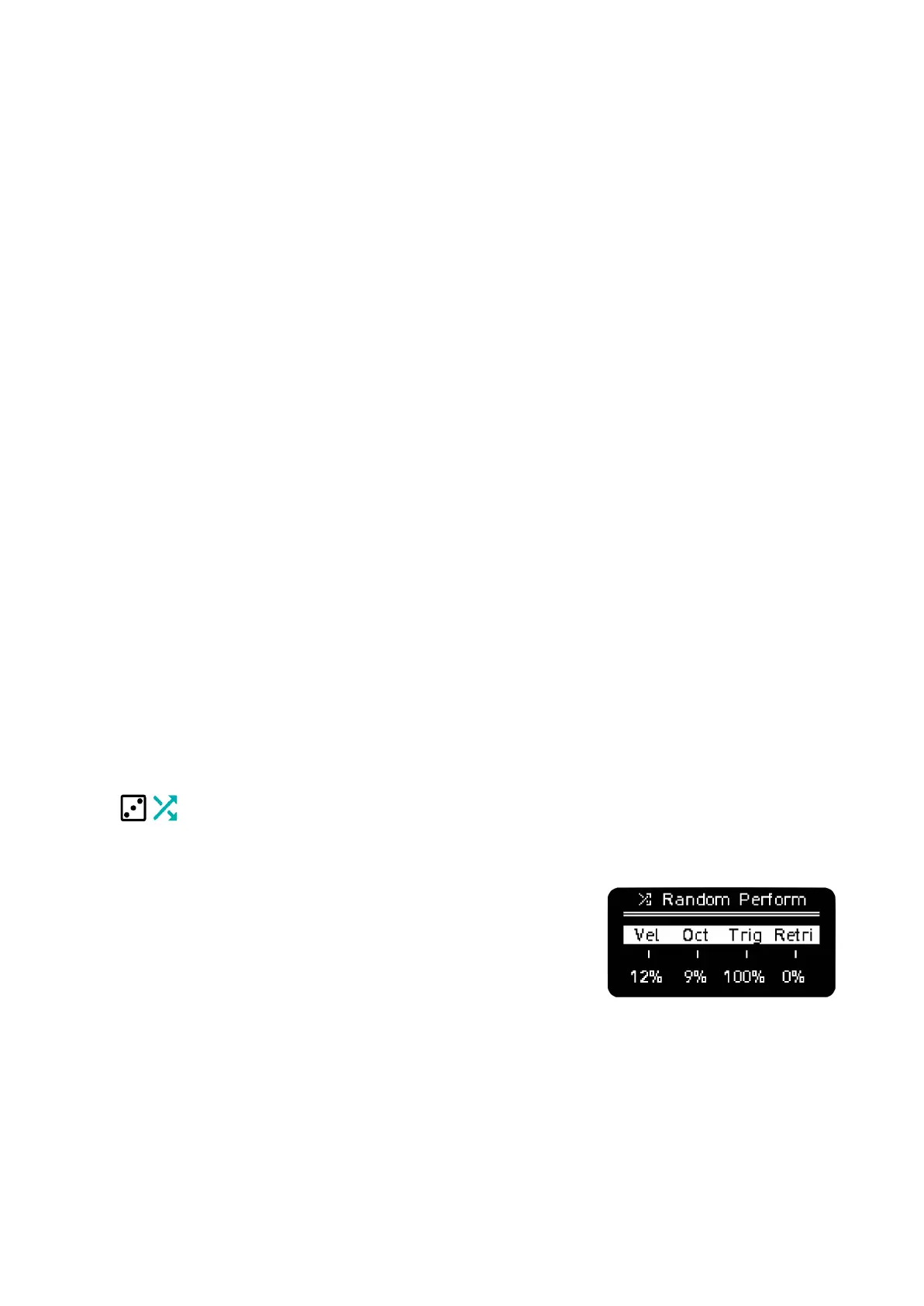
RANDOM PERFORM (non destructive)
An easy and musical way to create non destructive variations on a
sequence is to use Random Perform.
A quick tap will open the menu, a long press will open it momentarily
until button release.
The parameters affect all the steps per track.
From left to right:
- Rand Velocity can be unipolar or bipolar. + values only add positive random variation. +/-
values add positive and negative variation.
- Rand Octave can be unipolar or bipolar. + values only add higher octaves randomly. +/-
values add higher or lower octaves randomly. A greater random value adds not only more



 To Next Page