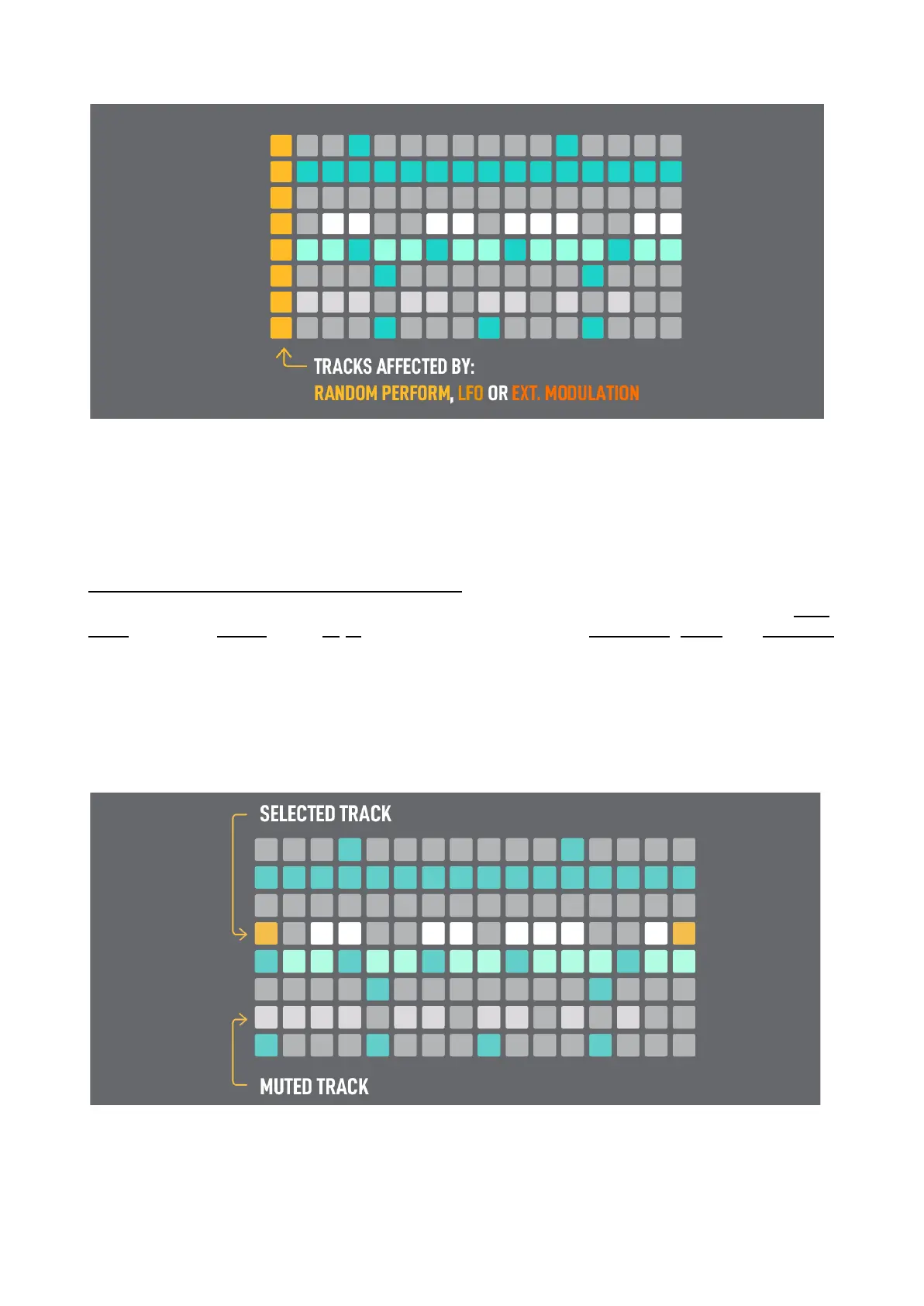
In Multitrack mode instead of Random Octave you have Random Gate, it doesn’t affect the TIEs.
For example, this is handy to use the LFO to send velocity modulation on a hi-hat track and not affect
other tracks.
SELECTED TRACK & MULTITRACK EDITING
In Multitrack mode, the function buttons affect by default the selected track. This way you can copy,
paste, duplicate, extend, clear, x2 /2 the time division, activate the randomizer, rotate and transpose
individual tracks without affecting all tracks in the sequence. Global Velocity, Gate and Modulation
encoders also affect the selected track only.
The selected track is highlighted with a different color (some color settings may provide easier
visualization in this mode) and also indicated with the pads of the 1st and 16th columns of the track
row in yellow color (when the step is not enabled).



 To Next Page