FOLDER
Operation
indicator
VQT4R68
10
10
File and folder Selecting the folder
File
Recorded audio data from the starting point to
the ending point is saved as a file.
The saved data is called a file.
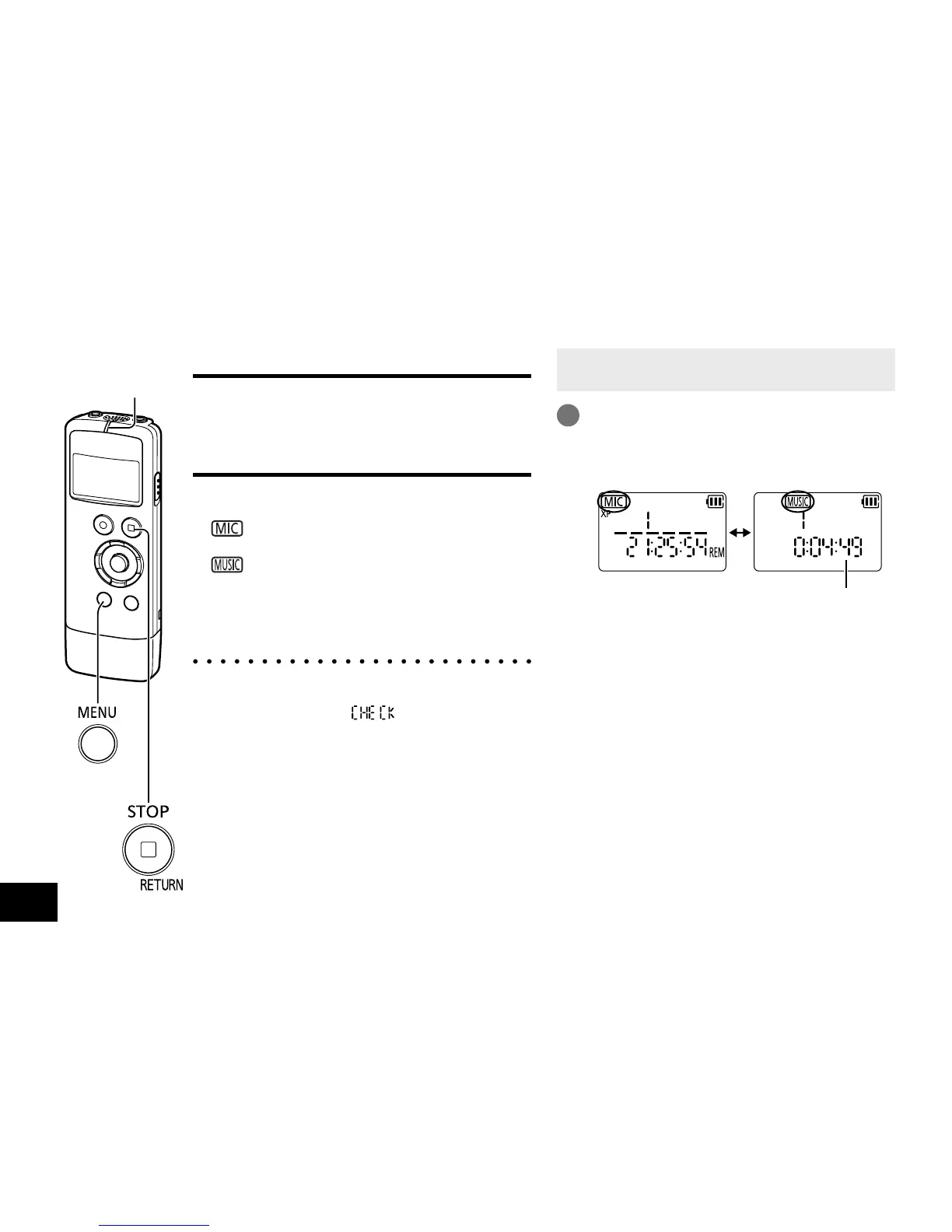
Folder
This is where files are stored. This unit has
following folders.
• “
” folder saves files recorded using the
microphone.
• “
” folder saves music files.
Up to 199 files can be recorded in “MIC” folder.
Files recorded from other devices are also
saved in “MIC” folder. (
➜
page 28)
● When “MUSIC” folder is selected for the first
time after the unit is turned on, the operation
indicator blinks and “
” is displayed on
the screen.
• When the unit is not in the stop state, press
[g STOP/RETURN].
1
Press and hold [MENU/FOLDER] for
1 second or longer.
The folder is switched each time the button
is pressed.
Total playback time
If no file has been transferred to “MUSIC”
folder, the current time is displayed.















 To Next Page