VQT4R68
6
6
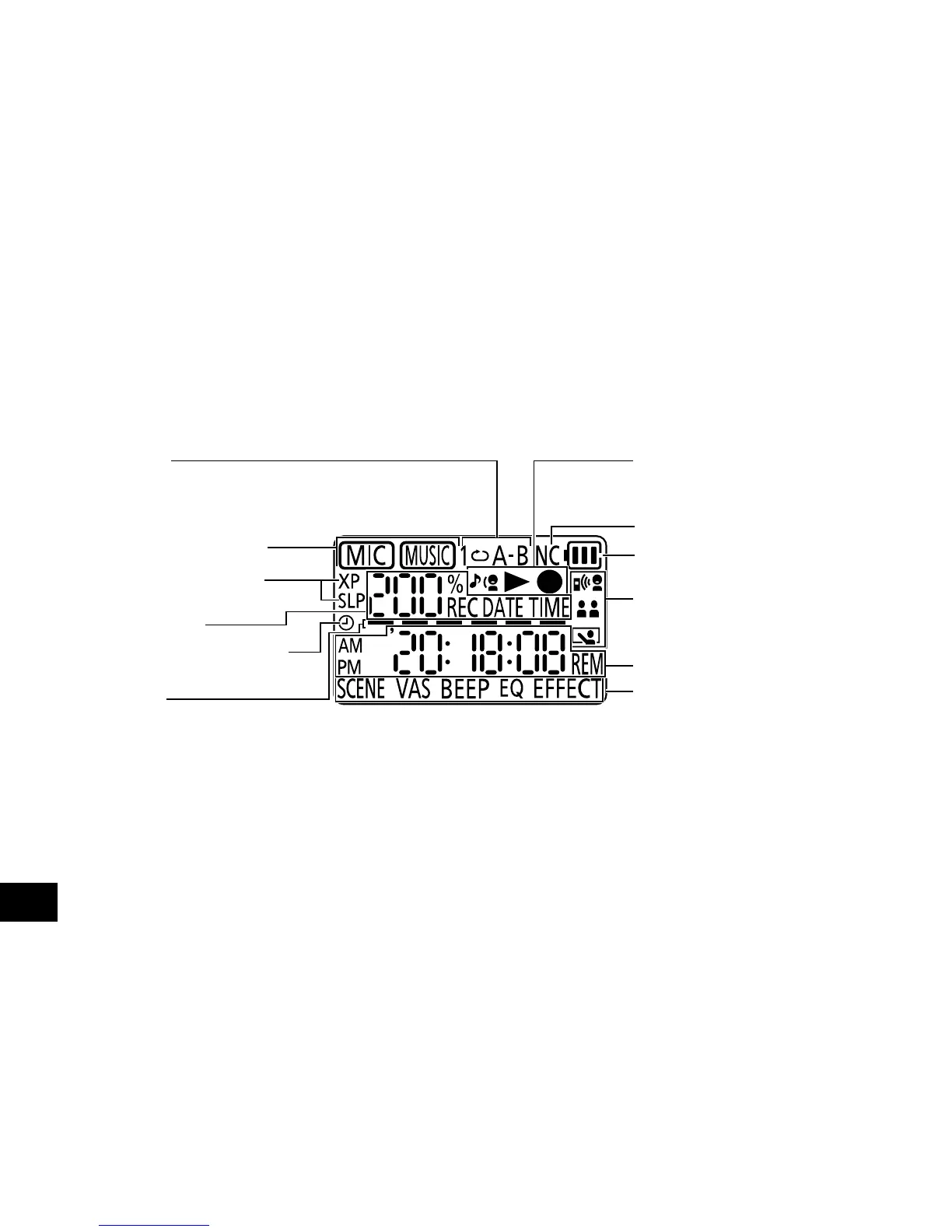
The following explains the screen items. Some items may not be displayed simultaneously.
Screen display
Repeat play/
A-B Repeat playback
(
➜
pages 19, 21)
Folder name (
➜
page 10)
Recording sound quality
(
➜
page 15)
Status indication
Timer reservation indication
(
➜
page 18)
Level metre
• Indicated to show volume of the
recording sound source, playback
position and remaining recording
time when stopped, and also
indicated when volume or other
settings are being adjusted.
Shadowing playback/Playback/
Recording display
(
➜
pages 11, 12 and 20)
Noise cancellation (
➜
page 22)
Battery indicator (
➜
page 7)
Recording scene indication
(
➜
page 14)
Status indication
Menu setting
(
➜
pages 14, 17, 22, 23 and 29)















 To Next Page