FOLDER
VQT4R68
21
21
ENGLISH
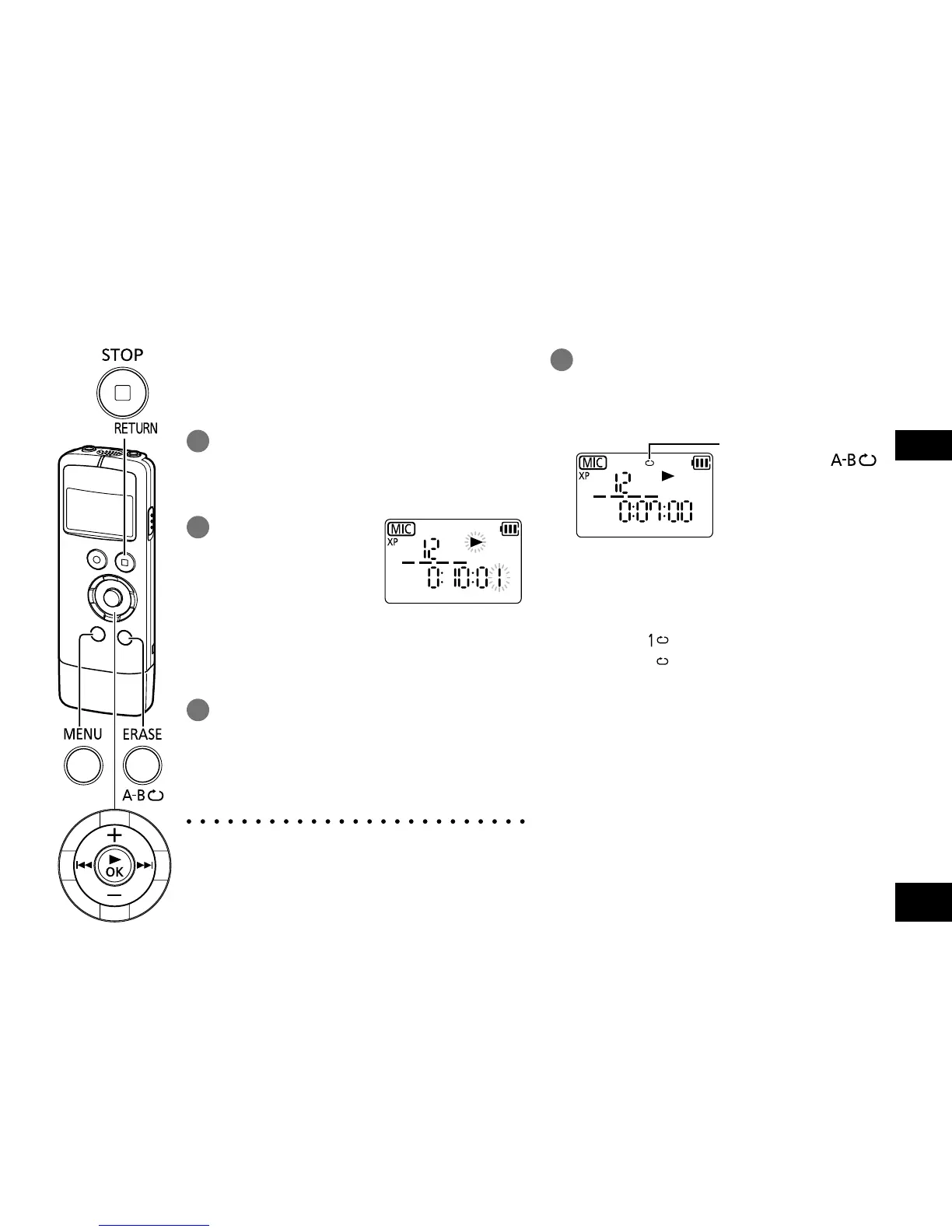
Playback is possible from the time-specified
position.
1
Press [MENU/FOLDER] during
playback.
Playback stops and the current playback
position (time) is displayed.
2
Set the playback
start position.
Press u, i to
select hour, minute,
and second and press
+, – to change the
values.
• Press [MENU/FOLDER] or [g STOP/
RETURN] to enter the stop state.
3
Press [q OK].
Playback starts from the specified position.
To exit the setting screen, press
[g STOP/RETURN].
● Time search playback applies only to the
currently selected file.
1
Press and hold [ERASE/A-B&]
for at least approx. 2 seconds
during playback or while the unit is
stopped.
Repeat mode
Each time [ERASE/ ]
is pressed for at least approx.
2 seconds, the mode is
switched.
No indication: (Factory setting) Playback is
performed from the selected
file to the last file in one
folder. The unit is stopped
when the playback finishes.
: Plays one file repeatedly.
: Plays all files in the folder
repeatedly.
As for a sub folder (
➜
page
34) in “MUSIC” folder, all files
in a sub folder are played
repeatedly.
Playback from a specified
position (TIME SEARCH)
Repeat play (REPEAT)















 To Next Page