FOLDER
VQT4R68
16
16
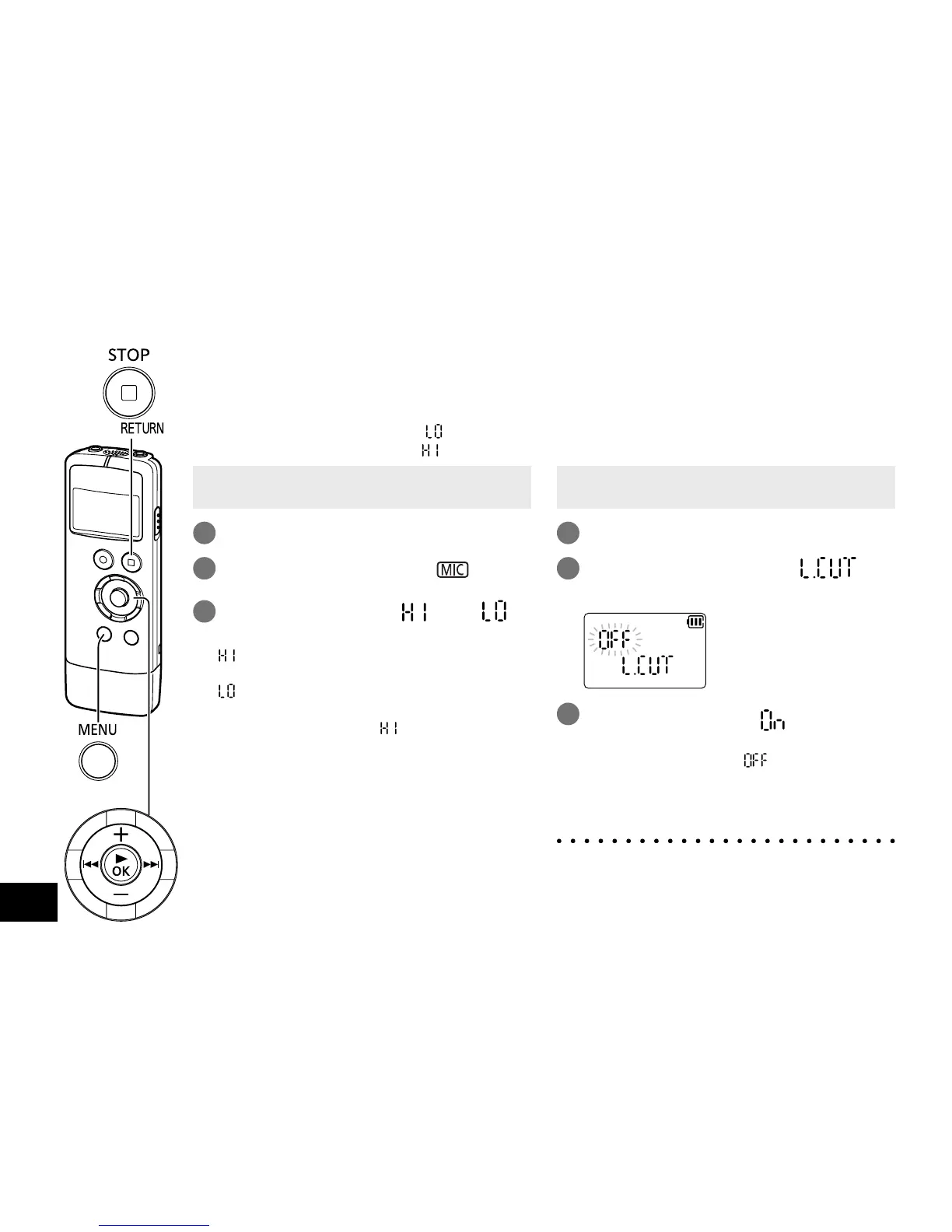
Switch the microphone sensitivity according to the
volume of the sound source. When the sound source
volume is loud, set the sensitivity to “
” (LOW).
When it is low, set the sensitivity to “
” (HIGH).
• When the unit is not in the stop state, press
[g STOP/RETURN].
1
Press [MENU/
FOLDER
].
2
Press u, i to select “ ” and
press [q OK].
3
Press +, – to select “ ” or “ ”
and press [q OK].
: Sets the microphone sensitivity to the
high level.
: Sets the microphone sensitivity to the
low level.
(The factory setting is “
”.)
To exit the setting screen, press
[g STOP/RETURN].
Sound of low frequency range is reduced
during microphone recording. This is effective
when reducing noise of air conditioner during
recording at a meeting, etc. (LOW CUT FILTER)
• When the unit is not in the stop state, press
[g STOP/RETURN].
1
Press [MENU/FOLDER].
2
Press u, i to select “ ”
and press [q OK].
3
Press +, – to select “ ” and press
[q OK].
(The factory setting is “ ”.)
To exit the setting screen, press
[g STOP/RETURN].
● Using LOW CUT FILTER cuts the sound of
low frequency range. This may help reduce
the wind-cutting sound.
Switching microphone
sensitivity
Reducing low frequency
noise during recording















 To Next Page