FOLDER
VQT4R68
26
26
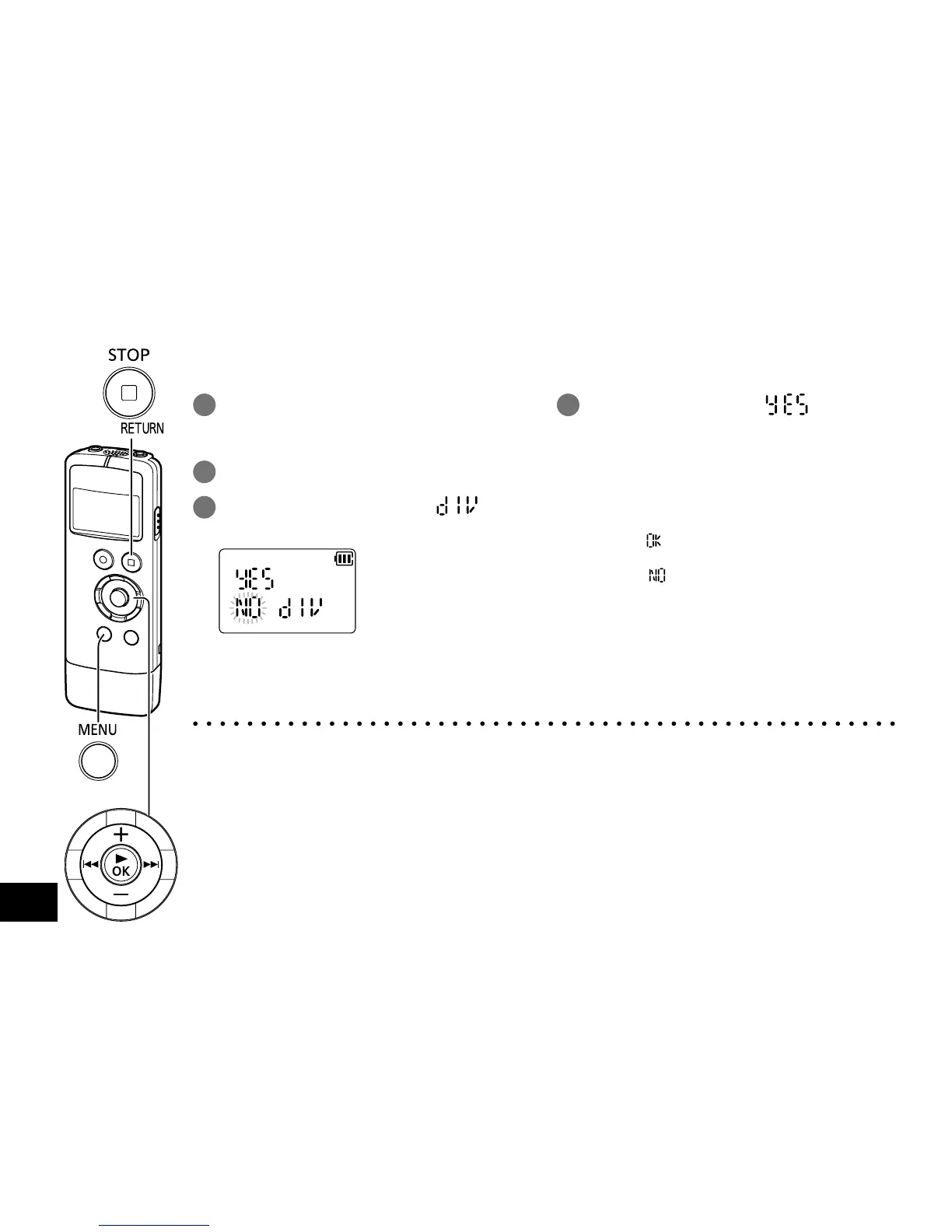
You can divide 1 file into 2 files at a specified position. A necessary part can be extracted or an
unnecessary part can be cut.
Dividing files
1
During playback, press
[g STOP/RETURN] at the point
where you wish to divide the file.
2 Press [MENU/FOLDER].
3
Press u, i to select “ ” and
press [q OK].
4
Press +, – to select “ ” and
press [q OK].
While the file is being divided, the operation
indicator blinks.
Then, the file is divided into 2 files and
the playback stops at the beginning of the
second file.
• When “
” appears, file division is
complete.
• Select “
” to stop dividing. To exit the
setting screen, press [g STOP/RETURN].
● Files in “MUSIC” folder cannot be divided.
● A file length of less than approx. 2 seconds cannot be divided.
● You cannot divide a file at the beginning of the file.
● Divided files cannot be recovered. It is recommended that you make a backup of the file by
copying it to a computer beforehand.
● After the file is divided, the number of files in the folder increases.
● If there is no remaining recording time or if 199 files have already been recorded, a file cannot be
divided.
● For file names displayed on a computer after the file is divided, see “Automatic change of file
name by erasing/dividing files” of “File name”. (
➜
page 33)















 To Next Page