115
QR34662
Displaying Information Using Menu Screen (Detail)
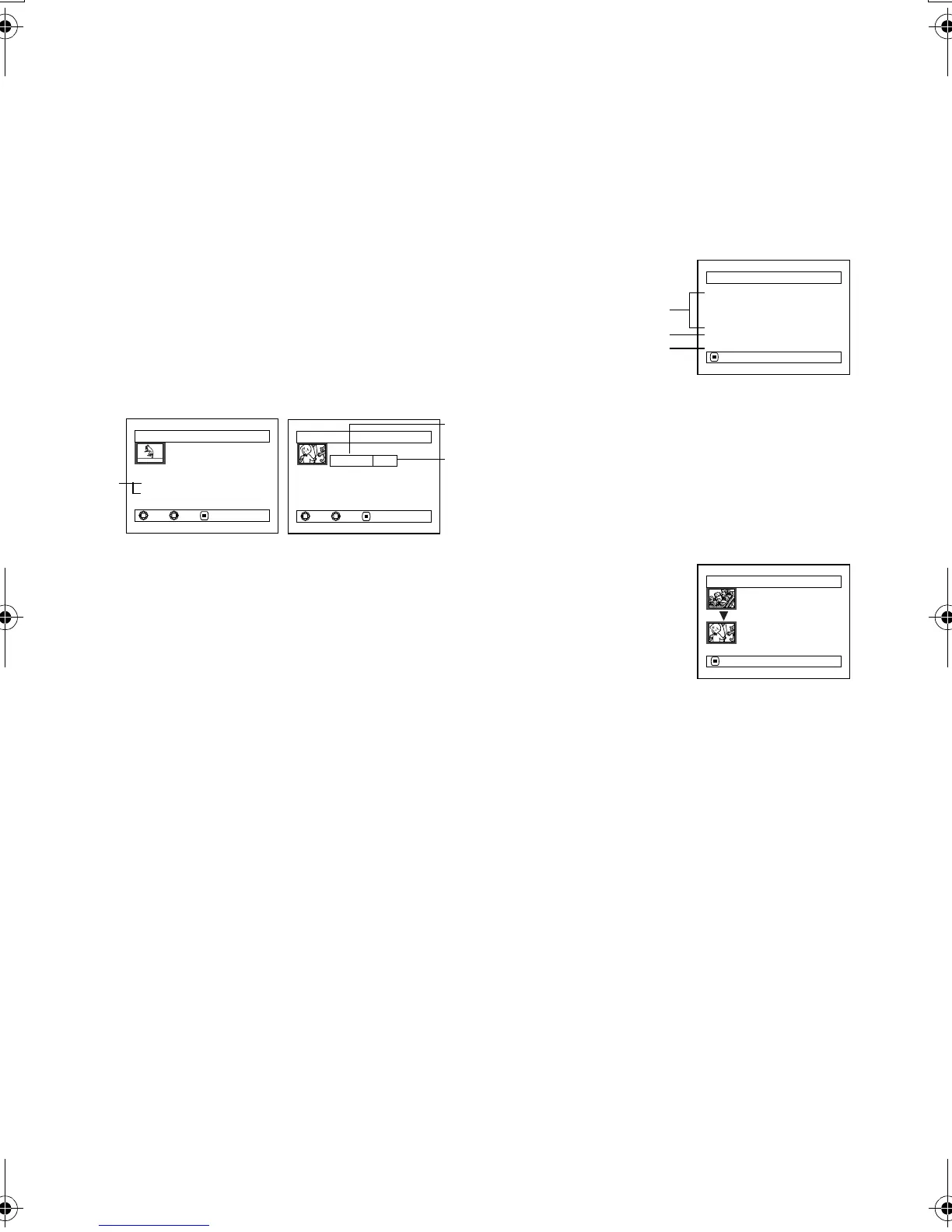
You can display various information for a scene: the recording mode, recording date/time and length,
special effects and movie quality mode.
1 Press the DISC NAVIGATION button.
2 Select the scene whose information you wish to
know.
3 Press the MENU button.
4 Choose “Scene”, “Detail”, and then press the
button.
The detailed information on the scene will
appear.
Note:
Tilting the joystick to the right will display information on
the following scene; tilting the joystick to left will display
information on the preceding scene.
5 Press the button to quit.
If you have selected multiple scenes, the
information shown below will appear.
Pressing the button will restore the thumbnail
display screen.
*1 With DVD-R disc, the quality mode (FINE, STD or
LPCM) selected first will appear.
*2 Number of scenes whose quality mode is unknown:
This will appear when the disc has a scene recorded
on a device other than this DVD Palmcorder, only if
the disc has a scene whose mode is unknown.
Also, this will not appear when a DVD-R disc is used.
*3 This will not appear with DVD-R disc, since no still
image can be recorded on it.
Note
:
• If multiple scenes have been selected, the total recording
time of the selected scenes (total number in case of stills)
will appear.
• If a DVD-R disc recorded on a device other than this DVD
Palmcorder is inserted (already finalized), no scene
information will appear.
Detail
Scene No. 007
V IDEO ( F I NE ) 1m i n 13 s e c
Da t e : SEP 30 2003 8 : 00:01AM
Skip:Off
Fade IN:None OUT:None
PREV NEXT RETURN
Detail
Scene No. 7
100–0007(640)
Da t e:SEP 30 2003 8 : 00:01AM
Lock:Off
DPOF Nu
m
ber of prints: 6
PREV NEXT RETURN
(When using disc)
(When using card)
*1 Not displayed with DVD-R disc.
*2 May not appear if the loaded card does not
comply with DCF.
*3 Number of pixels on still in horizontal direction:
This may not appear with a JPEG file does not
conform to this DVD Palmcorder.
*1
*3
*2
De ta i l
V I DEO : 1
m
i n43sec ( 2scenes)
(XTRA) : 0
m
i n 0sec ( 0scenes)
(F I NE): 1
m
i n43sec ( 2scenes)
(STD) : 0
m
i n 0sec ( 0scenes)
PHOTO : 0
(---) : 1
m
i n 0sec ( 0scenes)
RETURN
*1
*2
*3
(When using disc)
De ta i l
Scene No. 6
Scenes: 2
SEP 27 2003 12 :50:01AM
Scene No. 7
SEP 30 2003 8 :00:01AM
RETURN
(When using card)
VDR-M30PP_GB.book Page 115 Friday, March 14, 2003 8:53 PM













 To Next Page