93
QR34662
LCD Setup
This function allows you to adjust the brightness and color density of LCD screen during recording and
playback.
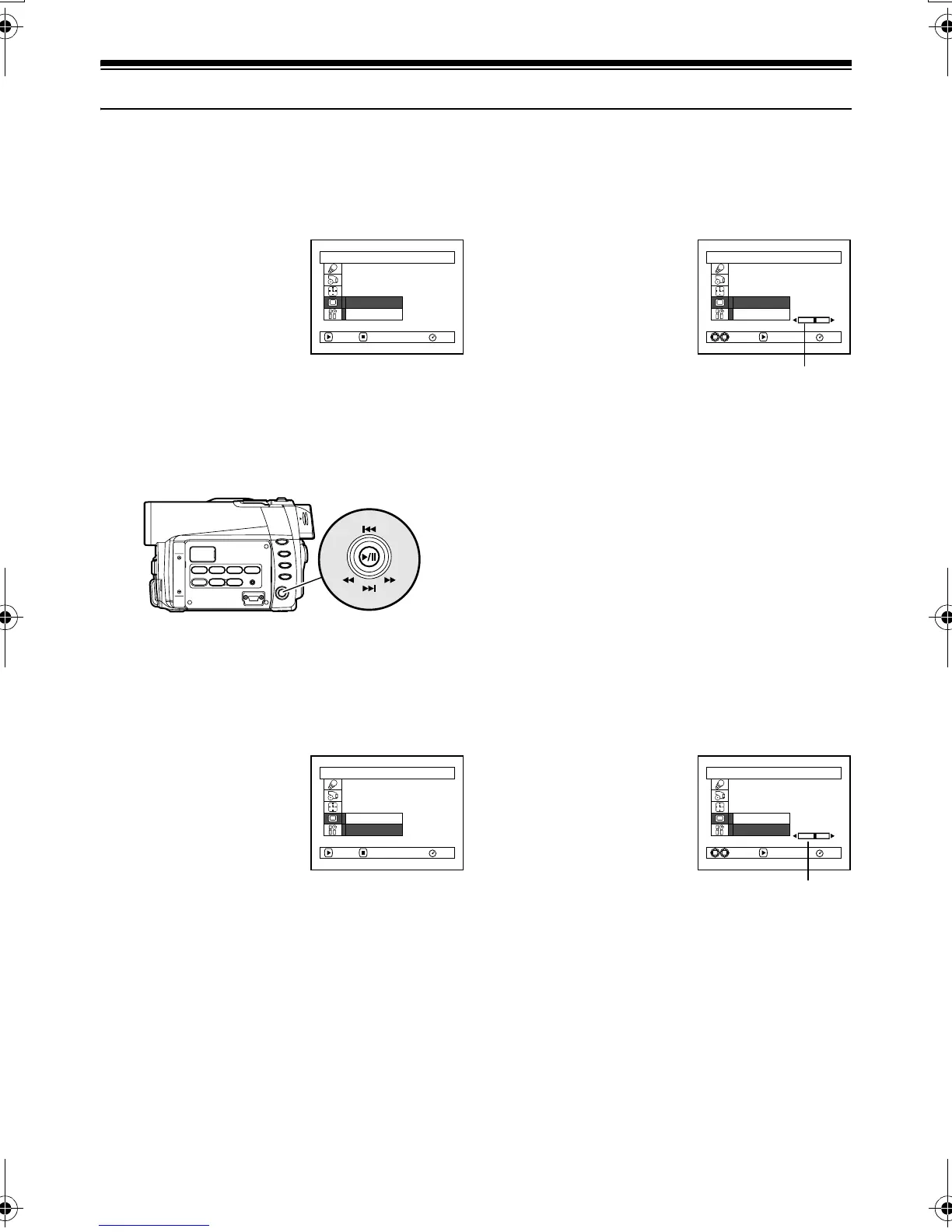
Setting Brightness of LCD Screen (Brightness)
1 Press the MENU button,
choose “Brightness” on
the “LCD Setup” menu
screen, and then press the
button.
The brightness
adjustment bar will appear on the screen.
2 Use the joystick for adjustment.
: The screen becomes dimmer
: The screen becomes brighter
3 Press the MENU button
to end the setting.
Note:
The brightness setting will be stored in memory even when
the DVD Palmcorder is turned off.
Setting Color Density of LCD screen (Color Level)
1 Choose “Color Level” on
the “LCD Setup” menu
screen, and then press the
button.
The color density
adjustment bar will
appear on the screen.
2 Use the joystick for adjustment.
: For lighter color
: For denser color
3 Press the MENU button.
Note:
The color level setting will be stored in memory even when
the DVD Palmcorder is turned off.
LCD Setup
RAM
Br ightness
Co l o r L e v e l
ENTER RETURN
Tilt up/down and to left/
right to select, and then
press
to designate.
LCD Setup
RAM
Br ightness
Co l o r L e v e l
ENTERADJUST
Brightness
adjustment bar
LCD Setup
RAM
Br ightness
Co l o r L e v e l
ENTER RETURN
LCD Setup
RAM
Br ightness
Co l o r L e v e l
ENTERADJUST
Color density
adjustment bar
VDR-M30PP_GB.book Page 93 Friday, March 14, 2003 8:53 PM













 To Next Page