129
QR34662
Initializing DVD-RAM Disc or Card (Format Disc. format Card)
If you want to erase all data on a recorded disc or card, you can initialize it rather than delete the data:
Initialization is useful in this case, since it takes less time than deleting all data. The initialized disc or card
can be used again.
1 Press the DISC NAVIGATION button.
2 Press the MENU button.
3 Choose “Format Disc” or “Format Card” on the
“Disc” or “Card” menu screen, and then press
the button.
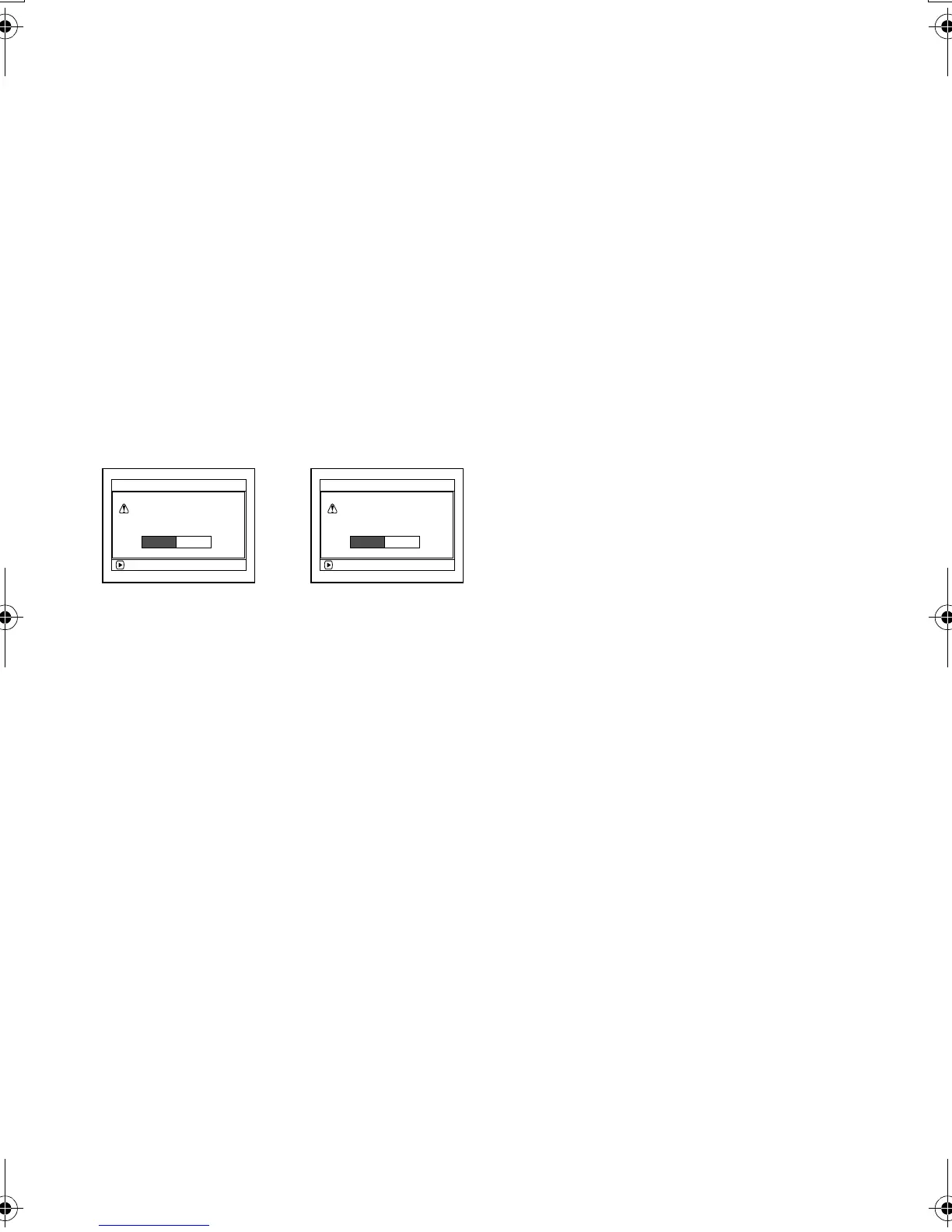
The screen for verifying “Format Disc” or
“Format Card” will appear.
4 Choose “YES”, and then press the button.
Choose “NO” to cancel initialization.
When initializing one side of the disc is
complete, the DVD Palmcorder will return to the
recording pause status.
Note:
• Initialization will delete all the recorded contents on disc
or card: Be careful not to delete data by mistake.
• Be sure to use the AC adapter/charger when initializing
disc or card so that the DVD Palmcorder is not turned off
midway. If initialization is interrupted by power turning off,
the disc or card will not be initialized correctly, or it may be
damaged.
• It may not be possible to initialize a disc with many
scratches or dirt: Such a disc cannot be used.
• If you use a brand-new DVD-R disc, message “Disc is not
formatted” will appear: Initialize the disc, following the
subsequent messages (See page 44).
• This DVD Palmcorder may not recognize some discs or
cards that have been initialized on PC or a device other
than this DVD Palmcorder.
• If you attempt to initialize a disc or card in this DVD
Palmcorder when it is connected to PC via USB cable, the
disc or card may not be initialized and may be unusable
on this DVD Palmcorder.
ENTER
A l l data
w
i l l be deleted.
For
m
at the disc no
w
?
For
m
at Disc
YES NO
ENTER
A l l data
w
i l l be deleted.
For
m
at the card no
w
?
For
m
at Card
YES NO
(When using card)(When using
DVD-RAM disc)
VDR-M30PP_GB.book Page 129 Friday, March 14, 2003 8:53 PM













 To Next Page