146
QR34662
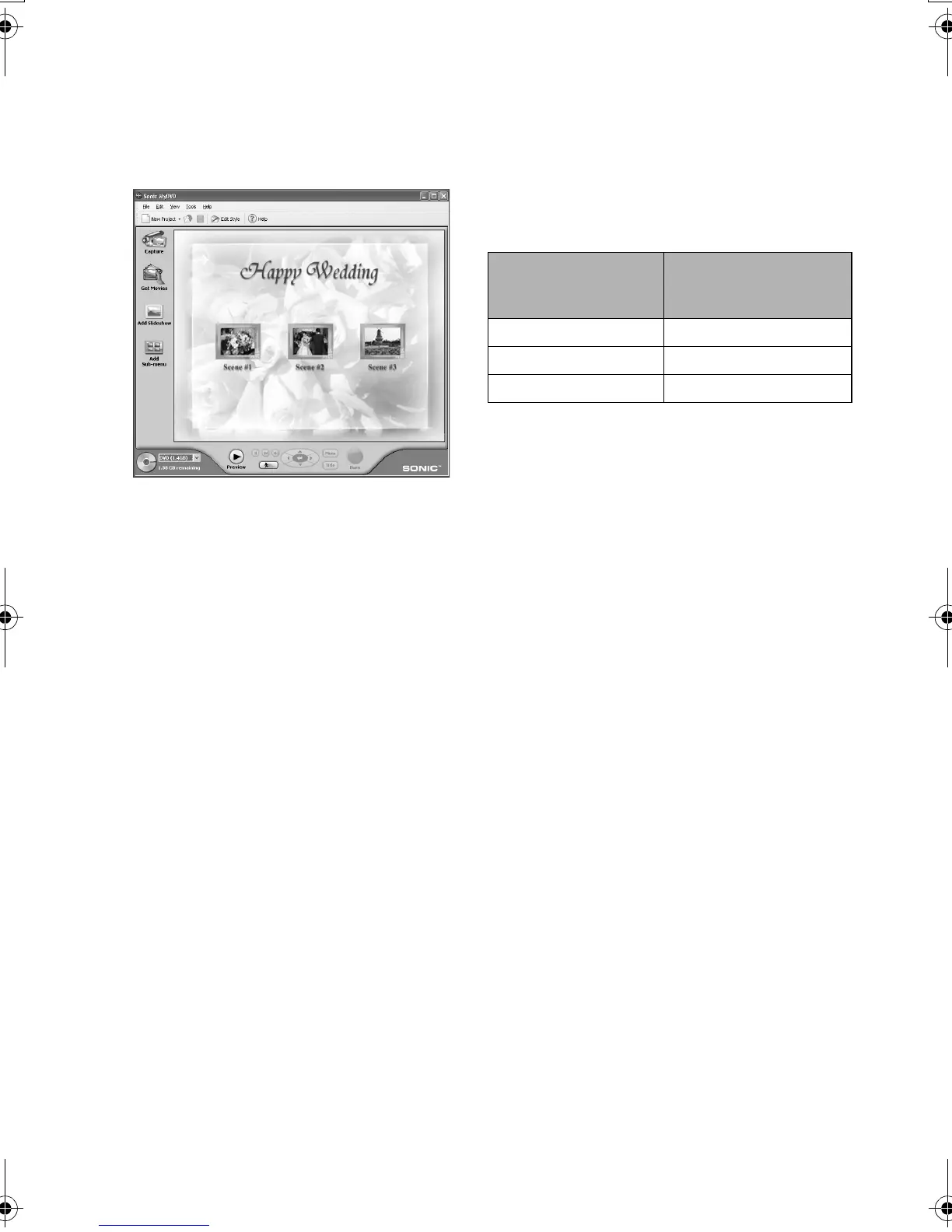
8 MyDVD will automatically start. After a few
moments, the exported scene will be
automatically registered on the MyDVD editing
screen:
Now you can change the DVD menu to the
desired style, change the title, etc. on this editing
screen.
9 Click the Burn button: Writing to DVD-R disc
will start. When writing is complete, a DVD
video disc will be created.
Then the disc cover of DVD Palmcorder will
open automatically.
Note:
• The following table shows the recordable time on 8 cm
DVD-R disc from MyDVD. The recordable time is shorter
than that of 8 cm DVD-RAM disc because MyDVD always
records audio in the LPCM format.
Movie quality mode of
DVD-RAM disc in DVD
Palmcorder
Recordable time on 8
cm DVD-R disc
(using MyDVD)
STD Approx. 40 minutes
FINE Approx. 25 minutes
XTRA At least 18 minutes
VDR-M30PP_GB.book Page 146 Friday, March 14, 2003 8:53 PM













 To Next Page