24
6K Hardware Installation Guide
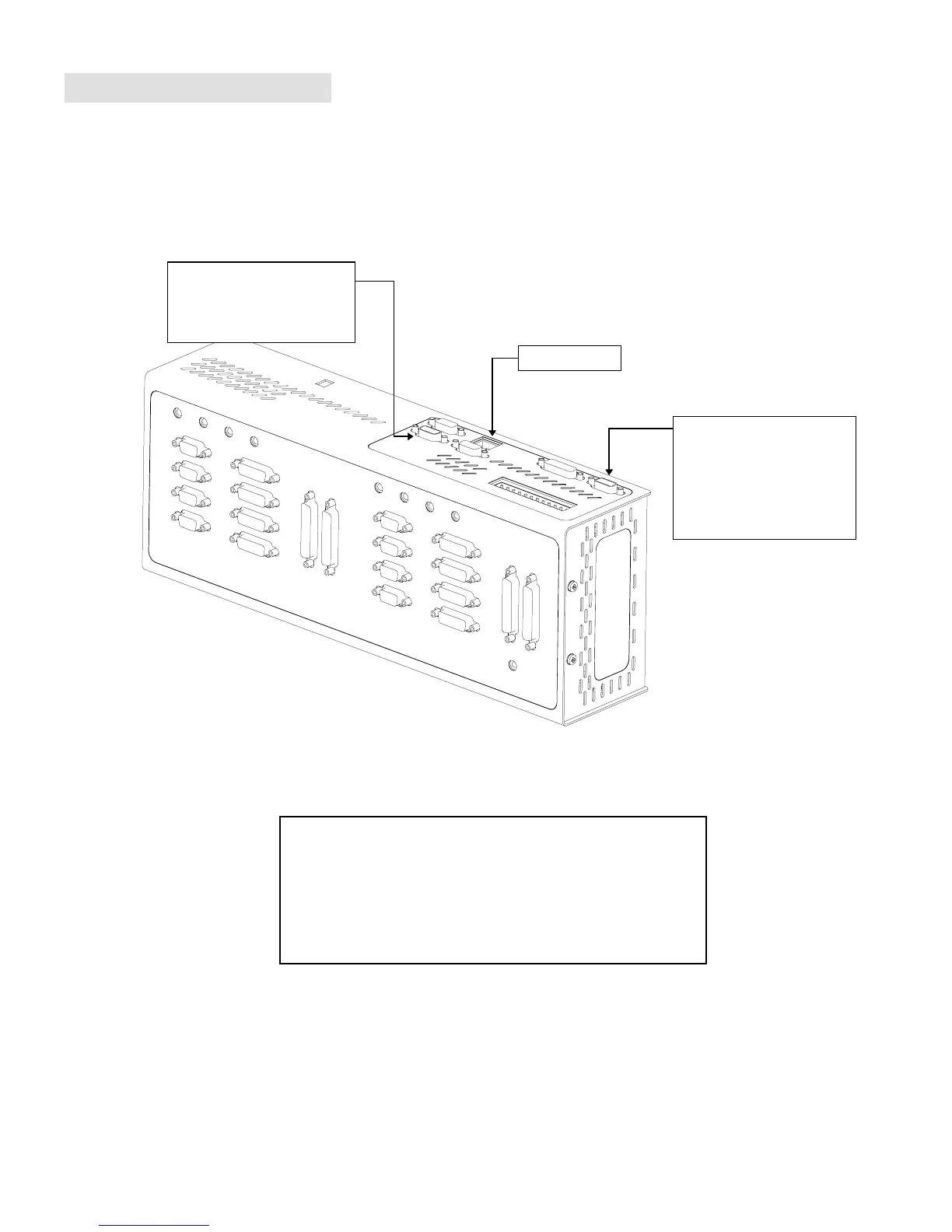
Communication Interface
Communication Interface Options
USING MULTIPLE PORTS
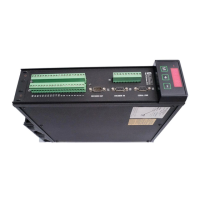
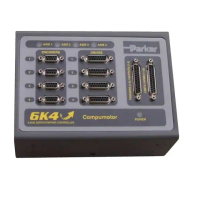
You can communicate to either the Ethernet port or the RS-232
port (COM1) at any given time; the port that you communicate to
first is the only one that is recognized until you cycle power.
You can communicate to the Ethernet port or the RS-232 port
(COM1) while the 6K is also communicating with an RP240 via
the RS-232/485 port (COM2).
Ethernet
Port
RS-232/485
(“COM2” port).
•
Set up for use with an
RP240; configurable for
RS-485 or as the
primary RS-232 port.
RS-232
(“COM1” port)
•
Set up for use as the
primary RS-232 port;
configurable for RP240.




 To Next Page