46
6K Hardware Installation Guide
Electrical Connections
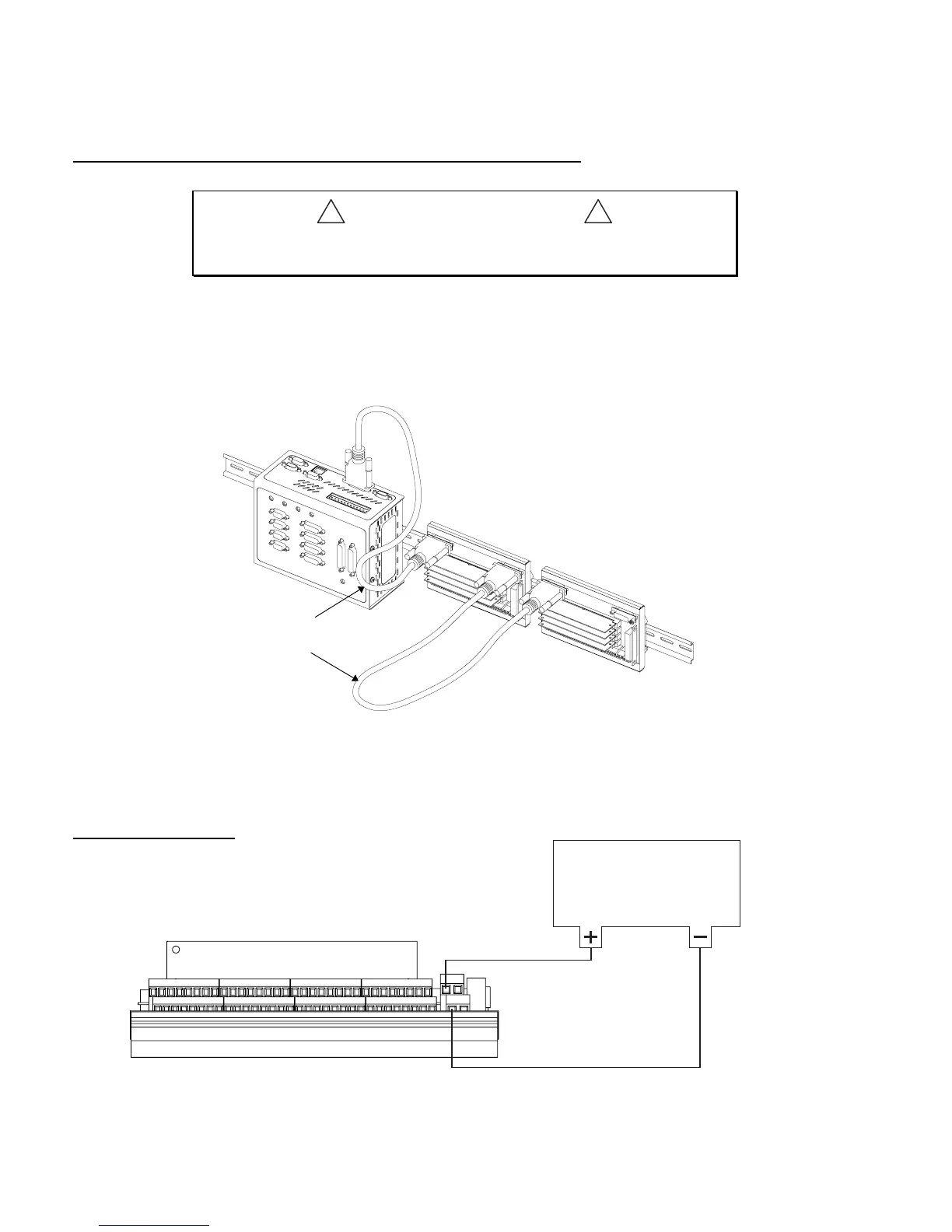
Connection to the 6K controller and between VM32 I/O bricks
!
#####&$87,21#####
!
Remove power to the 6K controller and the EMV32 baseboard before connection or
disconnecting the EVM32 baseboard to the 6K controller or to other EVM32 units.
If the VM32 I/O brick is disconnected (or if it loses power), the controller will perform a kill (all tasks)
and set error bit #18. When the 6K controller powers up and detects an output SIM on a VM32, it will set
the active level (
OUTLVL
command) according to the jumper setting selected. To check the status of one
or more VM32 I/O bricks, use the
TIO
command.
24VDC power input
V+V+
V+
GND
Power Supply
12-24VDC
1.5A @ 12VDC or 0.75A @ 24VDC;
plus the sum of the load current on
outputs that are in sourcing mode.
Connect to V+
Connect to GND
2-foot (0.61 m) cable is
provided with the baseboard
(EVM32-BASE).
Optional 100-foot cable
is available.
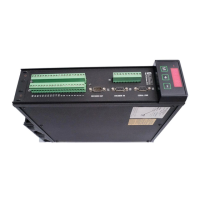
Connect to the 6K’s “EXPANSION I/O”
connector (use the provided cable).
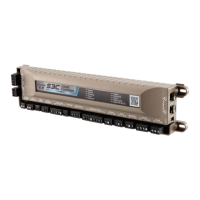
EVM32 Brick #2
(2
nd
unit in serial chain)
EVM32 Brick #1
(1
st
unit in serial chain)




 To Next Page