28
6K Hardware Installation Guide
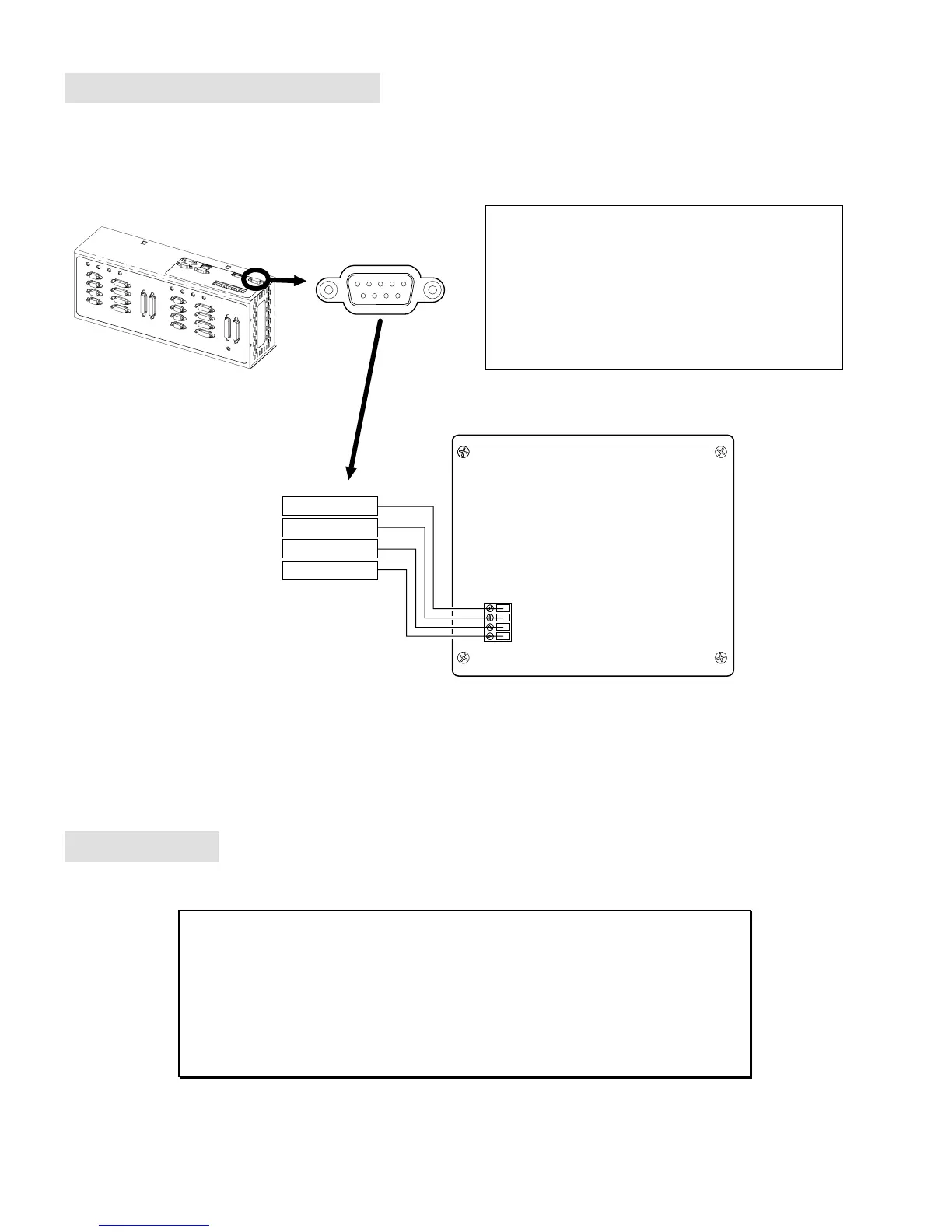
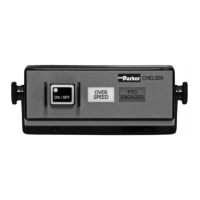
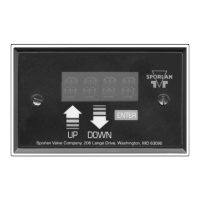
RP240 Remote Operator Panel
RS-232/485 Connector
1
male
5
69
NOTE FOR RS-485 USERS
If you configured the “RS-232/485” connector for RS-485
communication (see page 5), you must connect the RP240 to
the “RS-232” connector.
NOTE: You will have to issue these commands to configure
the “RS-232” connector for use with an RP240:
PORT1
.........Select “RS-232” (COM1) as the affected port.
DRPCHK1
....On power up, check for RP240 on COM1.
GND
Rx
Tx
+5V
RP240 Back Plane
Pin 5 (GND)
Pin 3 (Tx)
Pin 2 (Rx)
Pin 9 (+5VDC)
NOTE: Refer to the
Model RP240 User Guide
for RP240 specifications and mounting instructions.
Expansion I/O
See Appendix B (page 43)
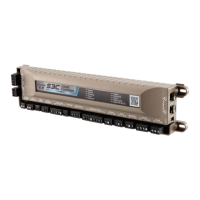
The 6K product allows you to expand your system I/O by connecting up to eight EVM32
expansion I/O bricks. EVM32 bricks are sold separately from the 6K controller. Each I/O
brick can hold from 1 to 4 of these I/O SIM modules in any combination:
•
Digital Inputs SIM (8 inputs)
•
Digital Outputs SIM (8 outputs)
•
Analog Inputs SIM (8 inputs)
Refer to page 43 for instructions on connecting the expansion I/O.



 To Next Page