Flat Bed Foil Printer User Guide
Peleman Industries
3 GETTING STARTED
3.1 Unboxing
Tip: Scan the QR code to access
the demonstrational video
Flat Bed Foil Printer is delivered in a wooden box. The box is very heavy, please pay
attention and use a transporter or at least the help of one extra person.
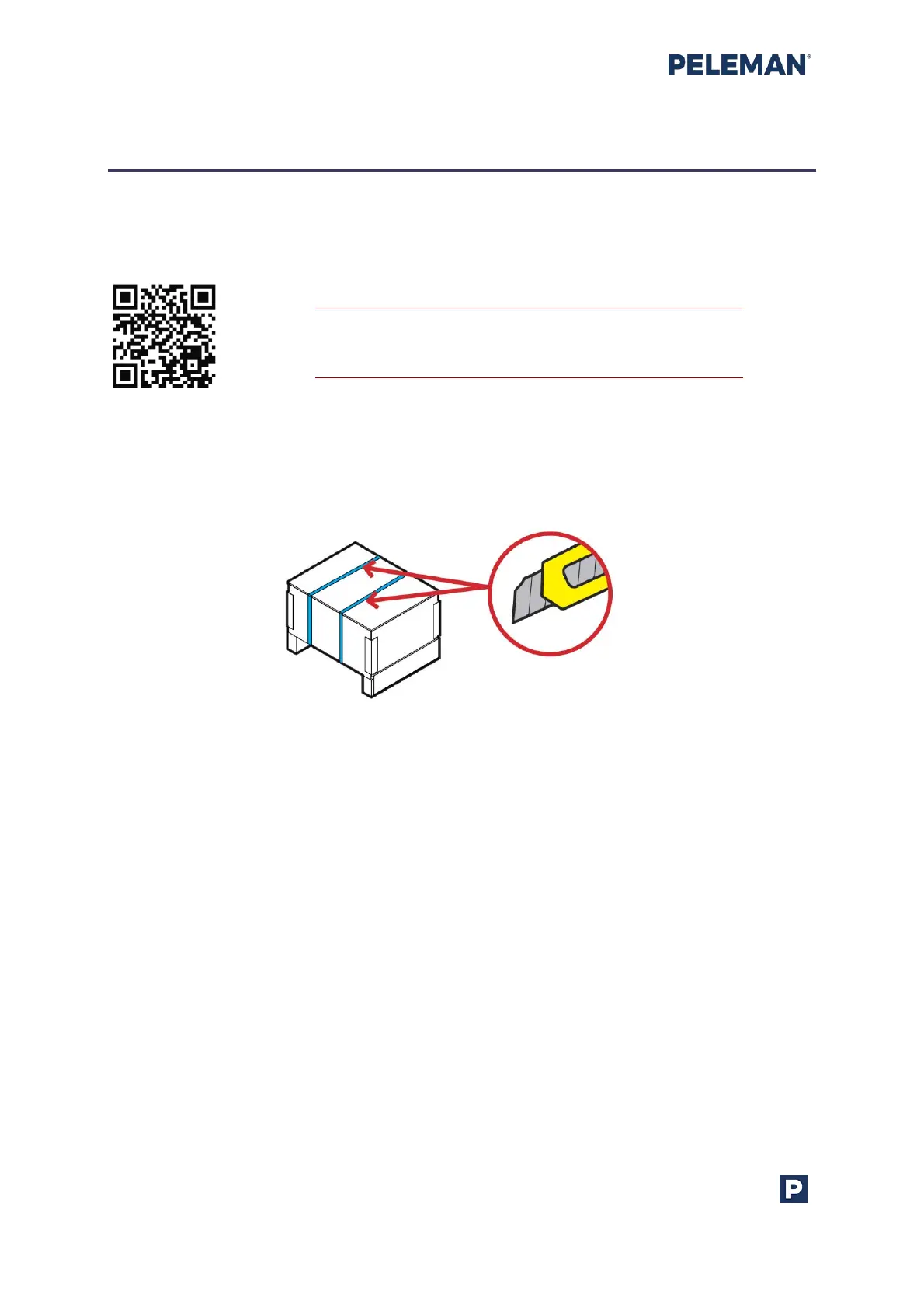
After transportation to the selected location, open the box by cutting the binding strips as
shown in figure 3.
First, lift the lid, after that you can remove the cardboard sheets from between the buffers.
Continue by lifting the wooden box up. Now you can remove protective buffers. Make sure
you have space on the table where you wish to place the Flat Bed Foil Printer. Machine to
be moved by two persons. Make sure that the Flat Bed Foil Printer is placed firmly on a
desk. Remove the plastic bag.
Figure 3: Cut Binding Strips



 To Next Page