Flat Bed Foil Printer User Guide
Peleman Industries
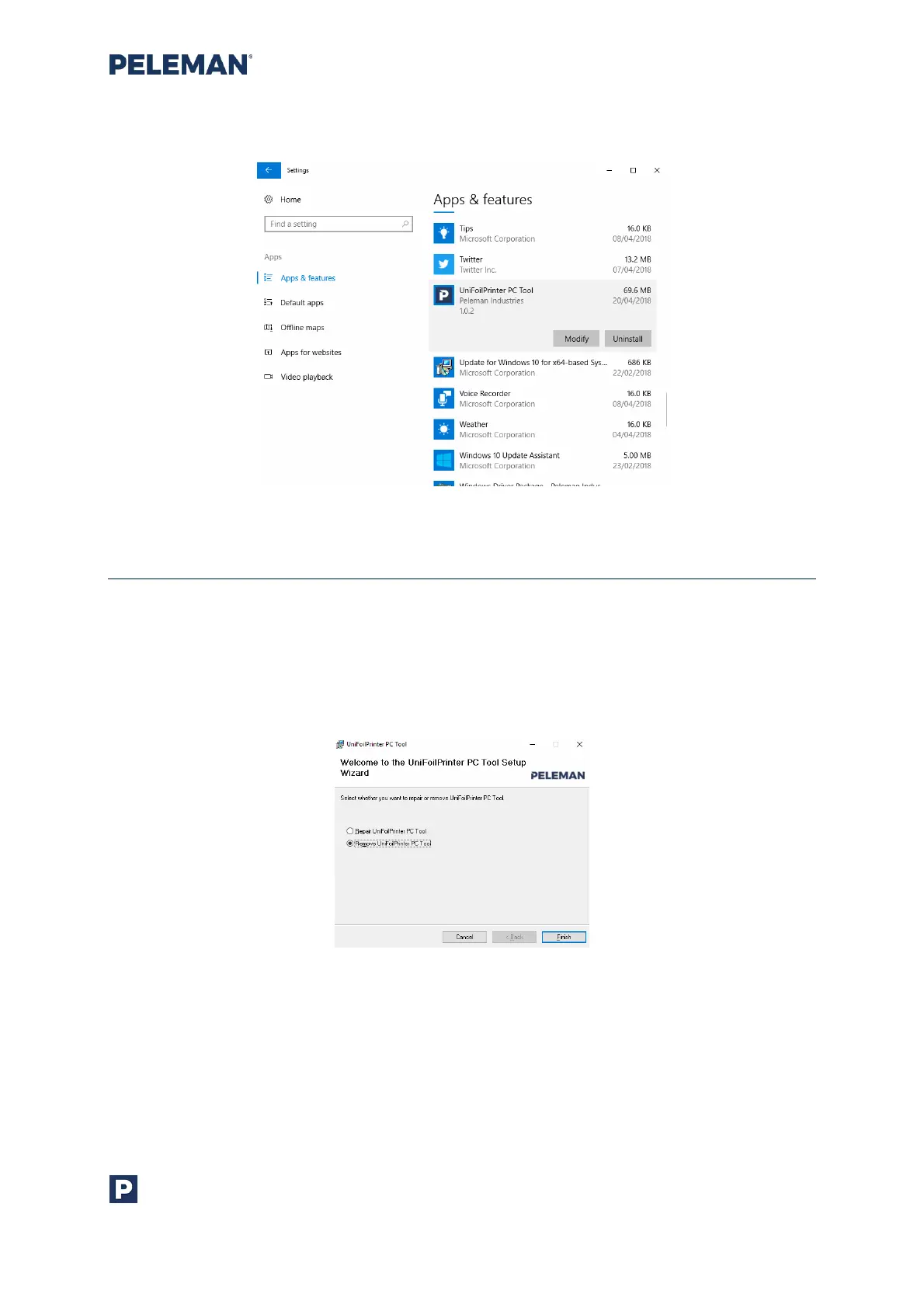
Figure 63: Uninstall Options in Control Panel
5.9.3 Uninstallation Using Installation Setup
Launch setup.exe using the installation source media that was used to install the software.
Select Remove Flat Bed Foil Printer PC Tool from the given options as shown in figure 64
and then click on Finish button. Follow the instruction on the screen to complete the
process.
Figure 64: Uninstall Option in Software Installation Setup



 To Next Page