Flat Bed Foil Printer User Guide
Peleman Industries
To print multiple copies of the same design, use the Multiple Prints button instead of using
Print button. Similarly, to have different prints for the same design by replacing multiple
values for the text in text boxes, use variable design option of multiple prints. Section 5.5.13
of this manual may be referred to for more information.
5.8 Tools
Other multiple tools are available in Flat Bed Foil Printer PC Tool. These additional tools are
related to different settings, updates, service request, calibrating the Flat Bed Foil Printer,
creating and managing templates and more. A brief overview of these additional tools is
provided here for reference.
5.8.1 Settings
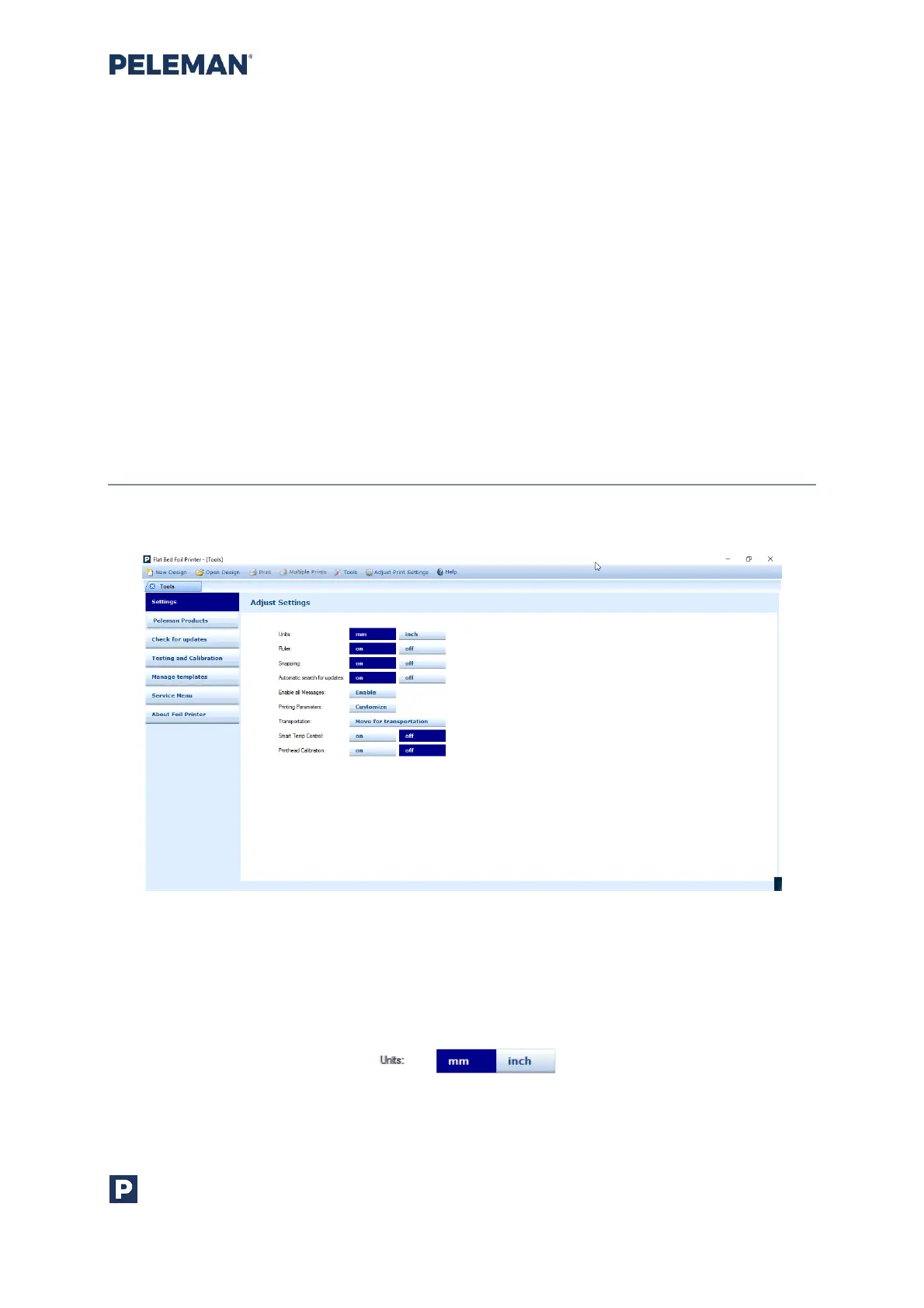
The settings tab in tools shown in figure 36 details the customisation of the application.
Figure 36: Application Settings Tab in Available Tools
• Changing Units
This setting relates to the units used on the ruler when it is displayed during the
creation / editing of designs. Its default value is millimetre (mm).
Figure 37: Units Setting for Rulers in Tools



 To Next Page